
Luxury Lifestyle Studio Portrait AI Prompt | Premium Editorial Campaign
Create luxury lifestyle studio portraits with quiet-luxury fashion, premium editorial styling, realistic lighting, and perfect identity preservation.
About this prompt
A quick overview of what this prompt is designed to create.
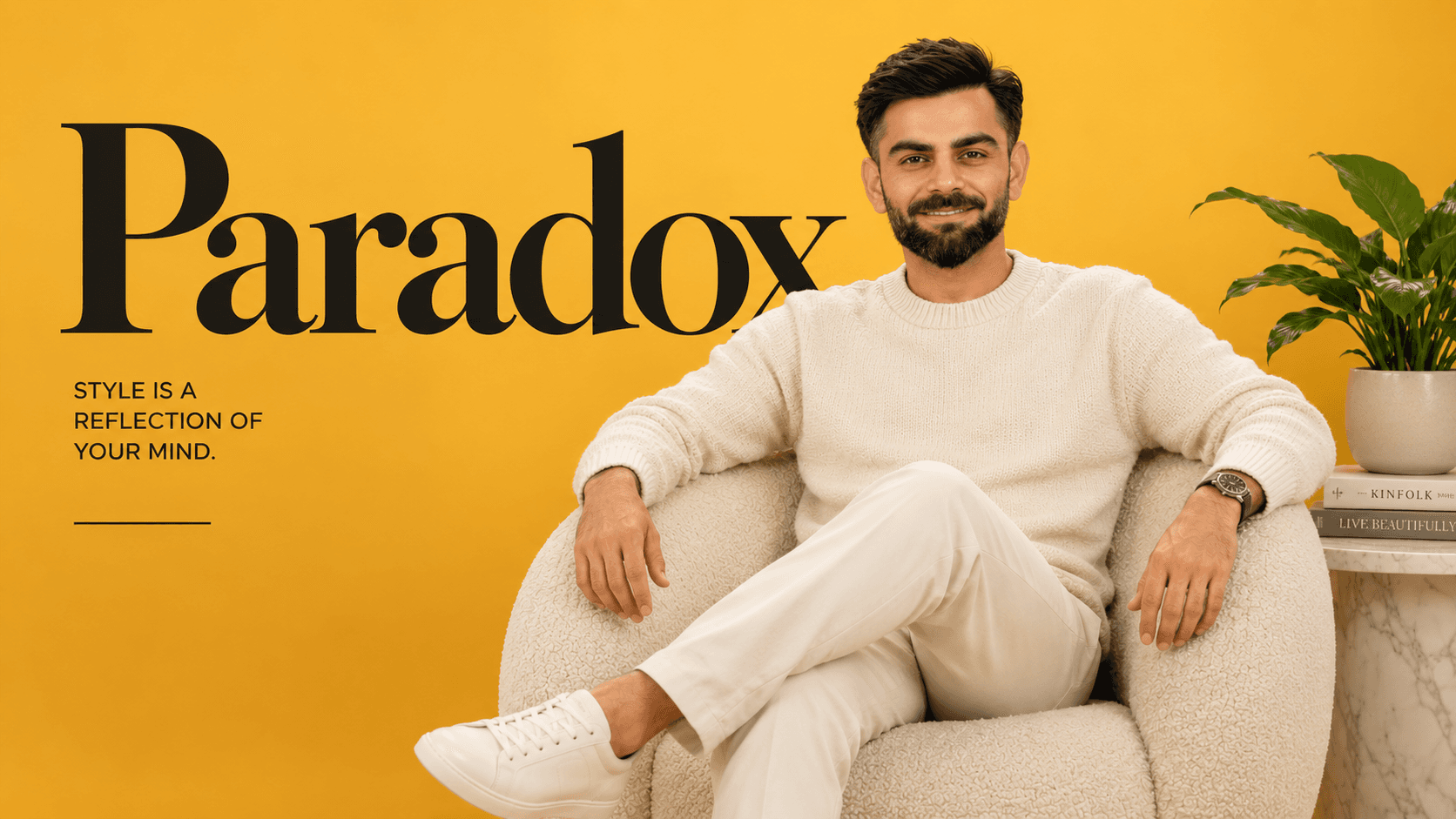
Create a luxury editorial studio portrait with quiet-luxury styling and perfect facial identity preservation.
Prompt
Create an ultra-realistic premium lifestyle studio portrait in a vertical 4:5 aspect ratio. The composition is a full seated portrait captured from approximately the knees upward. The subject sits comfortably inside a modern oversized rounded boucle lounge chair positioned slightly toward image-right while maintaining a relaxed editorial presence. The torso faces slightly toward image-left with a gentle natural lean into the chair. One leg is crossed naturally over the other, creating an effortless luxury lifestyle pose. The left forearm rests casually along the curved armrest, while the opposite hand relaxes naturally near the opposite armrest with softly curved fingers. Keep the shoulders relaxed, posture open, elegant, and confident.

The head is turned subtly toward the camera with only a slight three-quarter angle. The chin remains level with a minimal downward tilt. Maintain direct eye contact with a calm, confident, approachable expression, relaxed eyebrows, naturally closed lips with a faint soft smile, and a peaceful editorial mood. Hair is thick, naturally voluminous, medium length with soft textured waves, brushed backward with subtle side volume and loose organic strands, creating a refined luxury appearance.
Wardrobe features a premium ivory knit crew-neck sweater with fine woven texture, ribbed cuffs and collar, paired with tailored off-white trousers and minimalist clean white leather sneakers. The styling follows a modern monochromatic quiet-luxury aesthetic.
The background is a seamless warm golden-yellow studio backdrop featuring a very large elegant black serif word “Paradox” placed across the upper background, extending behind the subject’s head and shoulders exactly like a luxury campaign backdrop. Position the typography centrally with oversized scale while allowing the subject to naturally overlap the lower portion of the text.
Place a small white marble side table on image-left holding a matte cream ceramic planter containing a healthy green tropical plant with broad glossy leaves. Stack two minimalist hardcover books beneath the planter.
Lighting is bright, soft, diffused premium studio lighting with an oversized frontal softbox, producing smooth skin tones, gentle shadows beneath the jaw and chair, soft highlights on the sweater texture, realistic depth, subtle ambient bounce, and an airy editorial atmosphere. The yellow background transitions smoothly from a richer golden tone around the edges to a brighter center behind the subject. Maintain ultra-clean composition, luxury furniture photography styling, shallow depth of field, crisp facial focus, premium color grading, HDR realism, natural skin texture, 85mm lens, f/2.2, 8K ultra-high-resolution.
Negative prompt: Avoid exaggerated expressions, harsh shadows, over-saturated colors, distorted anatomy, incorrect hand placement, extra objects, messy background, cropped head, cropped feet, busy environment, logos other than “Paradox”, additional text, unrealistic skin smoothing, motion blur, noise, artifacts, watermark, low resolution, cartoon style, or overly dramatic contrast.
Negative Prompt
Elements to avoid when generating the image.
Style Notes
Additional guidance for achieving the intended visual style.
Upload a clear, front-facing portrait with the upper body visible for accurate identity preservation.
How to Use This Prompt
Copy the prompt
Copy the prompt text and open your preferred AI image generator.
Generate an image
Paste the prompt, add an image if needed, and generate your first result.
Fine-tune the result
Adjust the prompt or settings until the result matches your vision.
Share this Prompt
Found this prompt useful? Share it with others.
Result Images
Popular
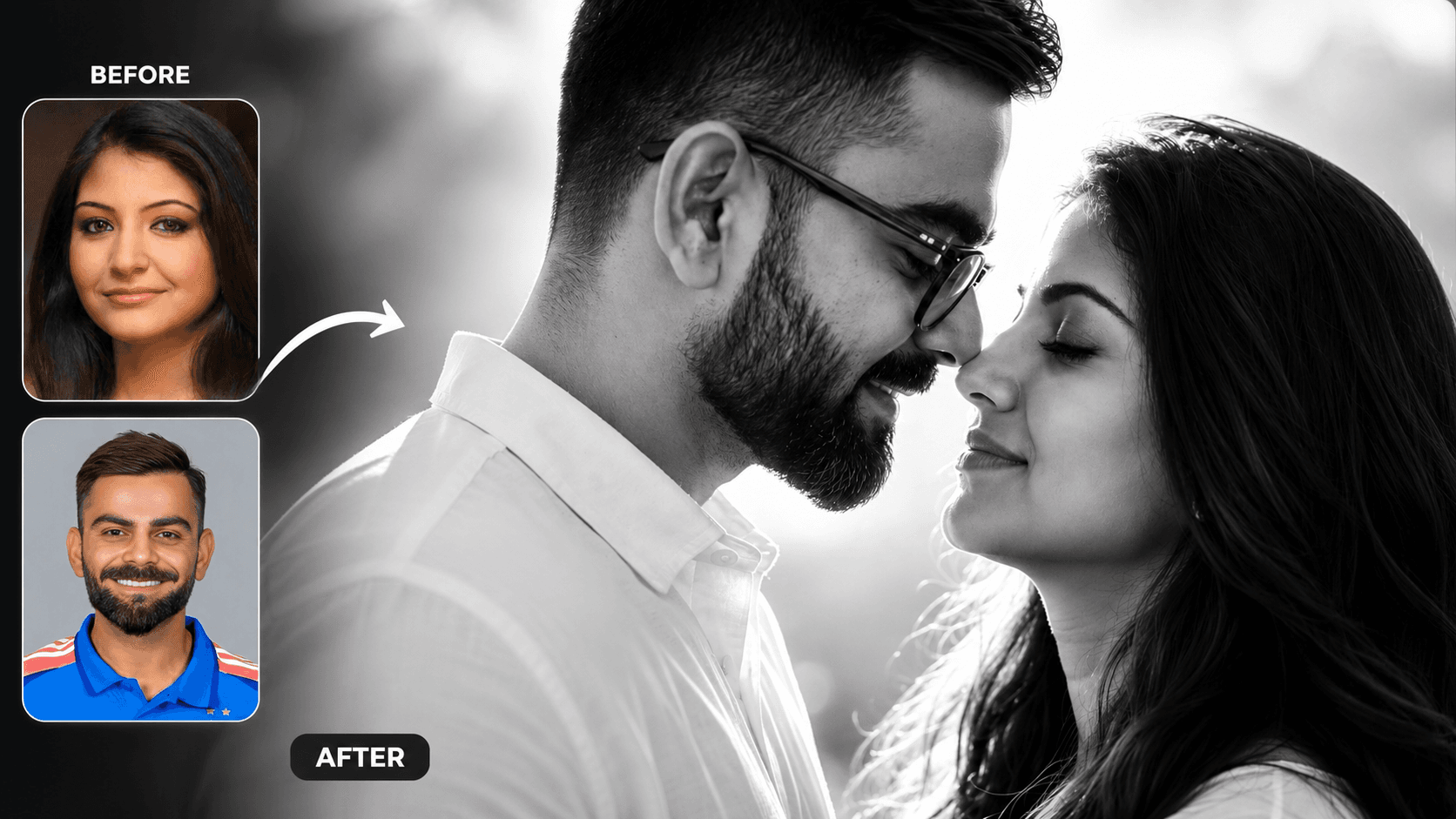
Cinematic Black and White Couple Portrait AI Prompt | Pre Wedding Style
Create romantic black and white couple portraits with cinematic lighting, identity preservation, and luxury pre-wedding photography using AI.
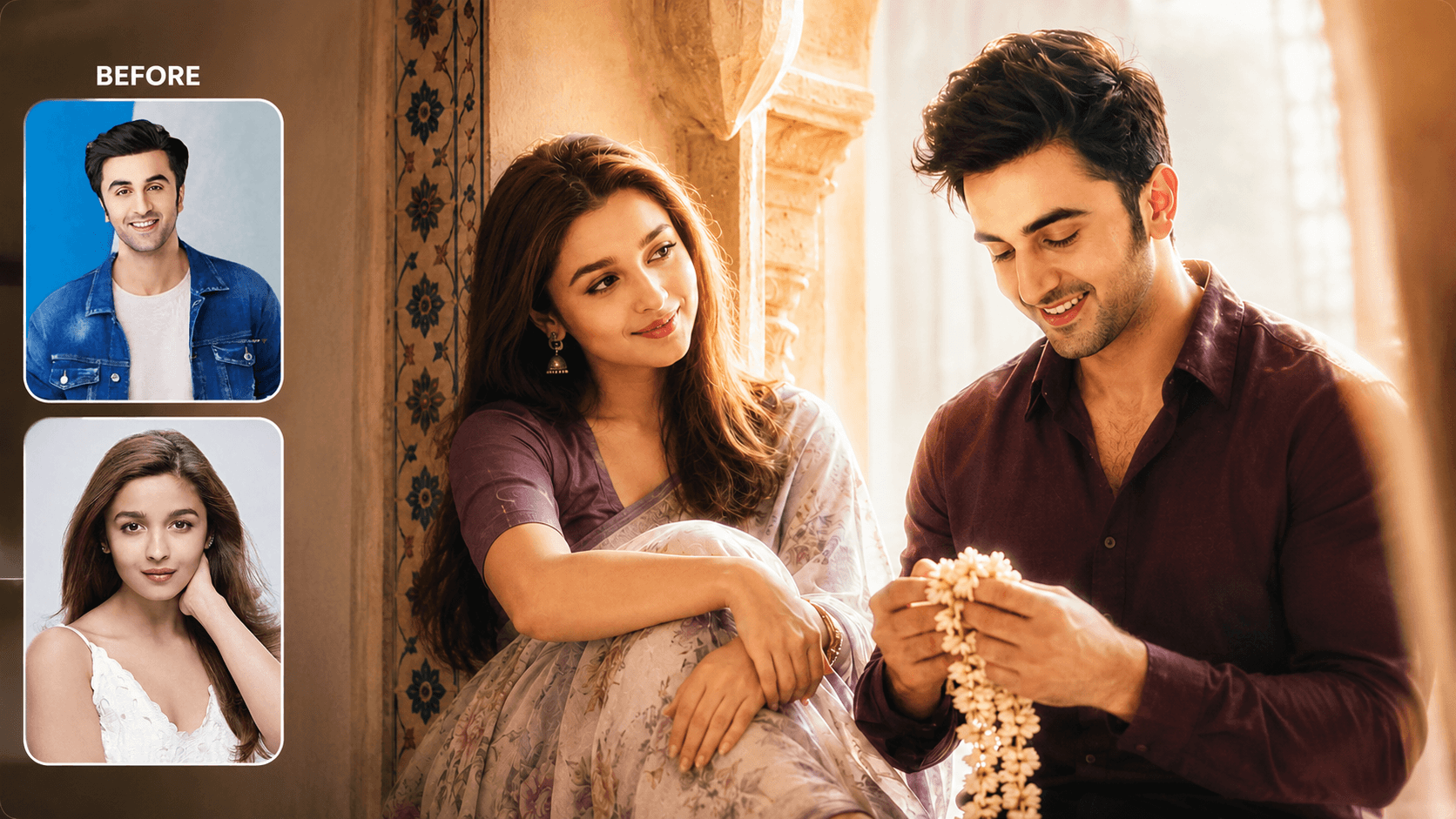
Dreamy Indoor Candid Couple Portrait AI Prompt | Soft Cinematic Glow
Create dreamy indoor couple portraits with soft glow, candid romance, creamy lighting, and realistic identity preservation using AI.
You May Also Like
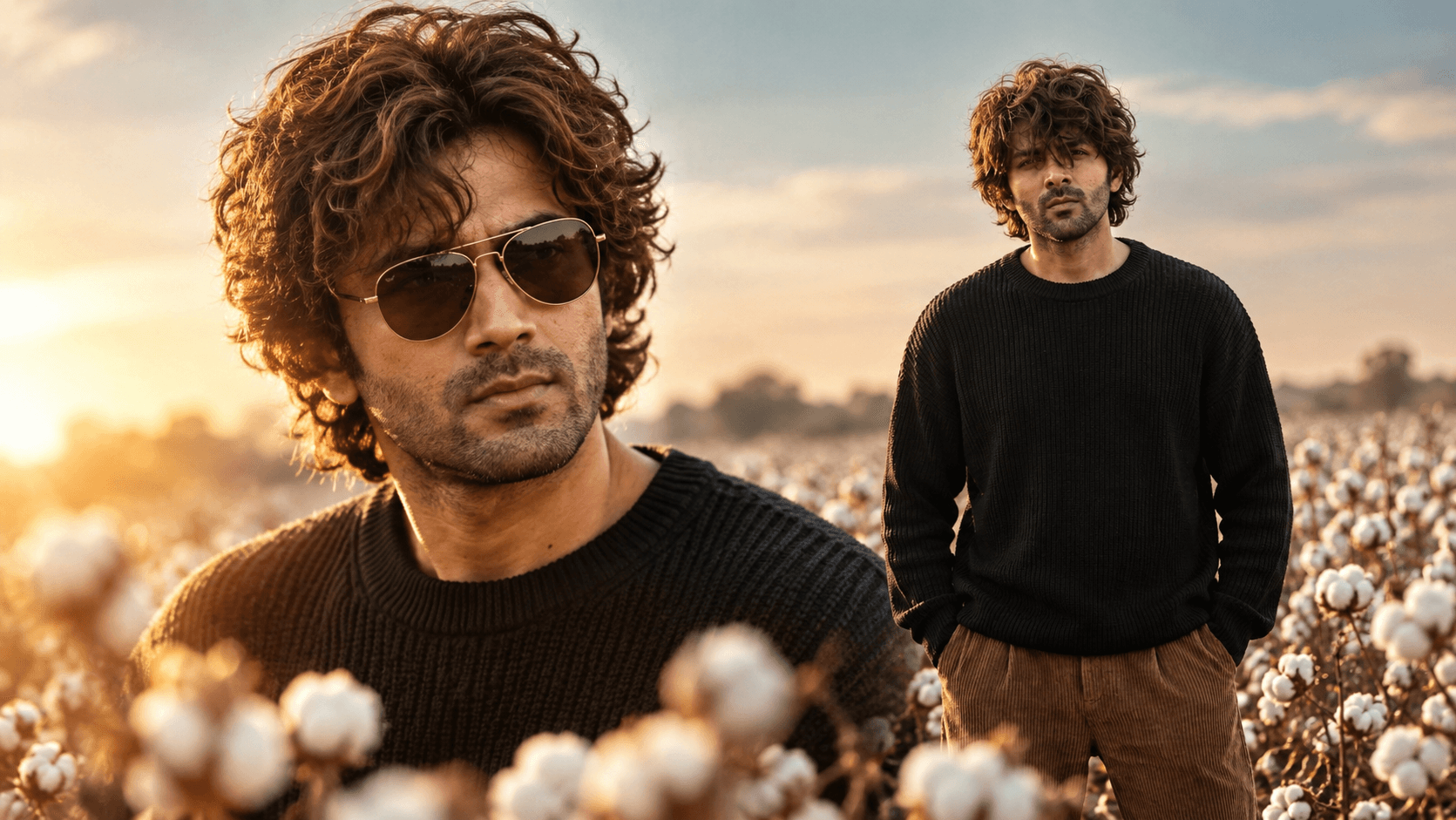
Cotton Field Golden Hour Portrait Prompt — Cinematic Fashion Editorial
Free identity-preserving AI prompt for a cinematic cotton field portrait — golden rim light, teal sky, foreground bokeh, vintage fashion editorial mood.
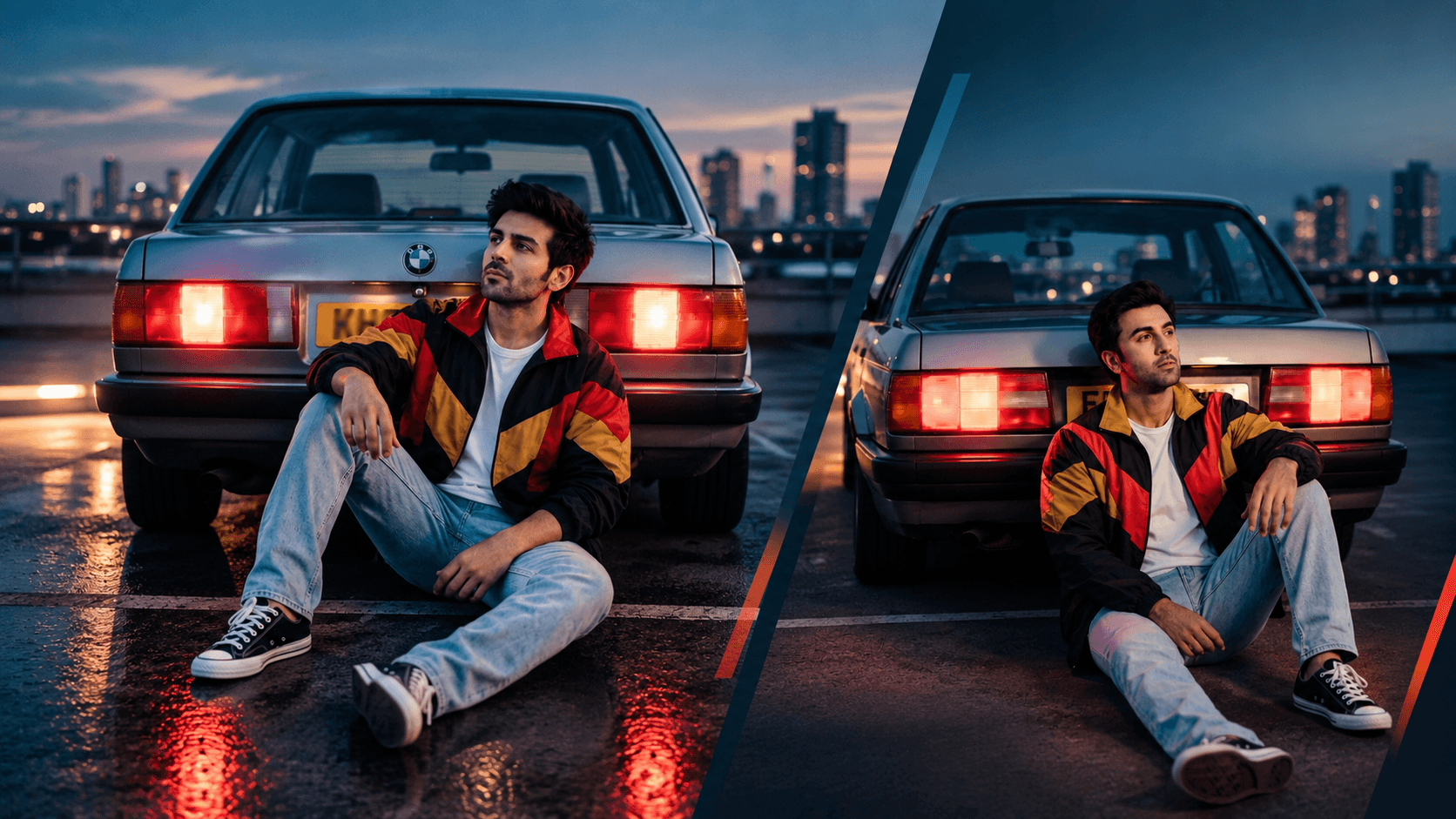
Rooftop Car Park Dusk Portrait Prompt — 80s Film Aesthetic
Free identity-preserving AI prompt for a nostalgic 80s-style dusk portrait — rooftop car park, glowing tail lights, vintage windbreaker, cinematic blue hour.
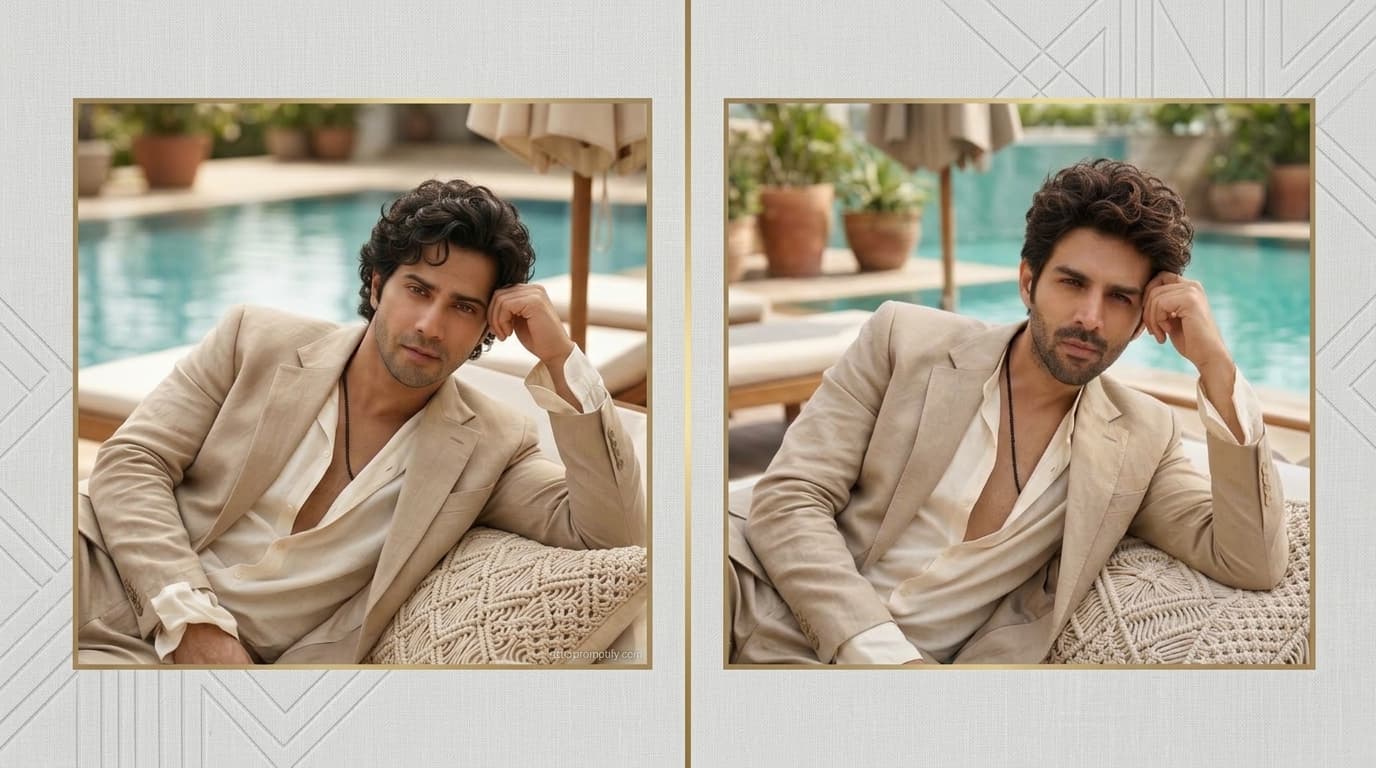
Poolside Resort Portrait Prompt — Relaxed Luxury Lifestyle Look
Free identity-preserving AI prompt for a relaxed poolside resort portrait — linen suit, daybed lounge, soft daylight, luxury lifestyle editorial mood.
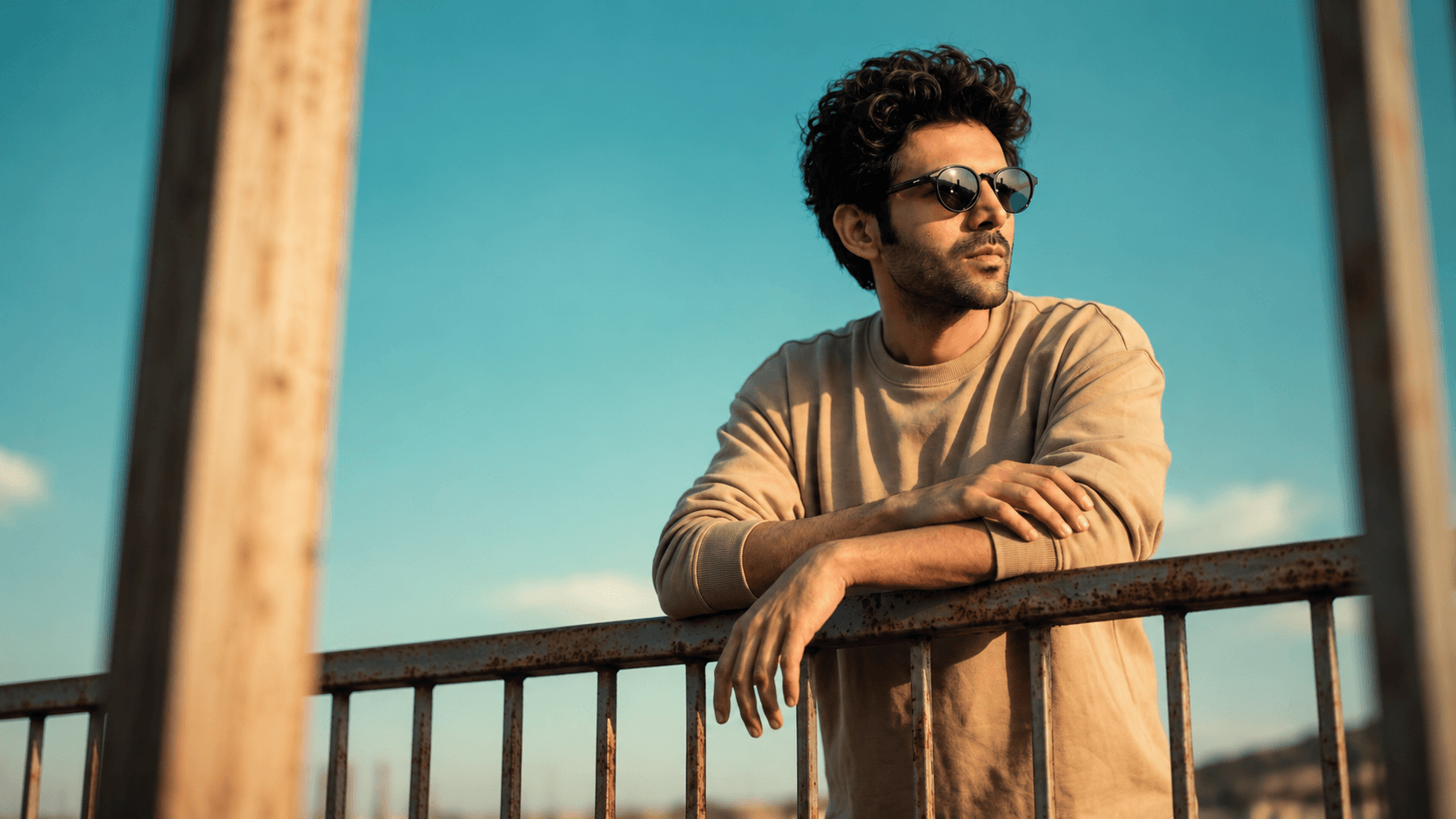
Golden Hour Railing Portrait Prompt — Casual Lifestyle with Sunglasses
Free identity-preserving AI prompt for a golden-hour lifestyle portrait — weathered railing pose, curly hair, sunglasses, cyan sky backdrop.
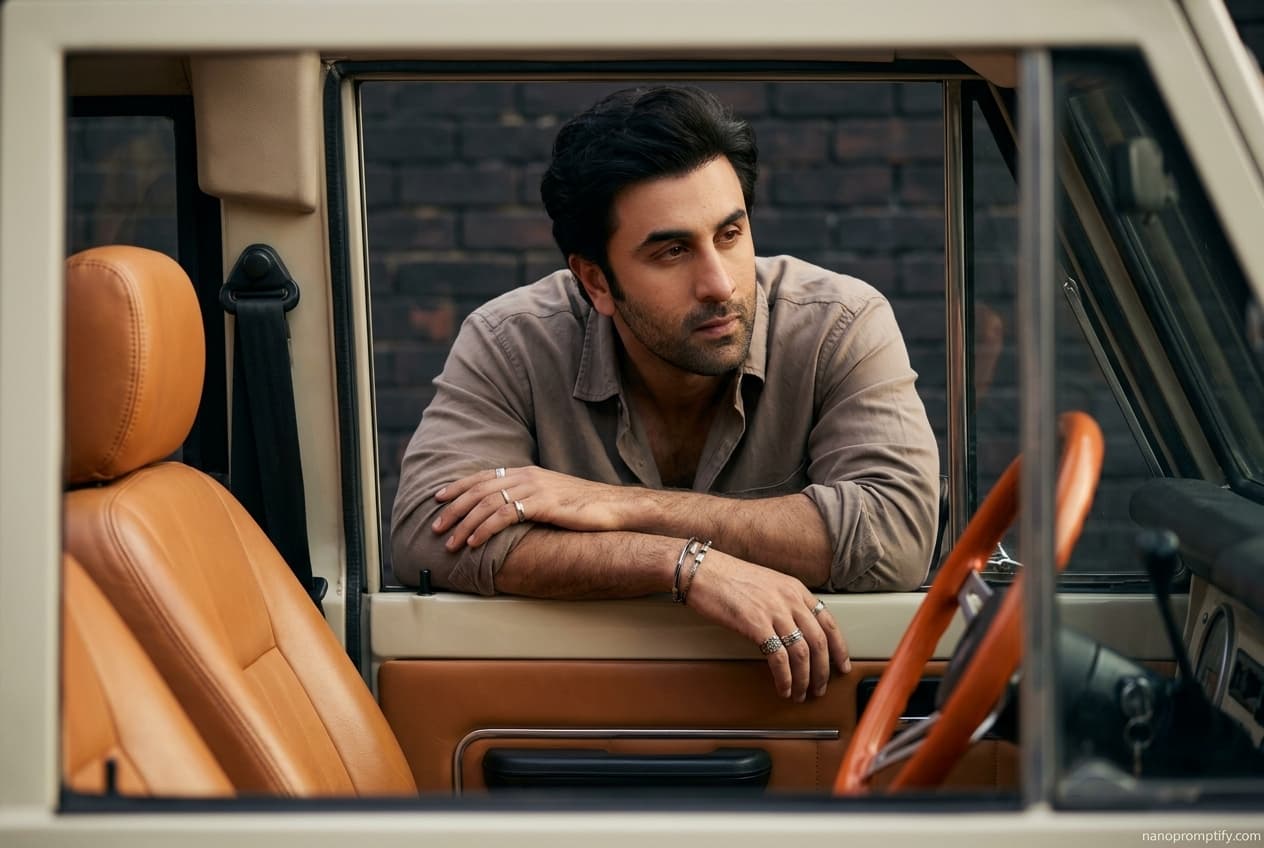
Vintage Vehicle Window Portrait Prompt — Moody Automotive Editorial
Free identity-preserving AI prompt for a moody automotive editorial portrait — leaning through a vintage vehicle window, rugged styling, cinematic shadow.
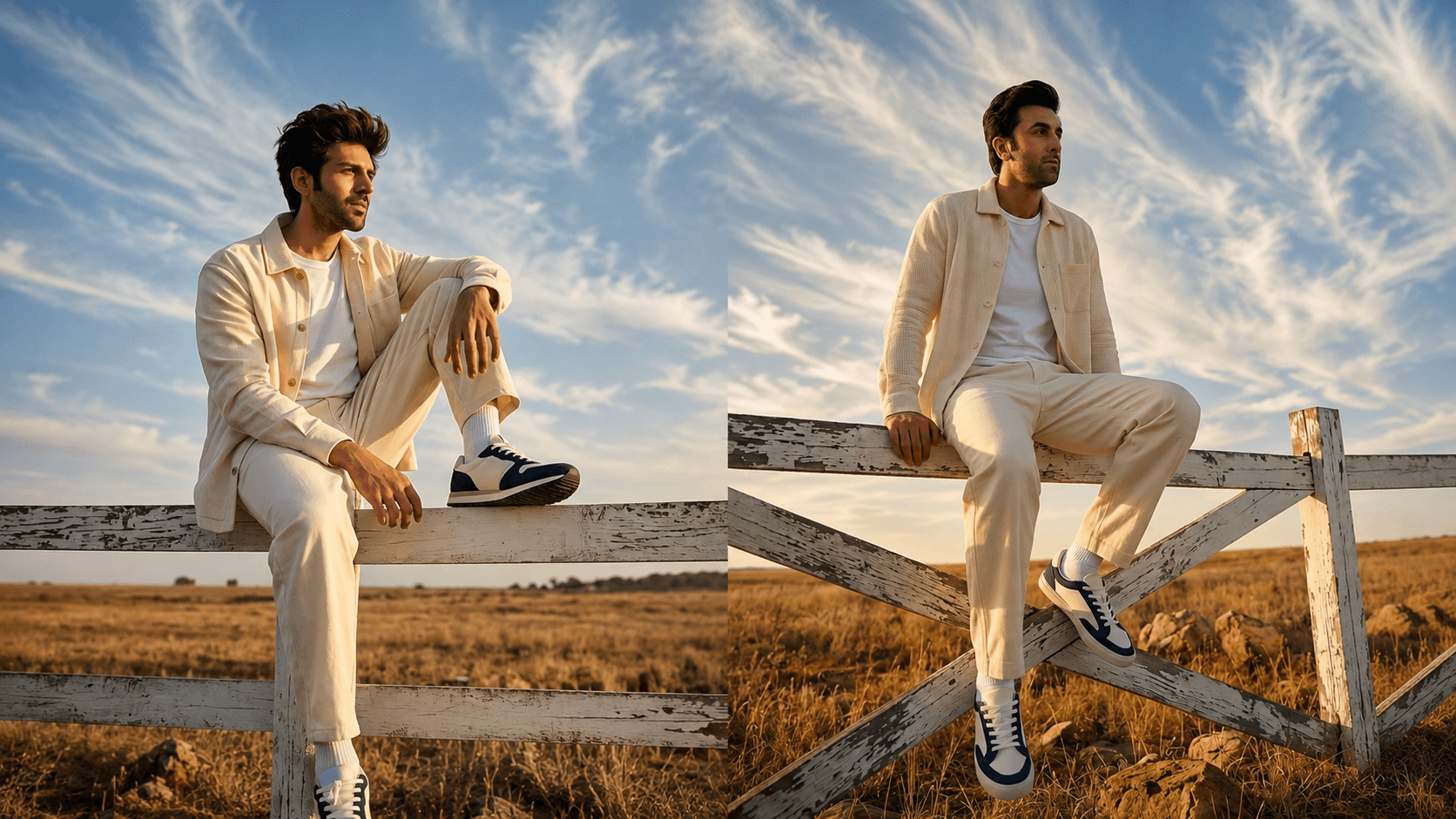
Golden Hour Fence-Sitting Portrait Prompt — Cinematic Sky Backdrop
Free identity-preserving AI prompt for a cinematic golden-hour portrait — fence-sitting pose, wispy clouds, low-angle sky-dominant framing.