
Golden Hour Railing Portrait Prompt — Casual Lifestyle with Sunglasses
Free identity-preserving AI prompt for a golden-hour lifestyle portrait — weathered railing pose, curly hair, sunglasses, cyan sky backdrop.
About this prompt
A quick overview of what this prompt is designed to create.
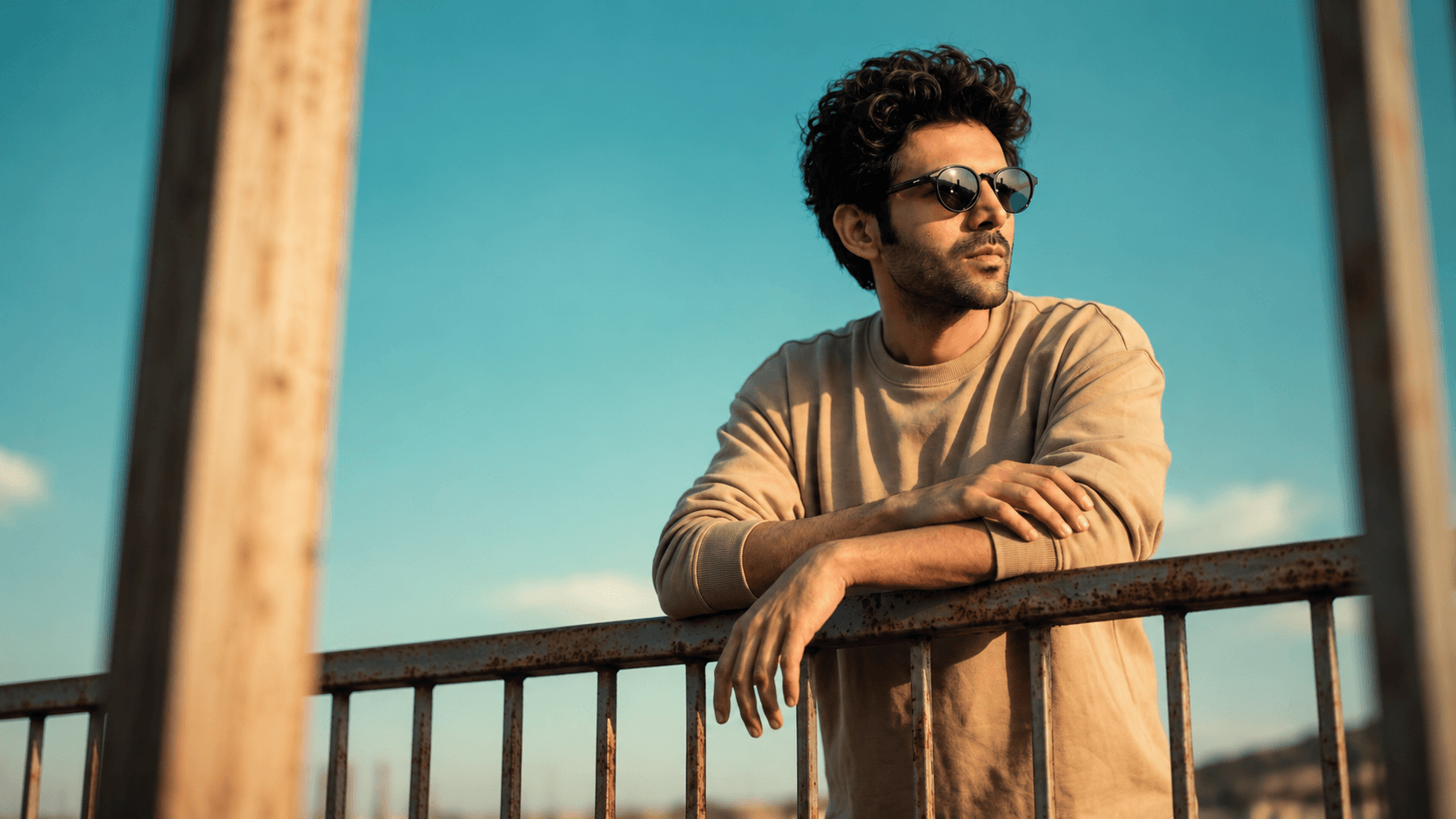
A relaxed, contemplative golden-hour lifestyle portrait prompt — leaning on a weathered railing against a vivid turquoise sky, with the face preserved exactly from your reference photo.
Prompt
Create an ultra-photorealistic cinematic lifestyle portrait in a vertical 4:5 composition. Use the uploaded reference image strictly for the subject’s facial identity and recognizable facial structure only. Preserve the face shape, proportions, jawline, nose, lips, eyes, and natural skin characteristics accurately, but do not copy the reference image’s hairstyle, expression, pose, clothing, lighting, or environment. Recreate the hairstyle, expression, and overall visual character described below from the target image.

Composition & Pose: Frame the subject from approximately the waist/chest upward, positioned centrally with a slightly relaxed, natural stance behind a weathered metal railing. The torso faces mostly toward the camera with a subtle angle. Both forearms rest casually across the horizontal railing, creating a relaxed crossed-arm posture. One hand hangs naturally downward over the front of the railing with relaxed fingers, while the other hand rests loosely near the railing. Shoulders are relaxed and slightly rounded, conveying effortless confidence.

Head, Hair & Expression: The head is turned noticeably toward image-right in a three-quarter/profile direction and tilted slightly upward. The subject gazes upward and off into the distance rather than toward the camera. Expression is calm, thoughtful, confident, and quietly contemplative, with relaxed facial muscles and closed, naturally resting lips. Hair is short-to-medium length, thick, naturally curly/wavy, dark brown to black, with defined loose curls and slightly tousled volume, especially around the forehead and crown. Add dark, rounded oval sunglasses with glossy reflective lenses.

Clothing: Oversized beige/tan crew-neck sweatshirt with a soft, slightly textured fabric surface, relaxed fit, natural folds, and long sleeves extending toward the wrists. Keep the outfit minimal and casual.

Environment & Background: Bright, clear turquoise-cyan blue sky fills the background. Include an aged industrial metal railing with visible rust, scratches, weathering, and muted gray-brown tones. Add large out-of-focus vertical wooden/metal posts in the extreme foreground on both the left and right sides, plus a softly blurred foreground element along the bottom edge, creating strong depth and a natural framed-through-objects composition.

Lighting & Finish: Warm golden-hour sunlight illuminates the face, hair, sweatshirt, and railing from the side/front, producing soft warm highlights and gentle directional shadows. Maintain vivid cyan-blue sky against warm beige clothing and golden skin tones. Shallow depth of field, realistic lens compression, natural bokeh, subtle cinematic color grading, authentic skin texture, crisp subject detail, photorealistic 8K quality, premium lifestyle photography, approximately 85mm portrait lens, natural HDR, no artificial-looking effects, no text, logos, or watermark. Aspect ratio 4:5.
Negative Prompt
Elements to avoid when generating the image.
artificial-looking effects, text, logos, watermark
Style Notes
Additional guidance for achieving the intended visual style.
This prompt takes only facial structure and features from the reference — hairstyle, expression, pose, clothing, and lighting are all overridden by the prompt's own description, so a clear, front-facing reference photo is enough even if the reference's hair or styling looks completely different.
How to Use This Prompt
Copy the prompt
Copy the prompt text and open your preferred AI image generator.
Generate an image
Paste the prompt, add an image if needed, and generate your first result.
Fine-tune the result
Adjust the prompt or settings until the result matches your vision.
Share this Prompt
Found this prompt useful? Share it with others.
Result Images
Popular
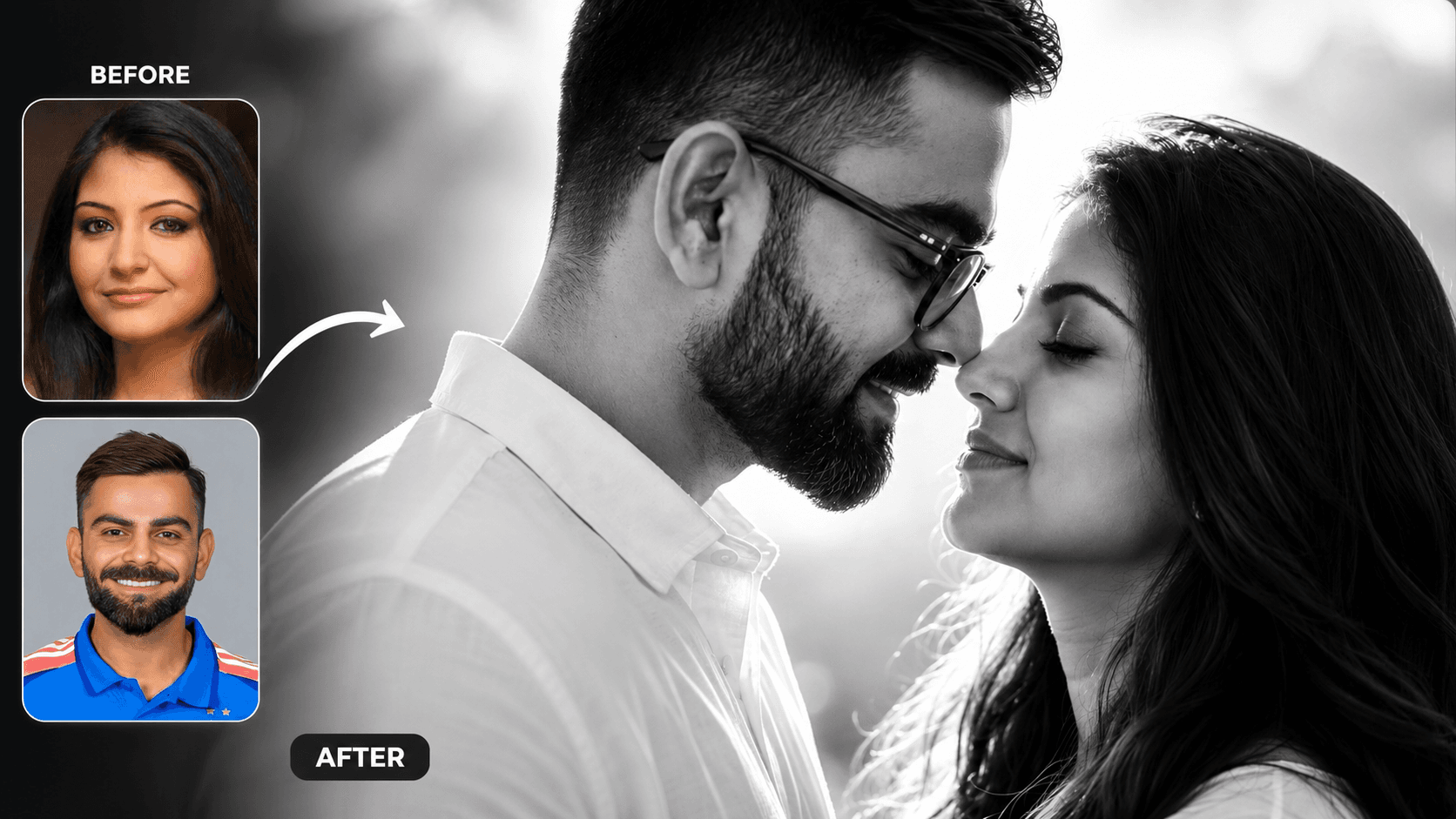
Cinematic Black and White Couple Portrait AI Prompt | Pre Wedding Style
Create romantic black and white couple portraits with cinematic lighting, identity preservation, and luxury pre-wedding photography using AI.
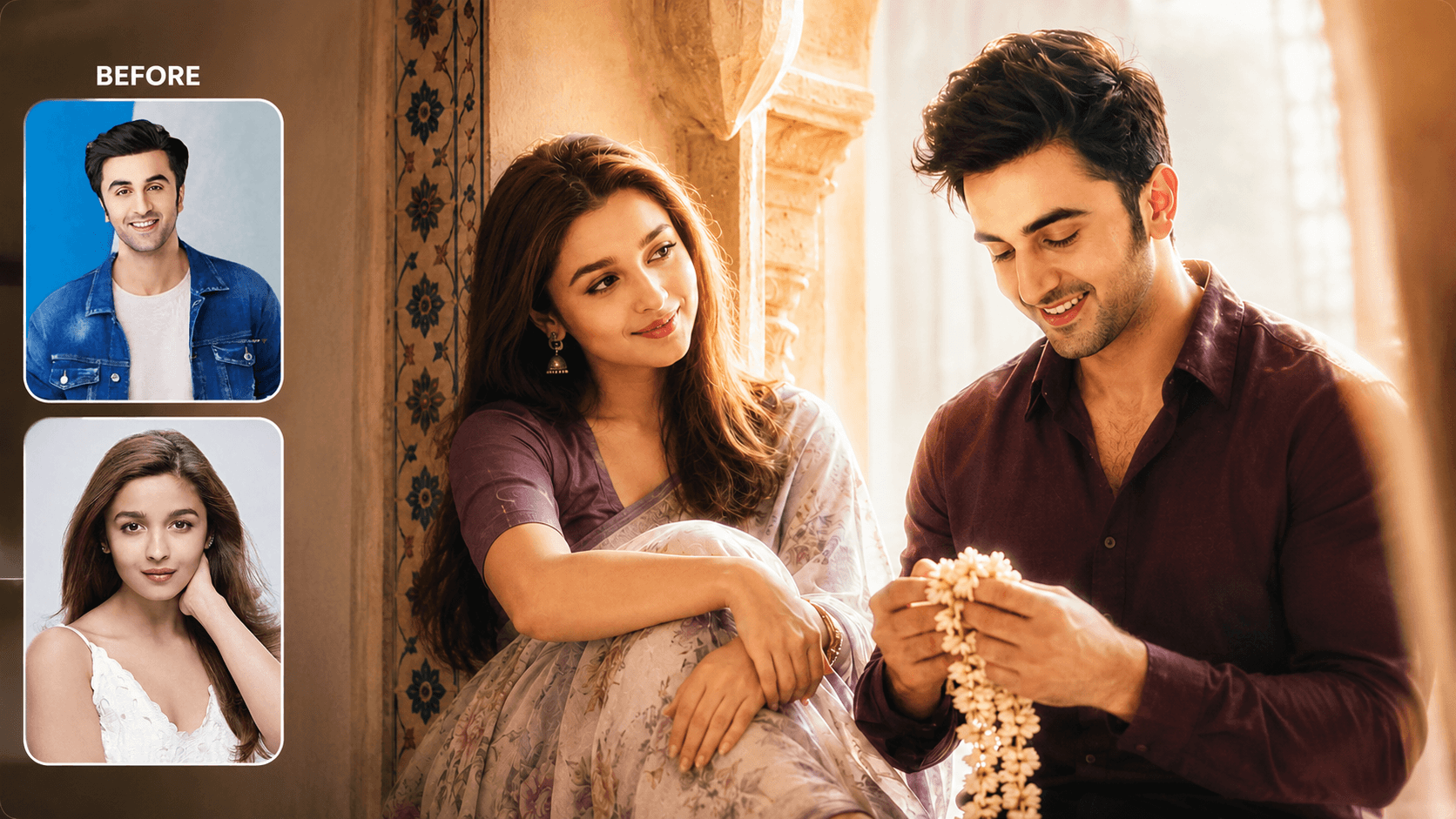
Dreamy Indoor Candid Couple Portrait AI Prompt | Soft Cinematic Glow
Create dreamy indoor couple portraits with soft glow, candid romance, creamy lighting, and realistic identity preservation using AI.
You May Also Like
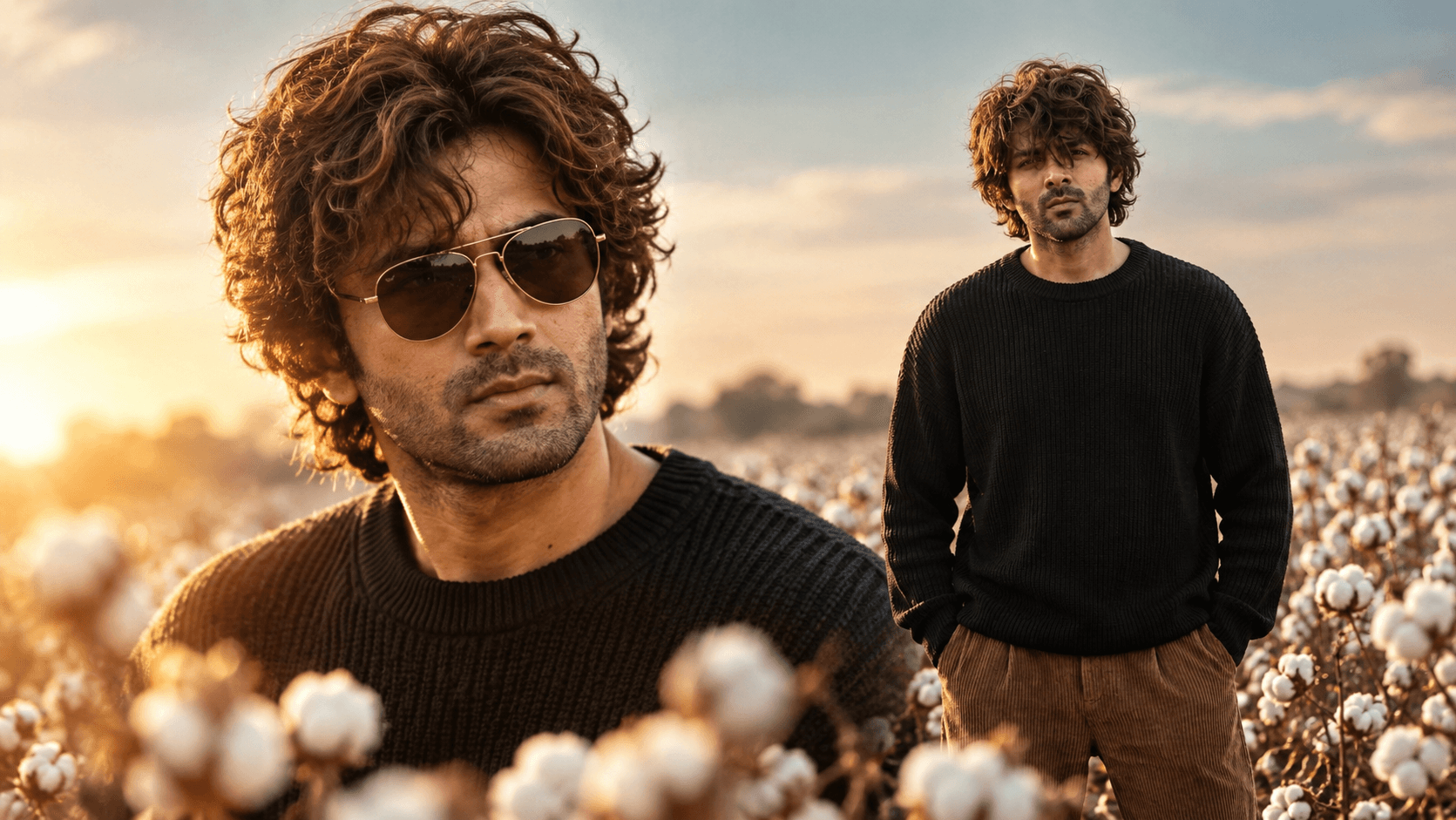
Cotton Field Golden Hour Portrait Prompt — Cinematic Fashion Editorial
Free identity-preserving AI prompt for a cinematic cotton field portrait — golden rim light, teal sky, foreground bokeh, vintage fashion editorial mood.
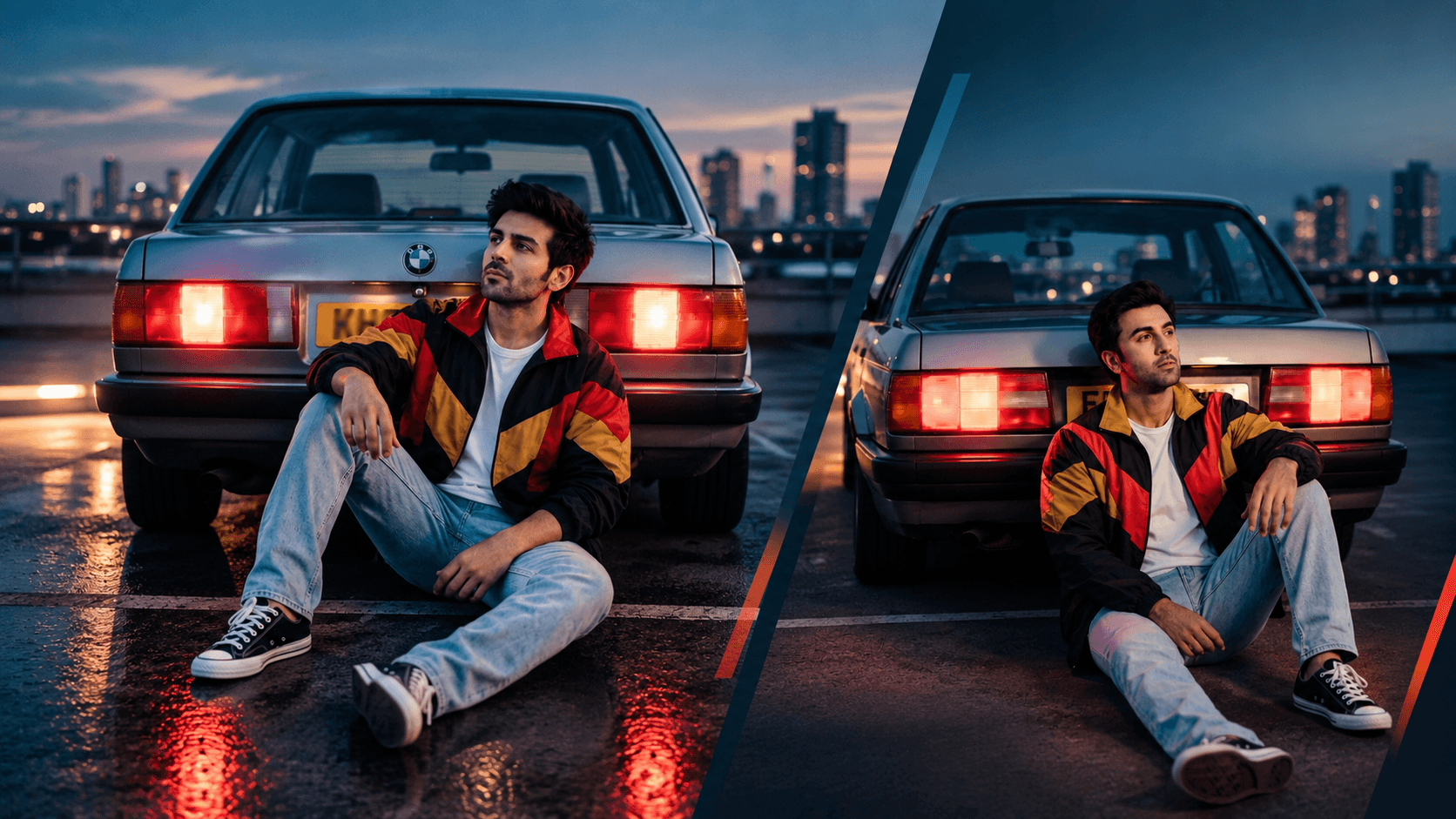
Rooftop Car Park Dusk Portrait Prompt — 80s Film Aesthetic
Free identity-preserving AI prompt for a nostalgic 80s-style dusk portrait — rooftop car park, glowing tail lights, vintage windbreaker, cinematic blue hour.
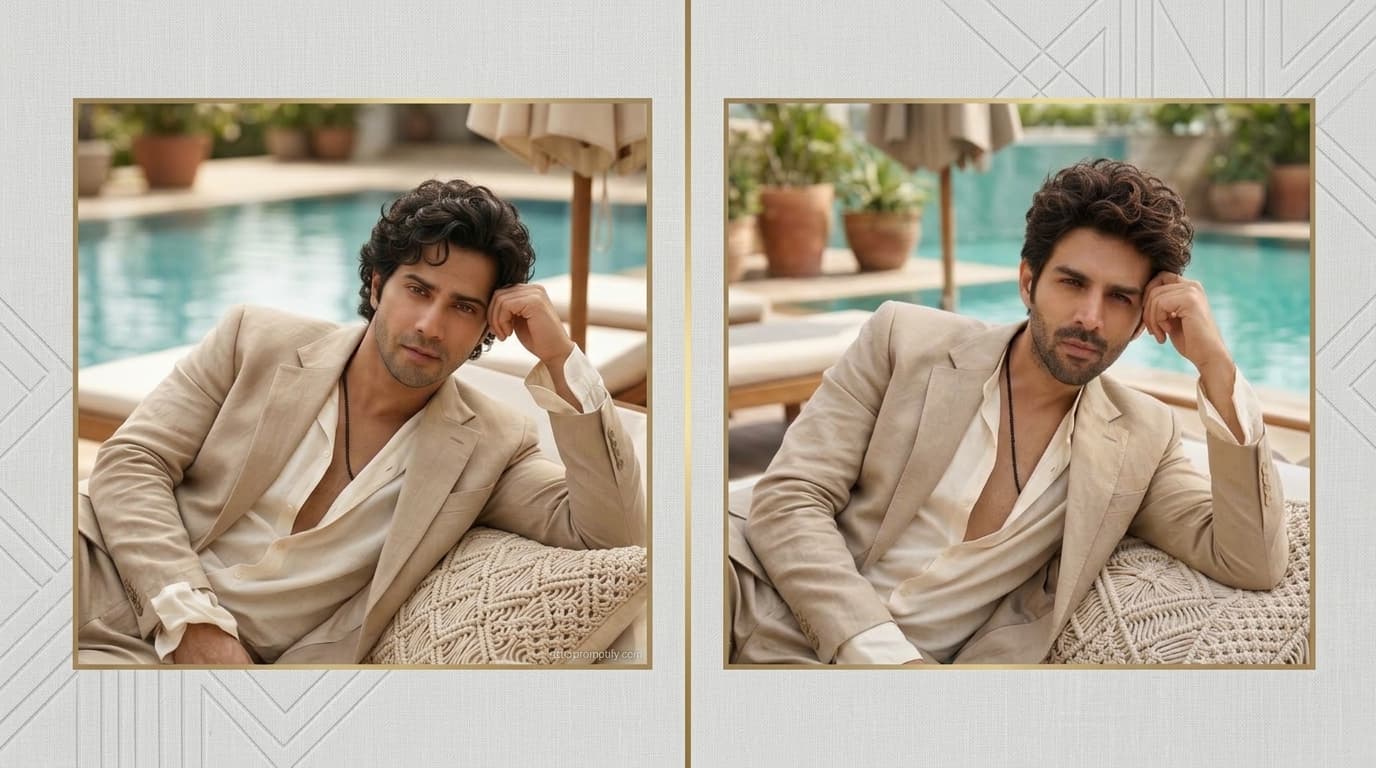
Poolside Resort Portrait Prompt — Relaxed Luxury Lifestyle Look
Free identity-preserving AI prompt for a relaxed poolside resort portrait — linen suit, daybed lounge, soft daylight, luxury lifestyle editorial mood.
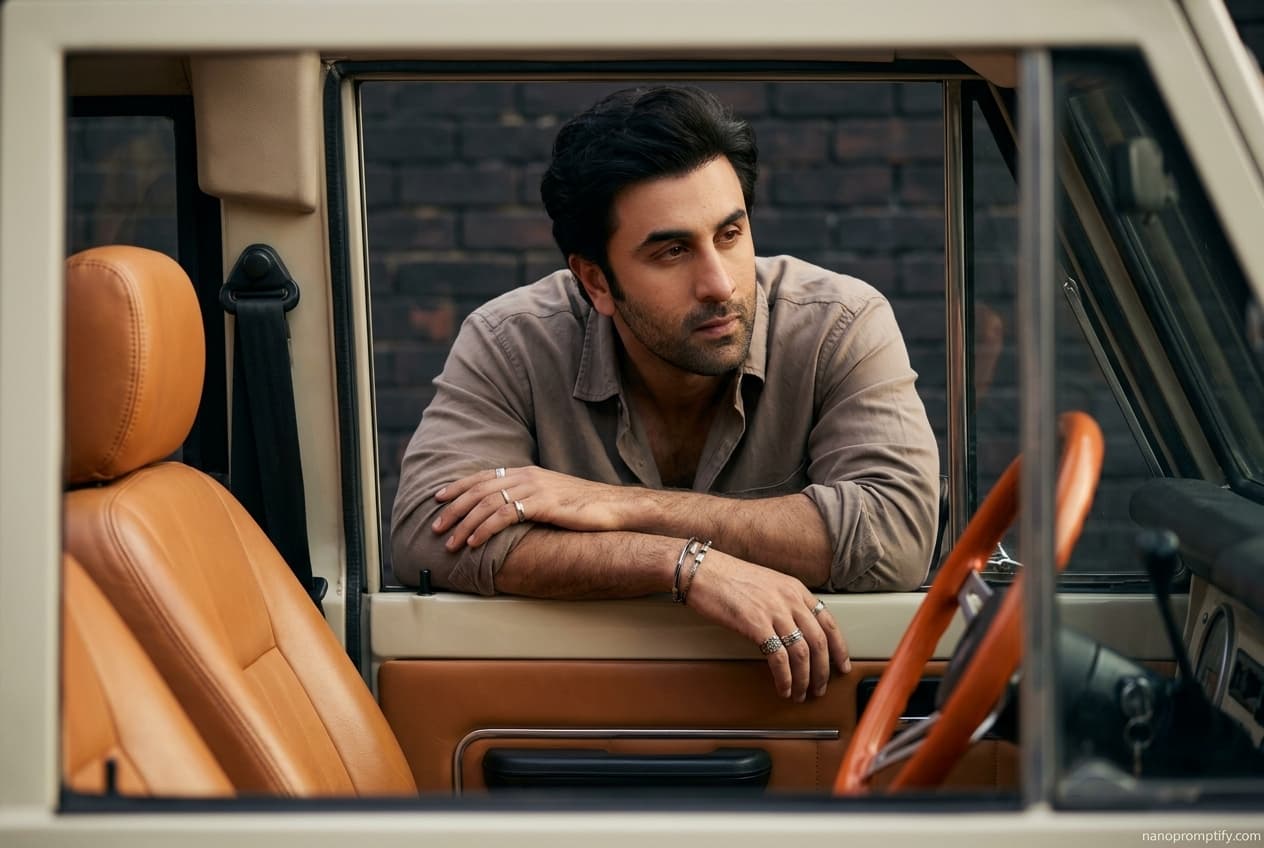
Vintage Vehicle Window Portrait Prompt — Moody Automotive Editorial
Free identity-preserving AI prompt for a moody automotive editorial portrait — leaning through a vintage vehicle window, rugged styling, cinematic shadow.
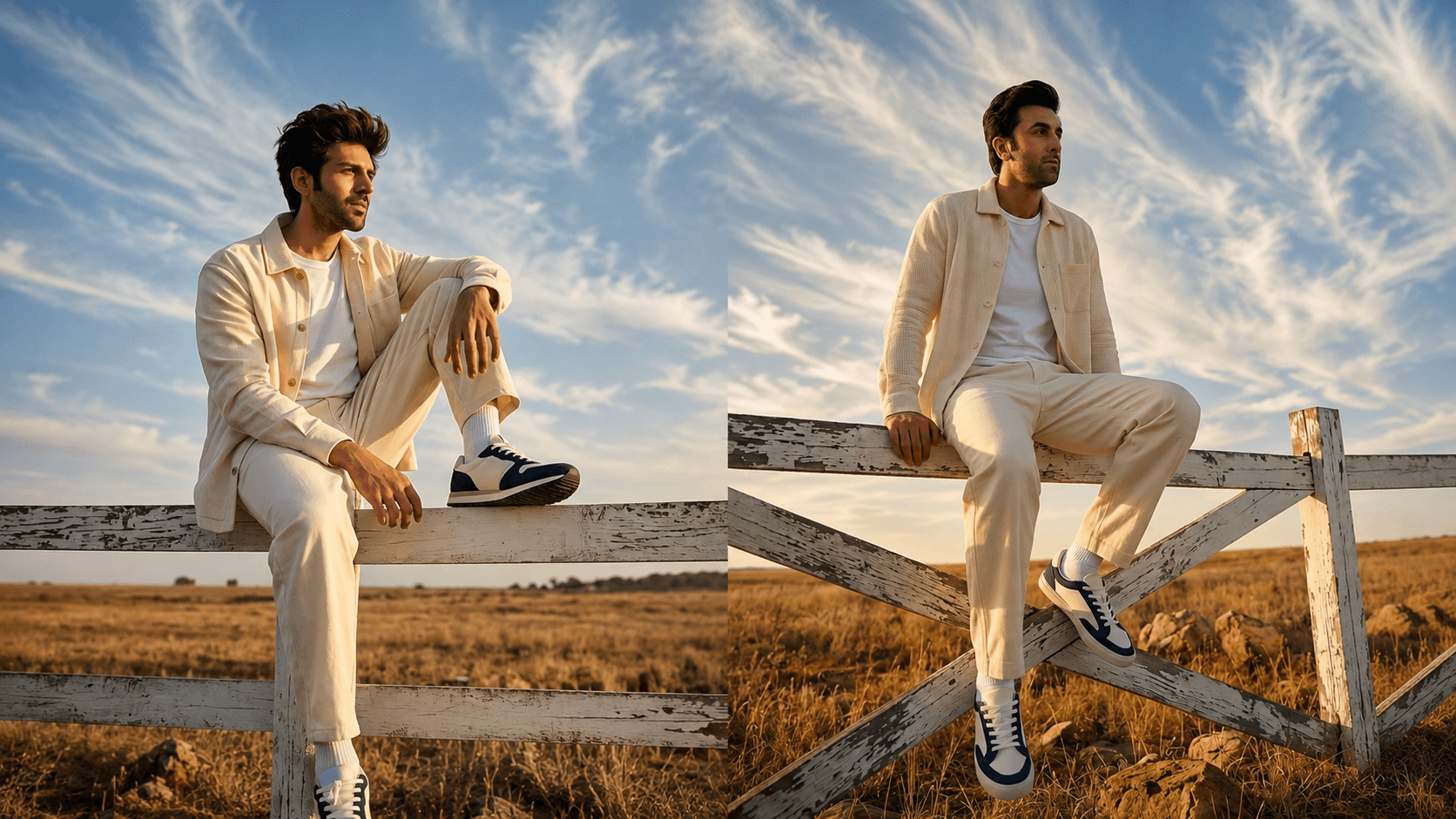
Golden Hour Fence-Sitting Portrait Prompt — Cinematic Sky Backdrop
Free identity-preserving AI prompt for a cinematic golden-hour portrait — fence-sitting pose, wispy clouds, low-angle sky-dominant framing.
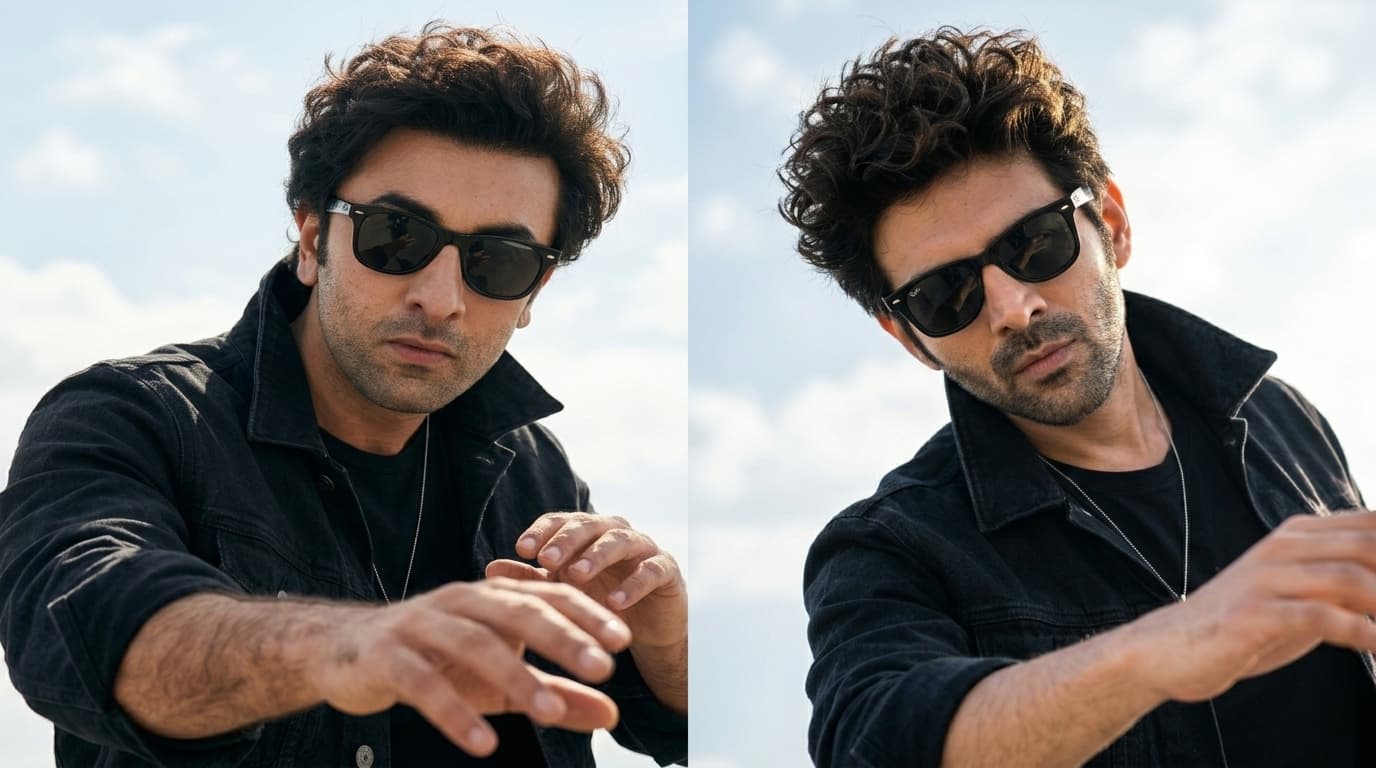
Windswept Outdoor Portrait Prompt — Candid Lifestyle Look
Free face-preserving AI prompt for a dynamic outdoor portrait — tousled curls, wayfarer sunglasses, open sky backdrop, candid energy. Works in Gemini, ChatGPT & Midjourney.