
Golden Hour Fence-Sitting Portrait Prompt — Cinematic Sky Backdrop
Free identity-preserving AI prompt for a cinematic golden-hour portrait — fence-sitting pose, wispy clouds, low-angle sky-dominant framing.
About this prompt
A quick overview of what this prompt is designed to create.
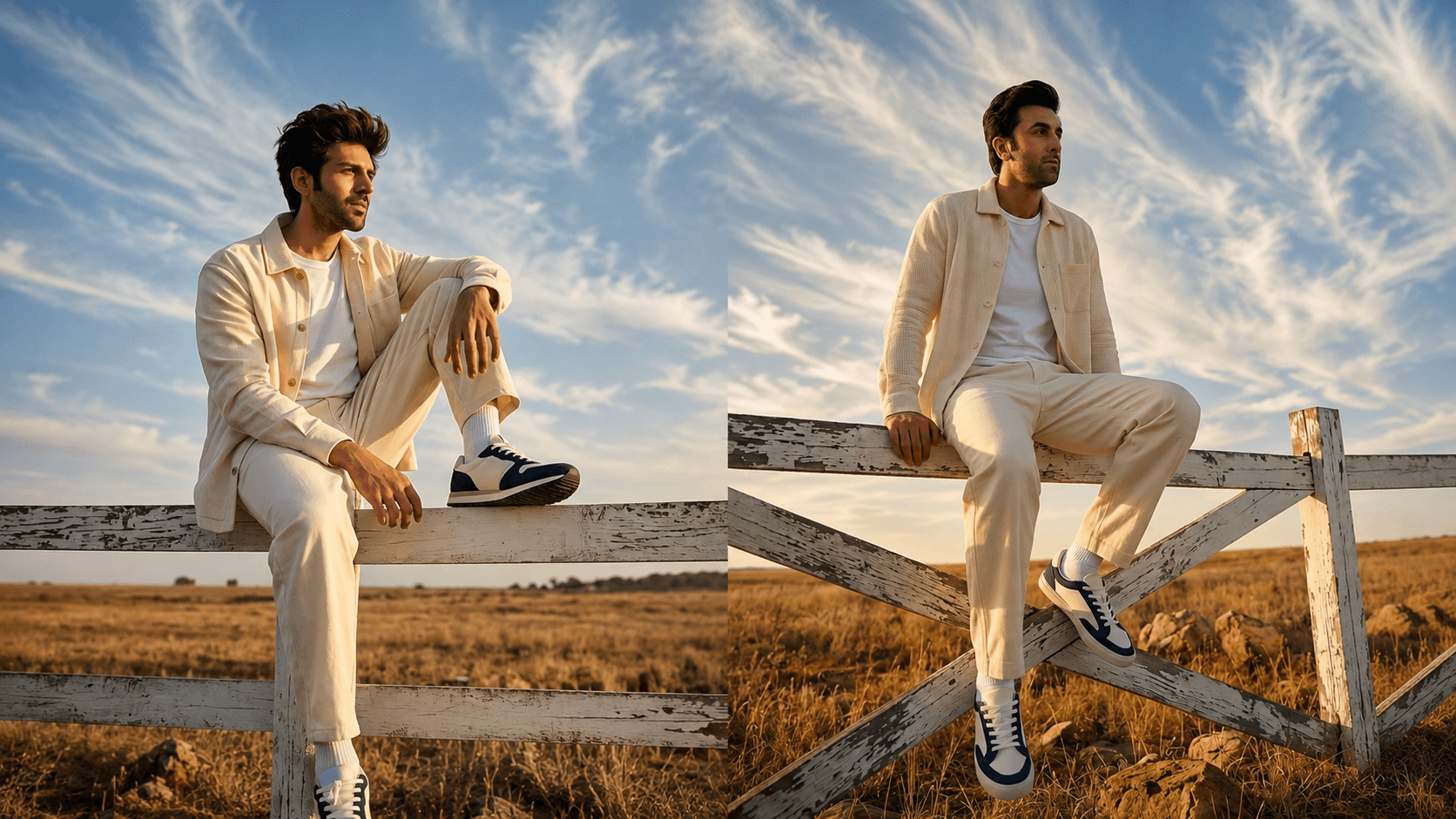
A contemplative, cinematic golden-hour portrait prompt with the subject seated on a weathered fence, dramatic cirrus clouds, and a low-angle sky-dominant frame — face preserved from your reference photo.
Prompt
Use the uploaded [reference image] as the subject's exact face, likeness and skin tone. Create a hyper-realistic, photorealistic image.

Subject: the subject from the [reference image] sitting on top of a weathered white wooden fence rail, one leg bent up and the other extended down, gazing off to the side.
Wardrobe: an open cream shirt-jacket over a plain white t-shirt, loose cream trousers, navy-and-white sneakers with white socks.
Setting: an open field with dry grass and scattered rocks below the fence, low horizon line.
Lighting: golden-hour sunlight from a low angle, dramatic wispy cirrus clouds streaking across the blue sky above.
Camera: low-angle wide shot looking up at the subject, the sky and clouds dominating most of the frame.
Mood: contemplative, cinematic, expansive.

Rendering: ultra-detailed and razor-sharp, natural skin texture with visible pores and fine detail, realistic fabric weave, true-to-life lighting and shadows, professional cinematic color grade, no distortion, no extra fingers, correct anatomy. Add a small, subtle, semi-transparent "nanopromptify.com" watermark in the bottom-right corner. Aspect ratio 9:16. Optimised for Gemini and ChatGPT / DALL·E (also works in Midjourney).
Parameters: --ar 9:16 --style raw --v 6 --stylize 250 --quality 2 --seed [insert seed] --iw [insert image weight 1-3 for the reference face] --no distortion, extra limbs, warped hands, text artifacts
Negative Prompt
Elements to avoid when generating the image.
distortion, extra limbs, warped hands, text artifacts
Style Notes
Additional guidance for achieving the intended visual style.
Works best with a well-lit, clear reference photo since warm golden-hour tones can shift skin rendering — adjust --iw if the face feels too warm-shifted.
How to Use This Prompt
Copy the prompt
Copy the prompt text and open your preferred AI image generator.
Generate an image
Paste the prompt, add an image if needed, and generate your first result.
Fine-tune the result
Adjust the prompt or settings until the result matches your vision.
Share this Prompt
Found this prompt useful? Share it with others.
Result Images
Popular
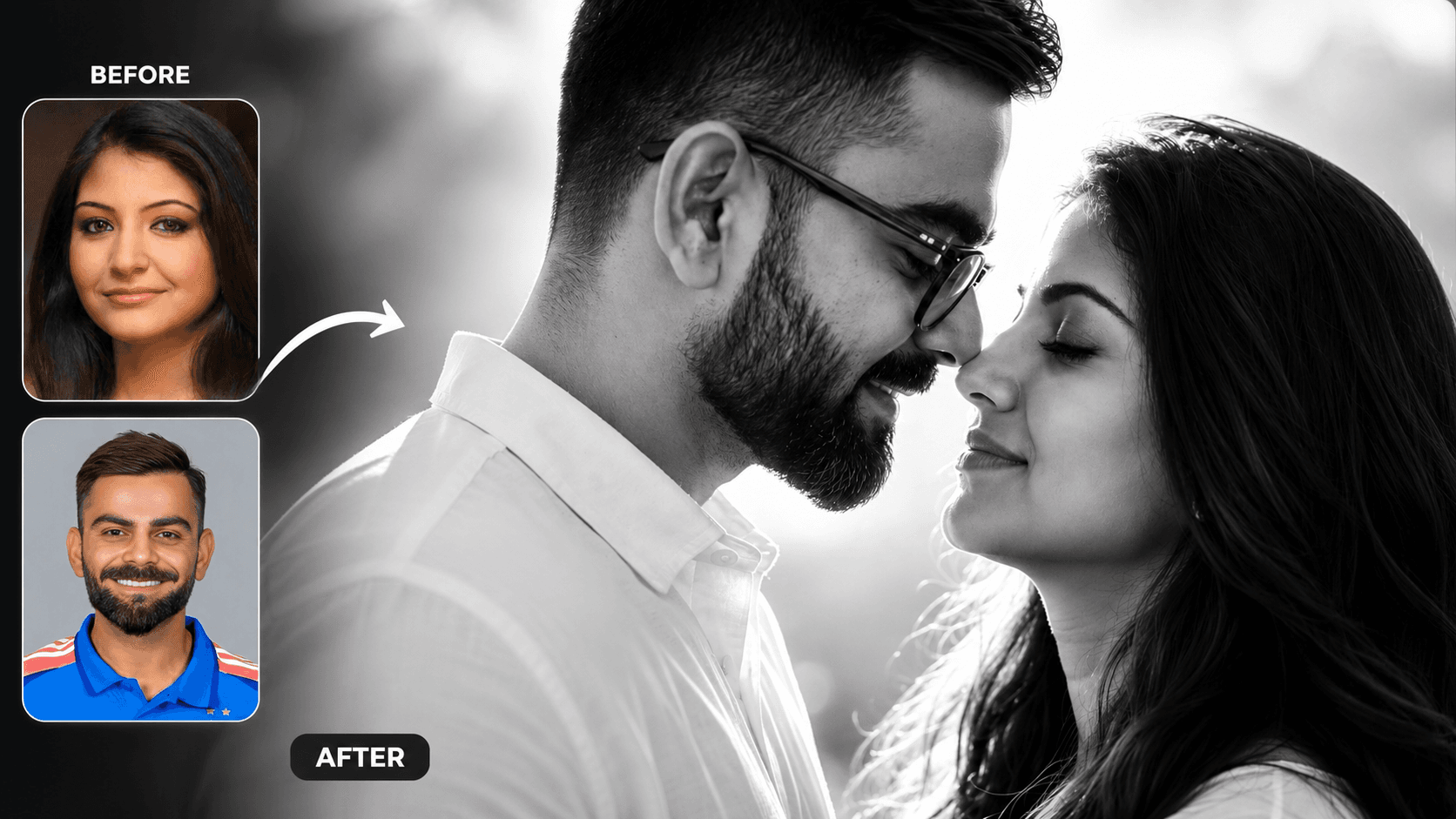
Cinematic Black and White Couple Portrait AI Prompt | Pre Wedding Style
Create romantic black and white couple portraits with cinematic lighting, identity preservation, and luxury pre-wedding photography using AI.
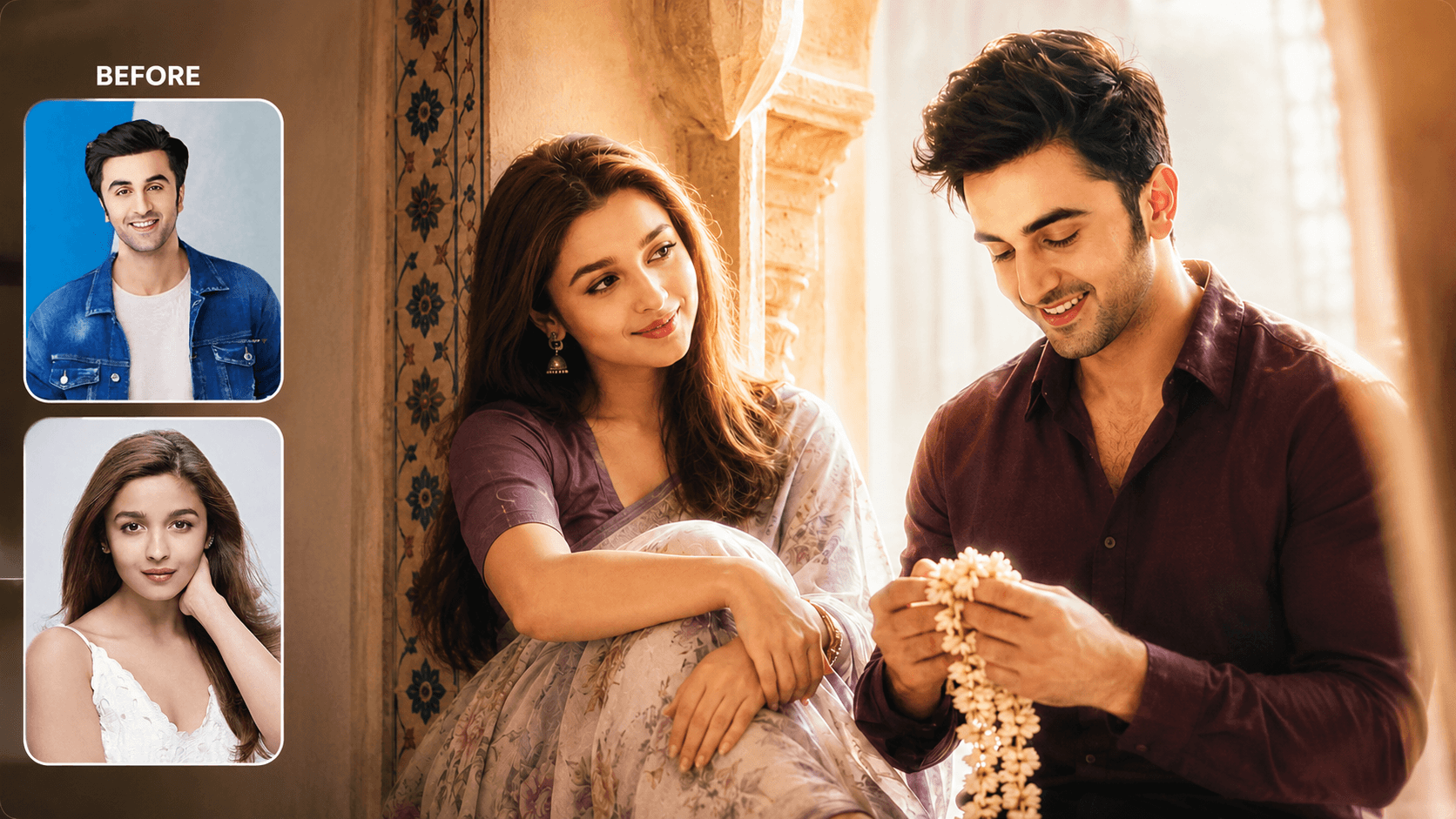
Dreamy Indoor Candid Couple Portrait AI Prompt | Soft Cinematic Glow
Create dreamy indoor couple portraits with soft glow, candid romance, creamy lighting, and realistic identity preservation using AI.
You May Also Like
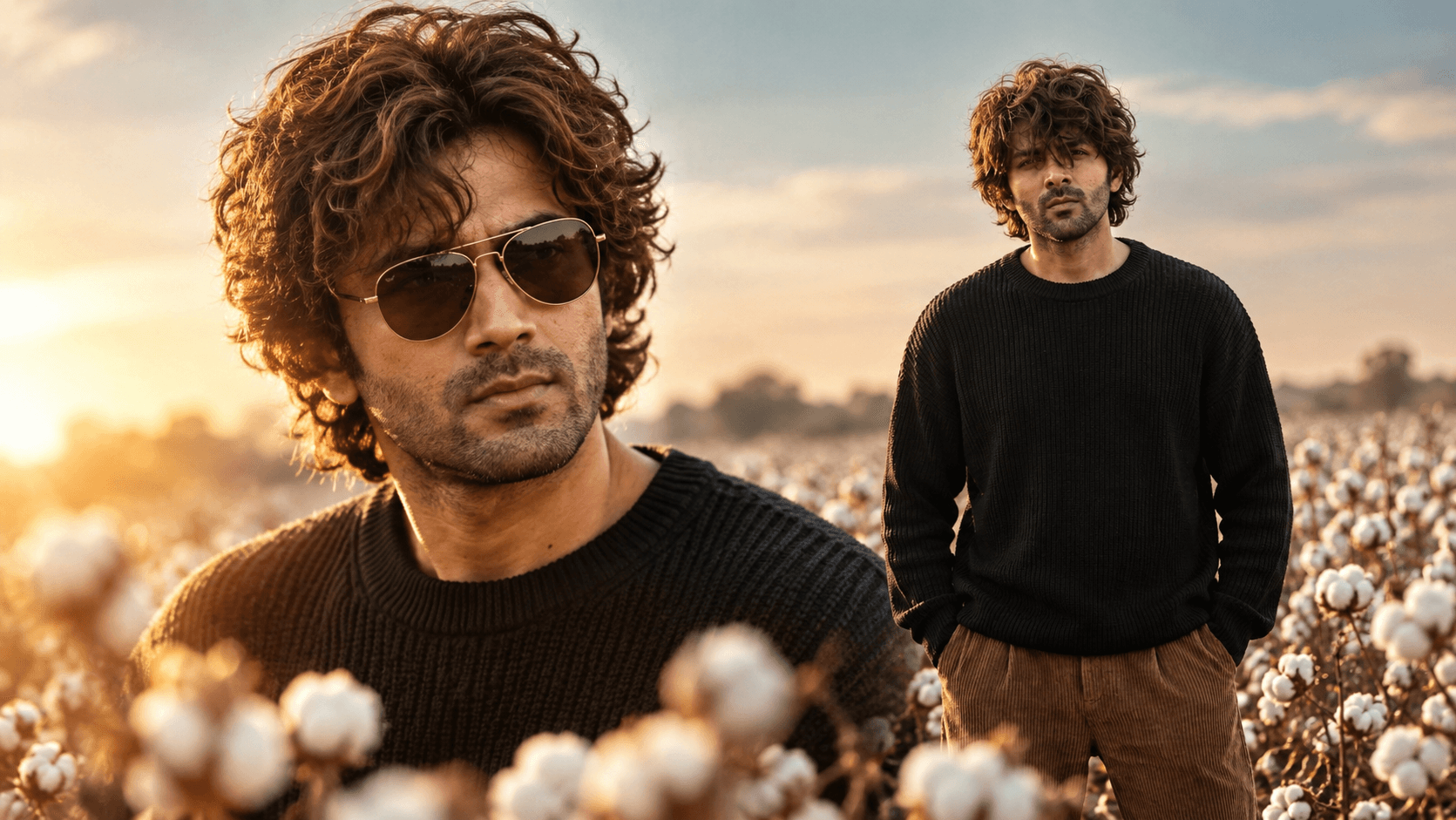
Cotton Field Golden Hour Portrait Prompt — Cinematic Fashion Editorial
Free identity-preserving AI prompt for a cinematic cotton field portrait — golden rim light, teal sky, foreground bokeh, vintage fashion editorial mood.
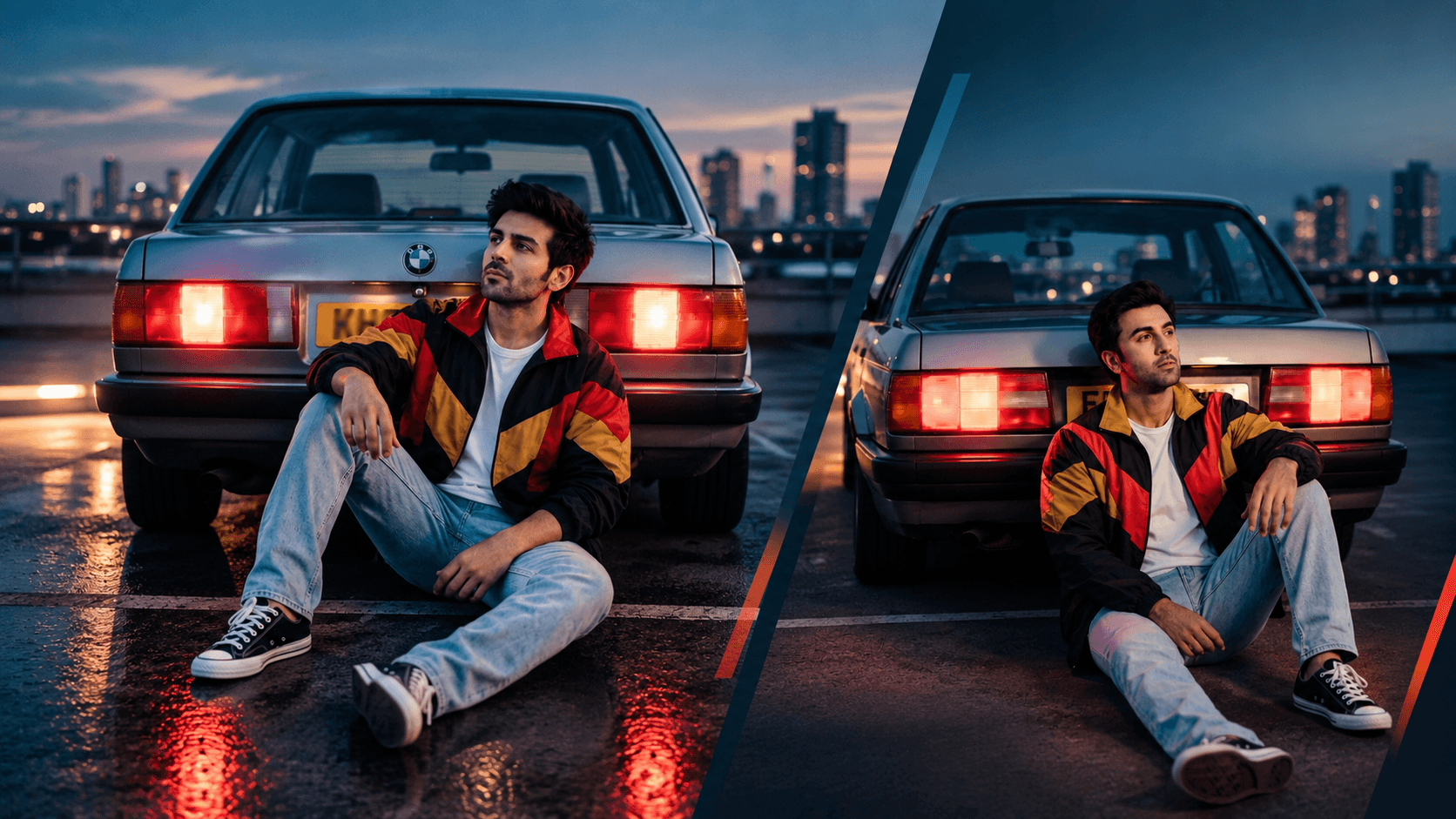
Rooftop Car Park Dusk Portrait Prompt — 80s Film Aesthetic
Free identity-preserving AI prompt for a nostalgic 80s-style dusk portrait — rooftop car park, glowing tail lights, vintage windbreaker, cinematic blue hour.
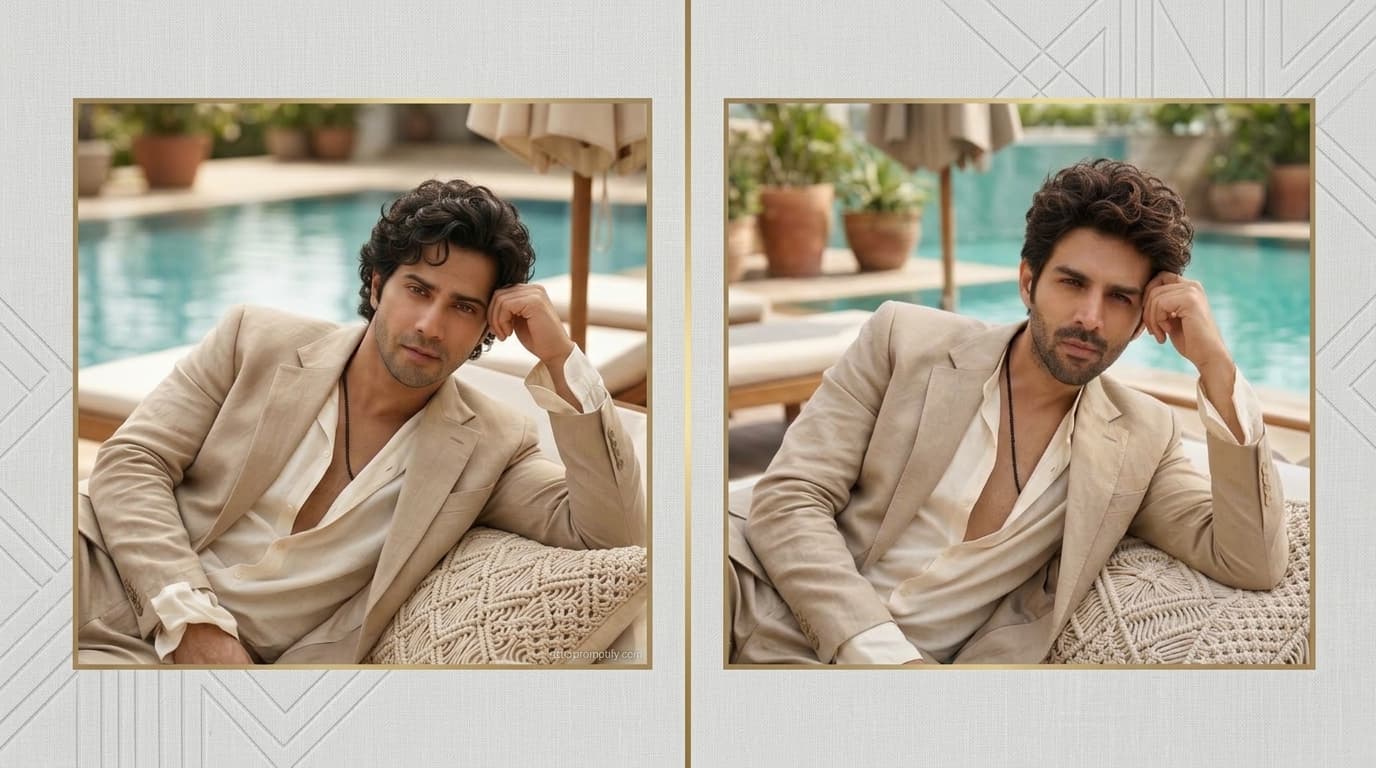
Poolside Resort Portrait Prompt — Relaxed Luxury Lifestyle Look
Free identity-preserving AI prompt for a relaxed poolside resort portrait — linen suit, daybed lounge, soft daylight, luxury lifestyle editorial mood.
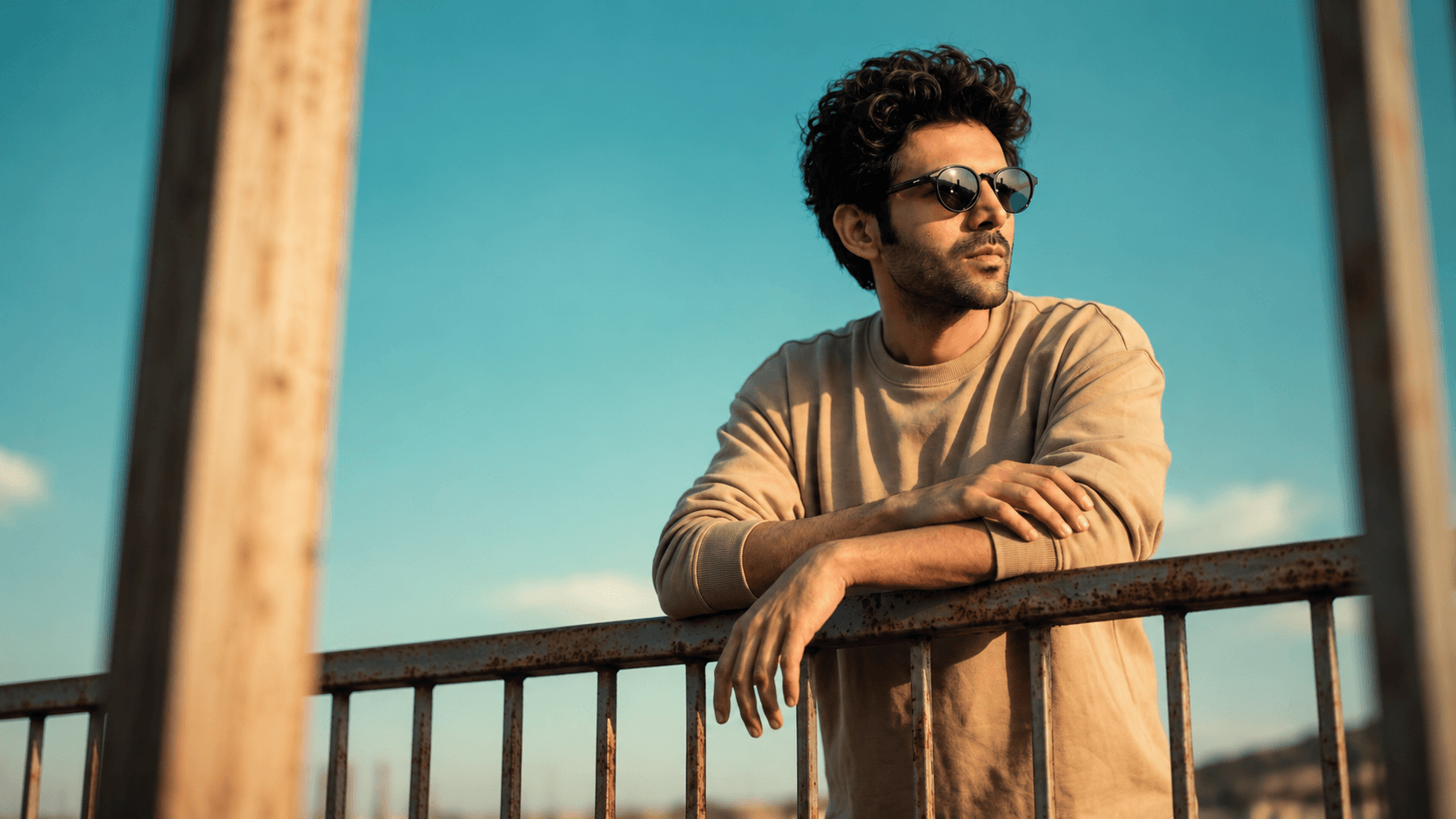
Golden Hour Railing Portrait Prompt — Casual Lifestyle with Sunglasses
Free identity-preserving AI prompt for a golden-hour lifestyle portrait — weathered railing pose, curly hair, sunglasses, cyan sky backdrop.
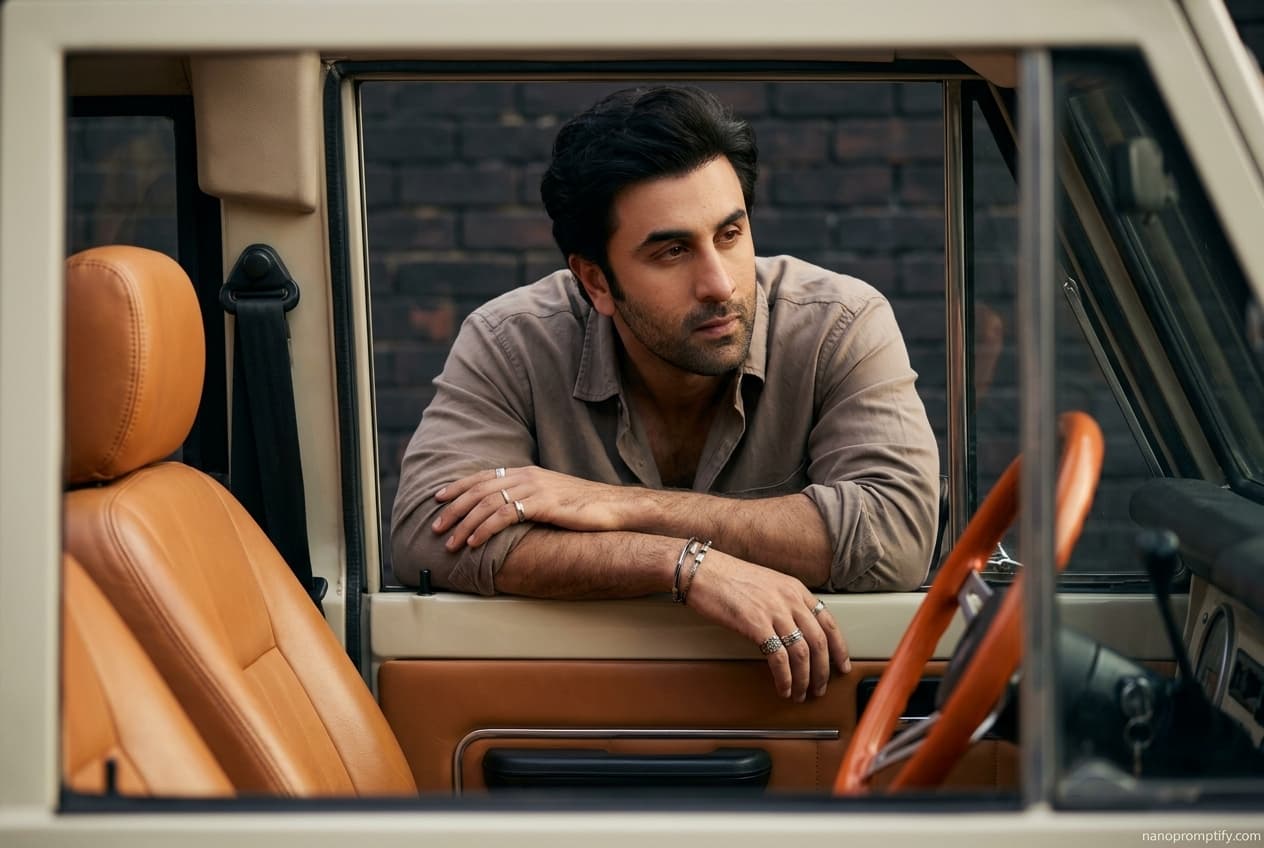
Vintage Vehicle Window Portrait Prompt — Moody Automotive Editorial
Free identity-preserving AI prompt for a moody automotive editorial portrait — leaning through a vintage vehicle window, rugged styling, cinematic shadow.
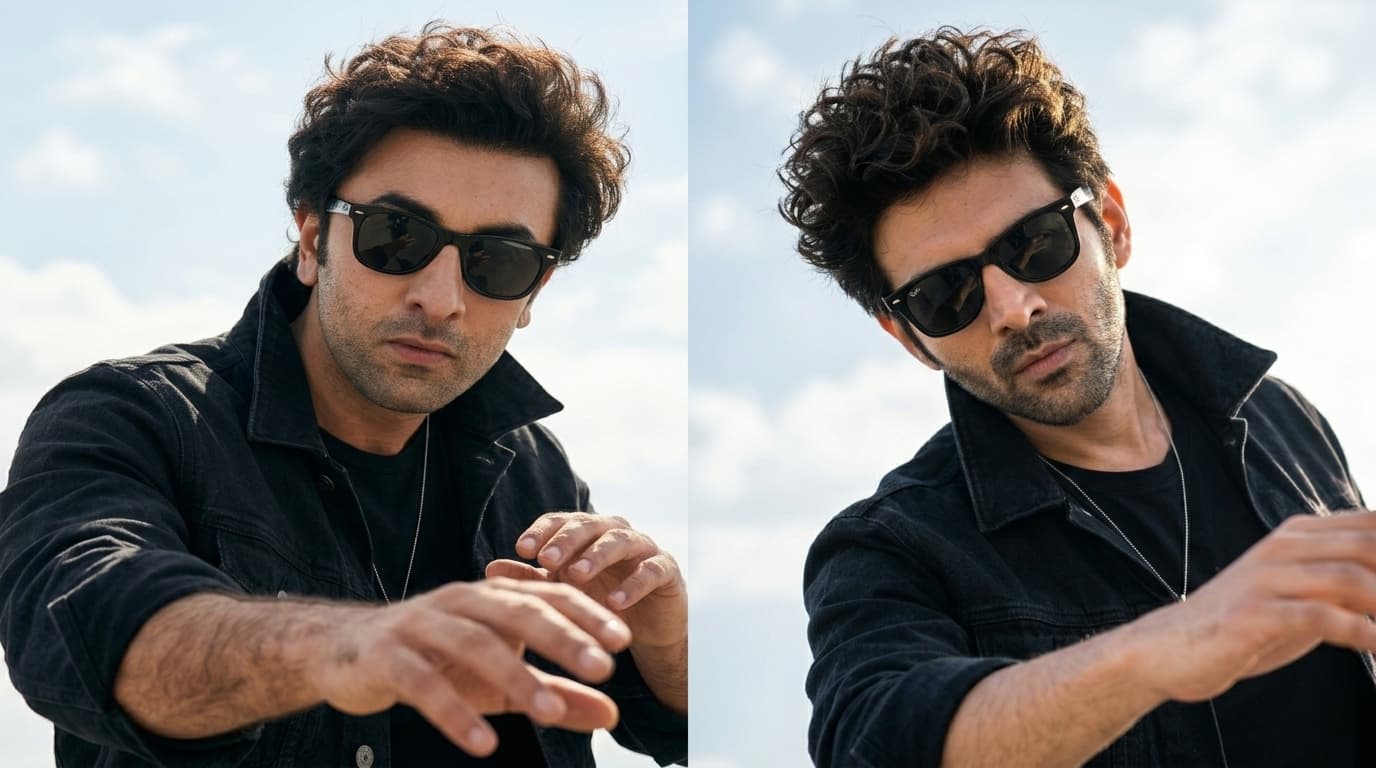
Windswept Outdoor Portrait Prompt — Candid Lifestyle Look
Free face-preserving AI prompt for a dynamic outdoor portrait — tousled curls, wayfarer sunglasses, open sky backdrop, candid energy. Works in Gemini, ChatGPT & Midjourney.