
Neon Tri-Tone Cinematic Portrait Prompt — Sci-Fi Editorial Look
Free identity-preserving AI prompt for a sleek sci-fi editorial portrait — teal, amber, and violet tri-tone lighting, neon studio gradient, magazine-cover finish.
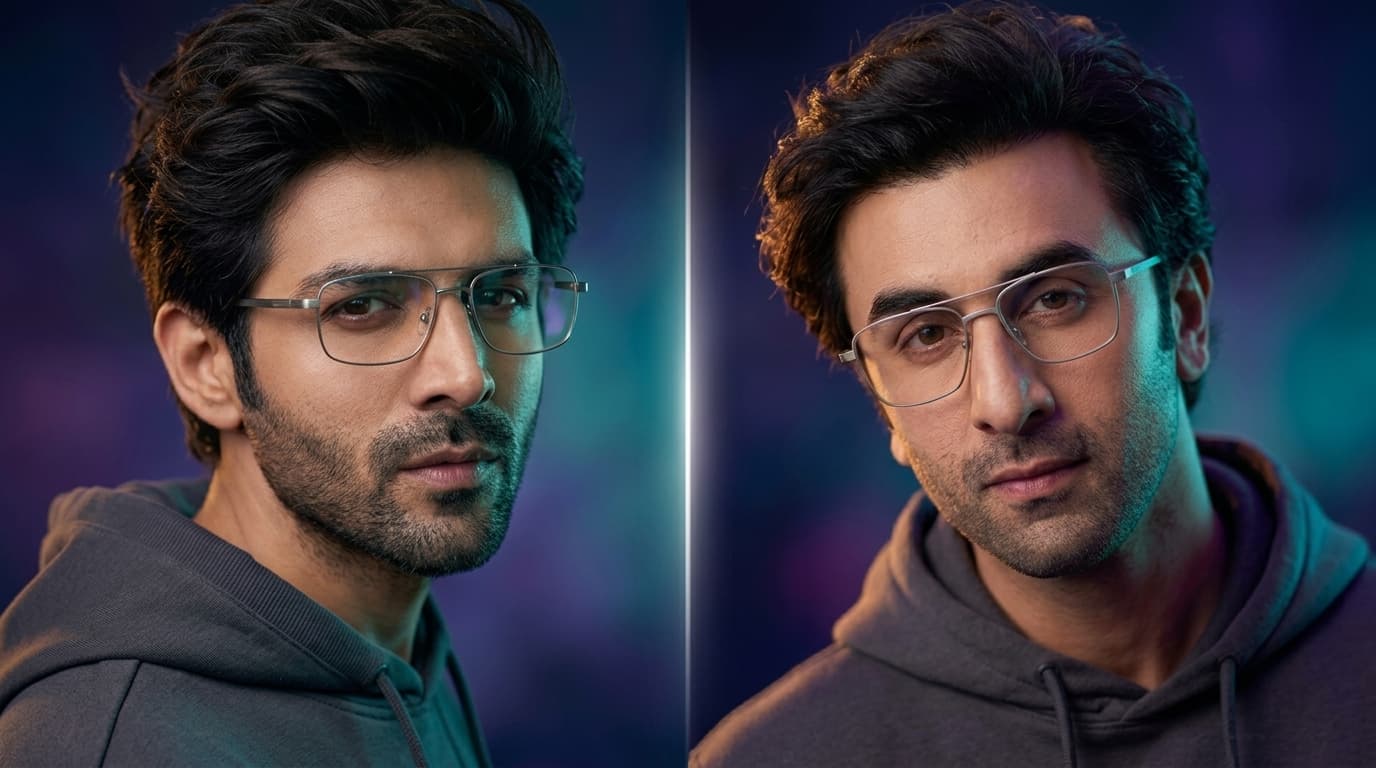
About this prompt
A quick overview of what this prompt is designed to create.
A sleek, futuristic editorial portrait prompt with dramatic teal-amber-violet tri-tone lighting and a soft neon studio gradient — face preserved exactly from your reference photo.
Prompt
Create a hyper-realistic, ultra-high-resolution cinematic portrait of the person in the provided reference image. The face and identity must match exactly (STRICT) – identical facial structure, bone anatomy, jawline definition, eye shape, nose proportions, lips, skin tone, grooming details, and natural micro-details. Maintain precise likeness accuracy.

Composition & Framing: Three-quarter portrait shot captured from a slightly elevated camera angle, with the camera positioned just above eye level and angled downward. The subject is looking directly toward the camera with a calm, confident expression, head slightly tilted to the right.

Frame vertically in a 2:3 aspect ratio. Use cinematic composition with the subject placed along the right vertical rule-of-thirds line, leaving negative space on the opposite side for visual balance.

Subject Details: Young man with a sharp, well-defined jawline and subtle dark stubble. Deep brown eyes, thick dark wavy hair styled in a casual textured sweep, slightly windswept for a natural editorial look.

Thin metallic rectangular glasses in a brushed silver tone. The lenses capture faint reflections of soft ambient lighting, creating a subtle modern tech aesthetic.

Wardrobe: Minimalist charcoal gray hoodie or crewneck sweatshirt, matte fabric with visible ribbed collar and soft folds. Clean, understated, contemporary style.

Lighting (Cinematic Tri-Tone Setup)

Use stylized cinematic lighting with three color layers:

Primary Key Light: Soft electric teal light from the front-right, sculpting facial contours and highlighting cheekbones, nose bridge, and forehead.

Secondary Rim Light: Subtle warm amber light from behind the subject’s left side, creating a glowing edge along the hairline and shoulders.

Ambient Fill: Very soft deep violet light filling shadows to preserve skin texture and prevent harsh darkness.

Lighting should feel dramatic yet polished, with high dynamic range and natural skin tone preservation.

Focus & Depth of Field: Extremely shallow depth of field. The eyes and glasses frame are in razor-sharp focus, while hair edges, ears, and clothing gradually soften into creamy cinematic bokeh.

Skin texture should remain ultra-detailed with visible pores, subtle facial hair, and realistic micro-contrast.

Background: Background is a soft, atmospheric gradient blending midnight blue, violet, and subtle teal hues. Smooth, heavily blurred with faint cinematic light bloom to create a modern neon-studio environment.

No objects or distractions — only abstract color depth.

Mood & Atmosphere: Confident, modern, and cinematic with a sleek futuristic editorial vibe. The portrait should resemble a premium magazine cover or a character reveal from a high-budget sci-fi drama.

Ultra-detailed, 8K resolution, cinematic color grading, studio-quality lighting, hyper-realistic skin rendering, premium photography aesthetics.
Negative Prompt
Elements to avoid when generating the image.
Style Notes
Additional guidance for achieving the intended visual style.
This prompt demands strict, exact identity matching (bone structure, jawline, micro-details), so a sharp, well-lit, front-facing reference photo will give the most accurate result — avoid low-resolution or heavily angled references.
How to Use This Prompt
Copy the prompt
Copy the prompt text and open your preferred AI image generator.
Generate an image
Paste the prompt, add an image if needed, and generate your first result.
Fine-tune the result
Adjust the prompt or settings until the result matches your vision.
Share this Prompt
Found this prompt useful? Share it with others.
Result Images
Popular
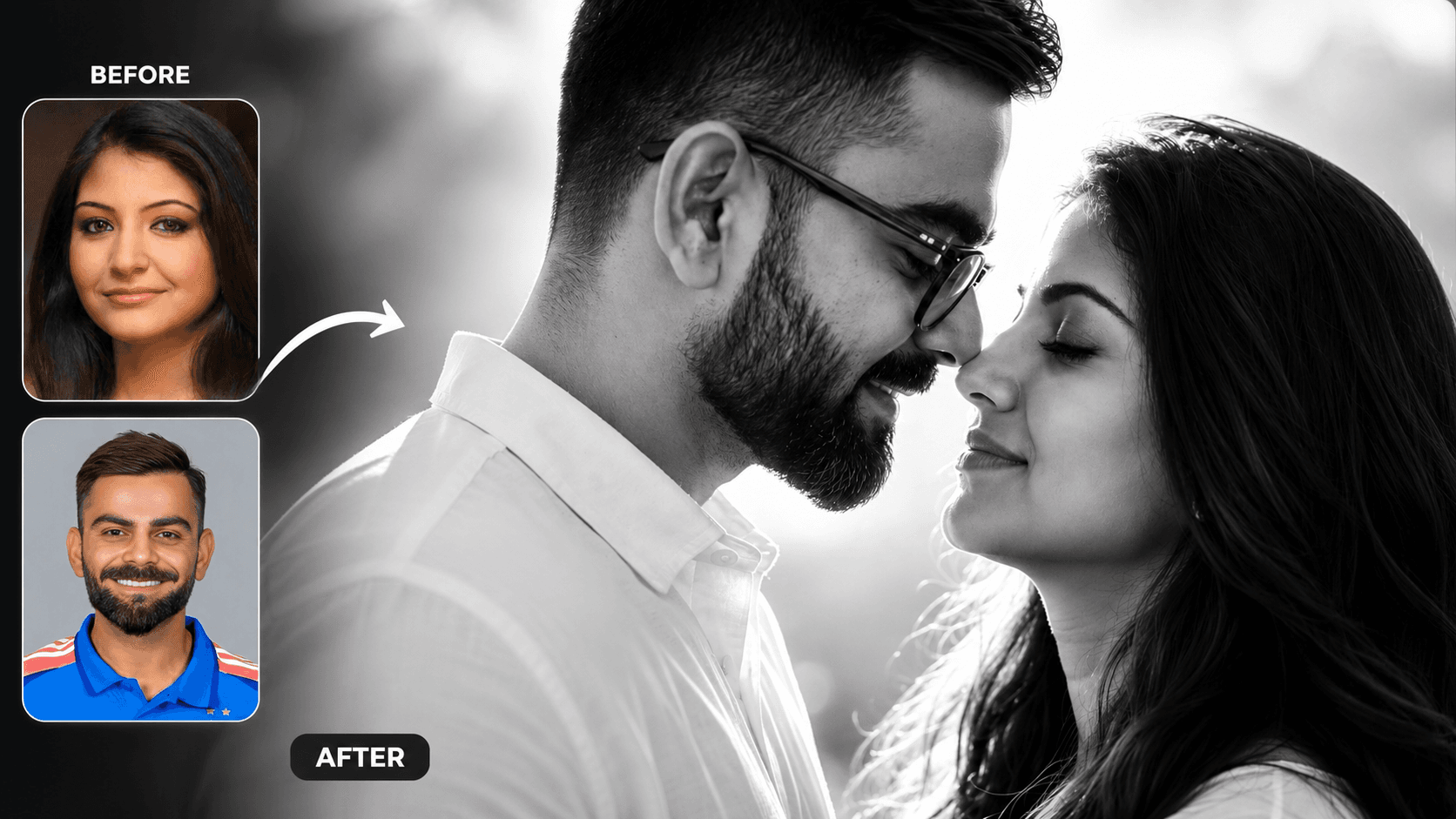
Cinematic Black and White Couple Portrait AI Prompt | Pre Wedding Style
Create romantic black and white couple portraits with cinematic lighting, identity preservation, and luxury pre-wedding photography using AI.
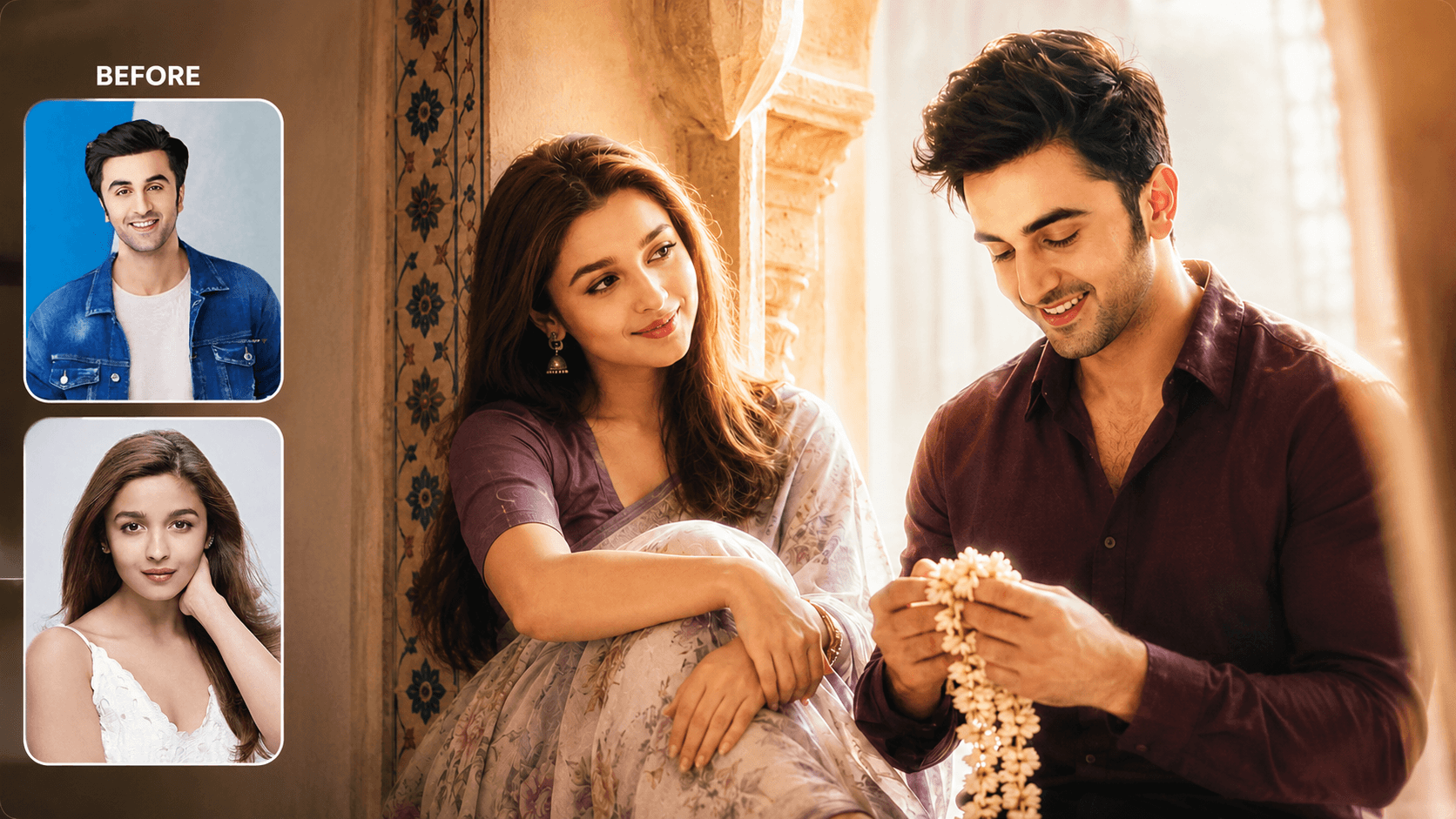
Dreamy Indoor Candid Couple Portrait AI Prompt | Soft Cinematic Glow
Create dreamy indoor couple portraits with soft glow, candid romance, creamy lighting, and realistic identity preservation using AI.
You May Also Like
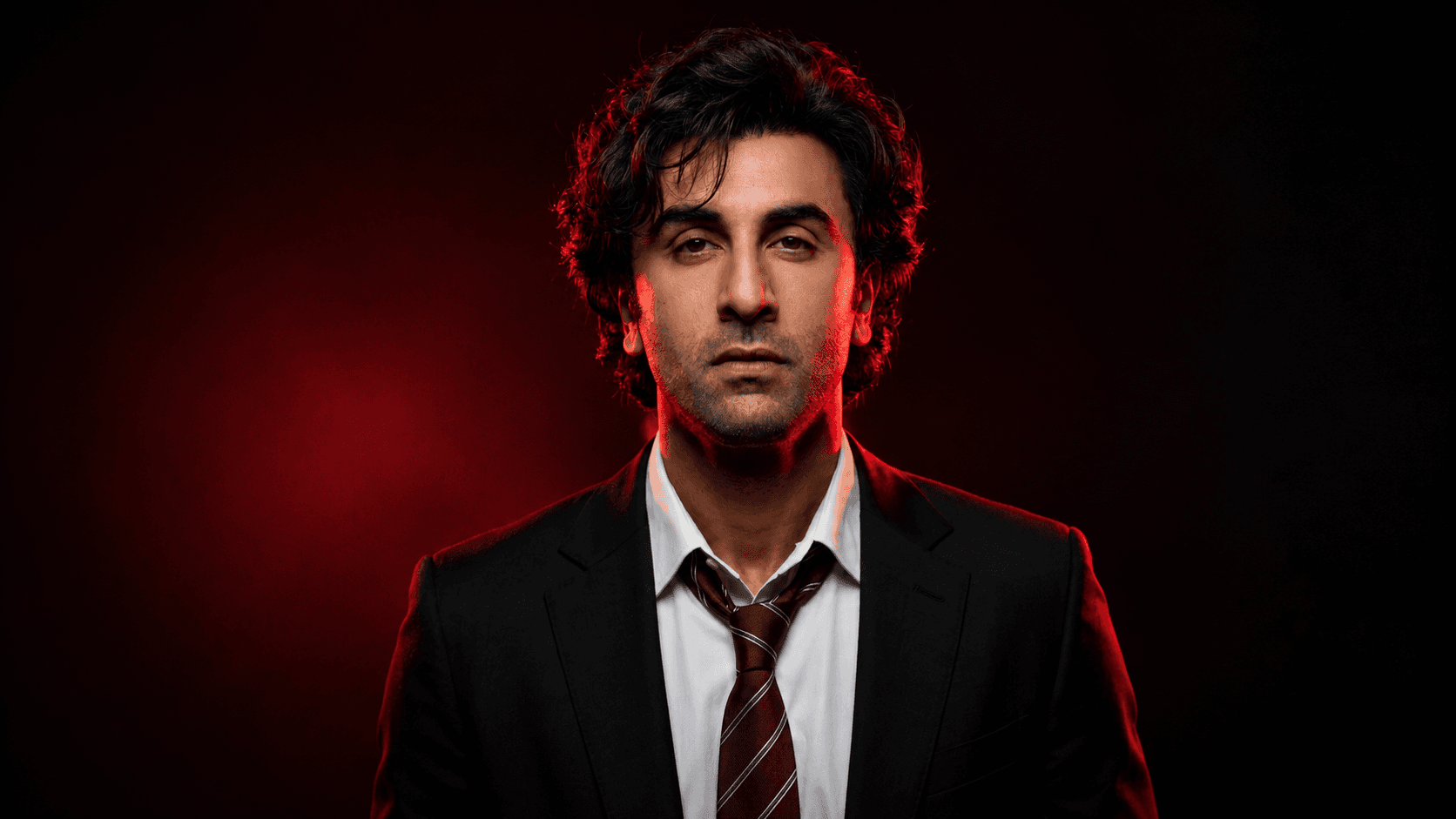
Dramatic Red-Lit Formal Portrait Prompt — Commanding Cinematic Look
Free identity-preserving AI prompt for a dramatic, high-contrast red-lit formal portrait — blazer and tie, commanding pose, burgundy-black studio gradient.
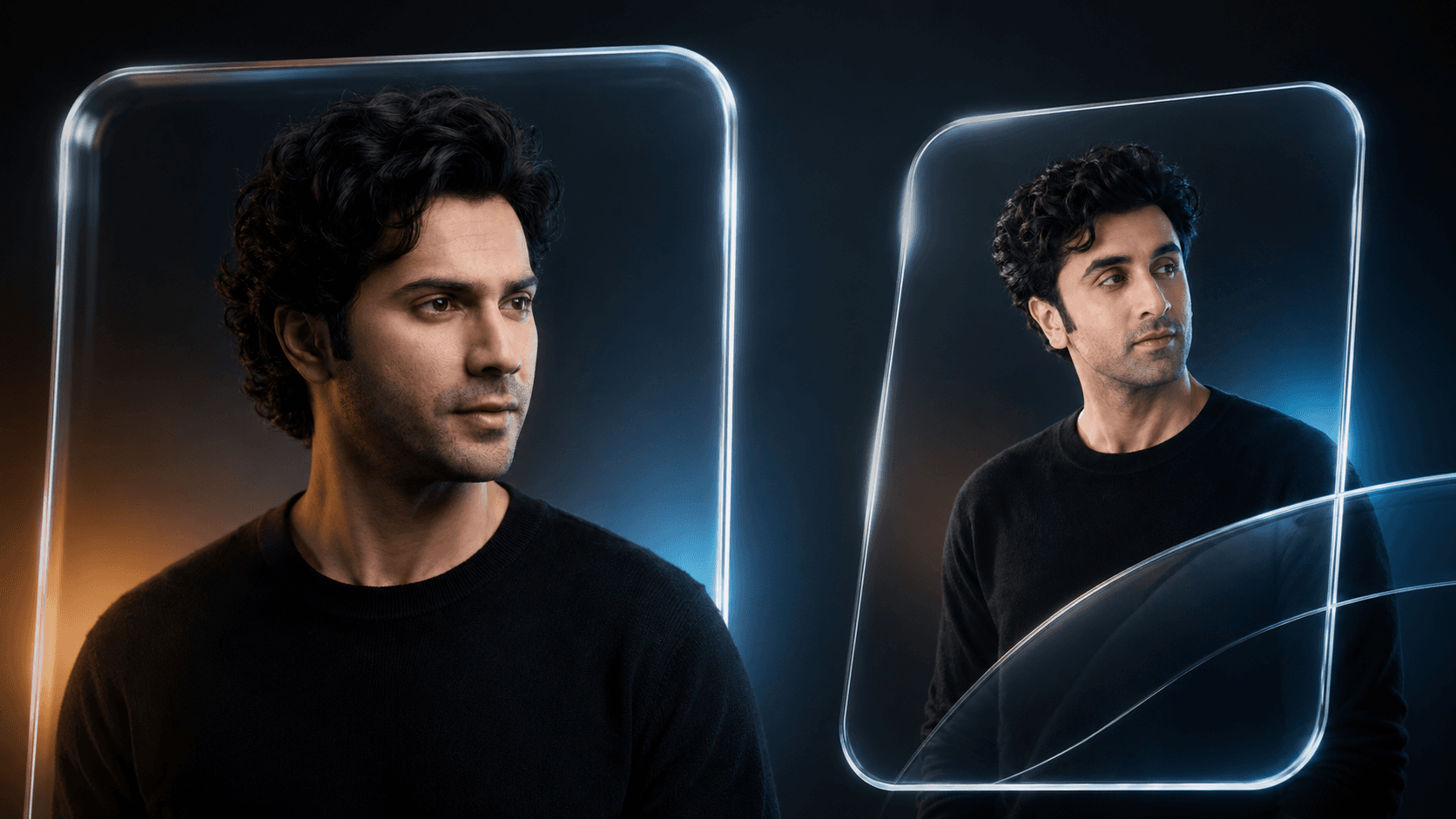
Glassmorphism Portrait Prompt — Futuristic Glass Panel Editorial
Free identity-preserving AI prompt for a futuristic glassmorphism portrait — transparent glass panel, warm-cool studio lighting, premium editorial finish.
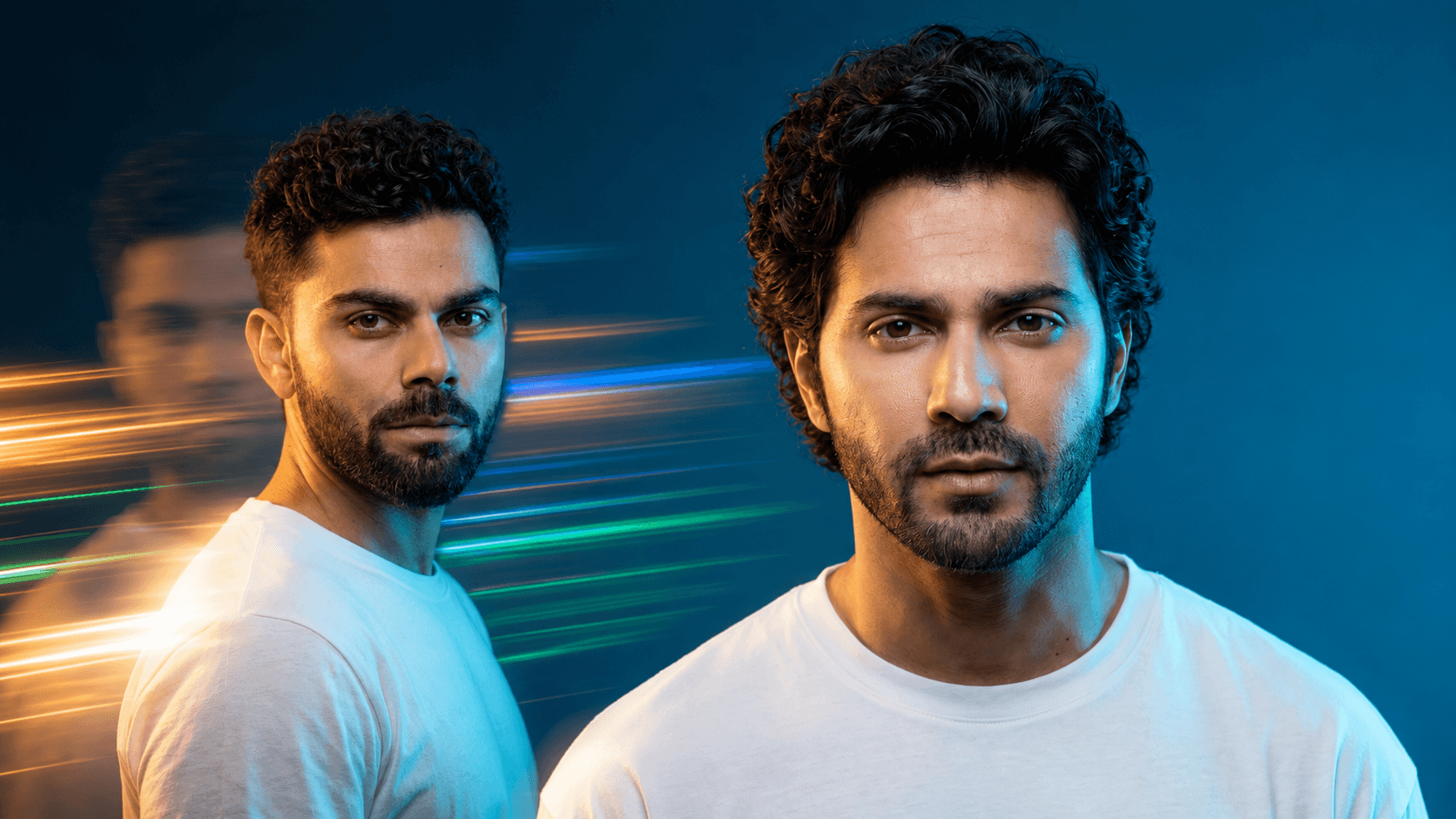
Cinematic Double Exposure Portrait Prompt — Light Trail Effect
Free identity-preserving AI prompt for a cinematic portrait with double exposure light trails, ghosted motion blur, and dramatic cyan-gold studio lighting.
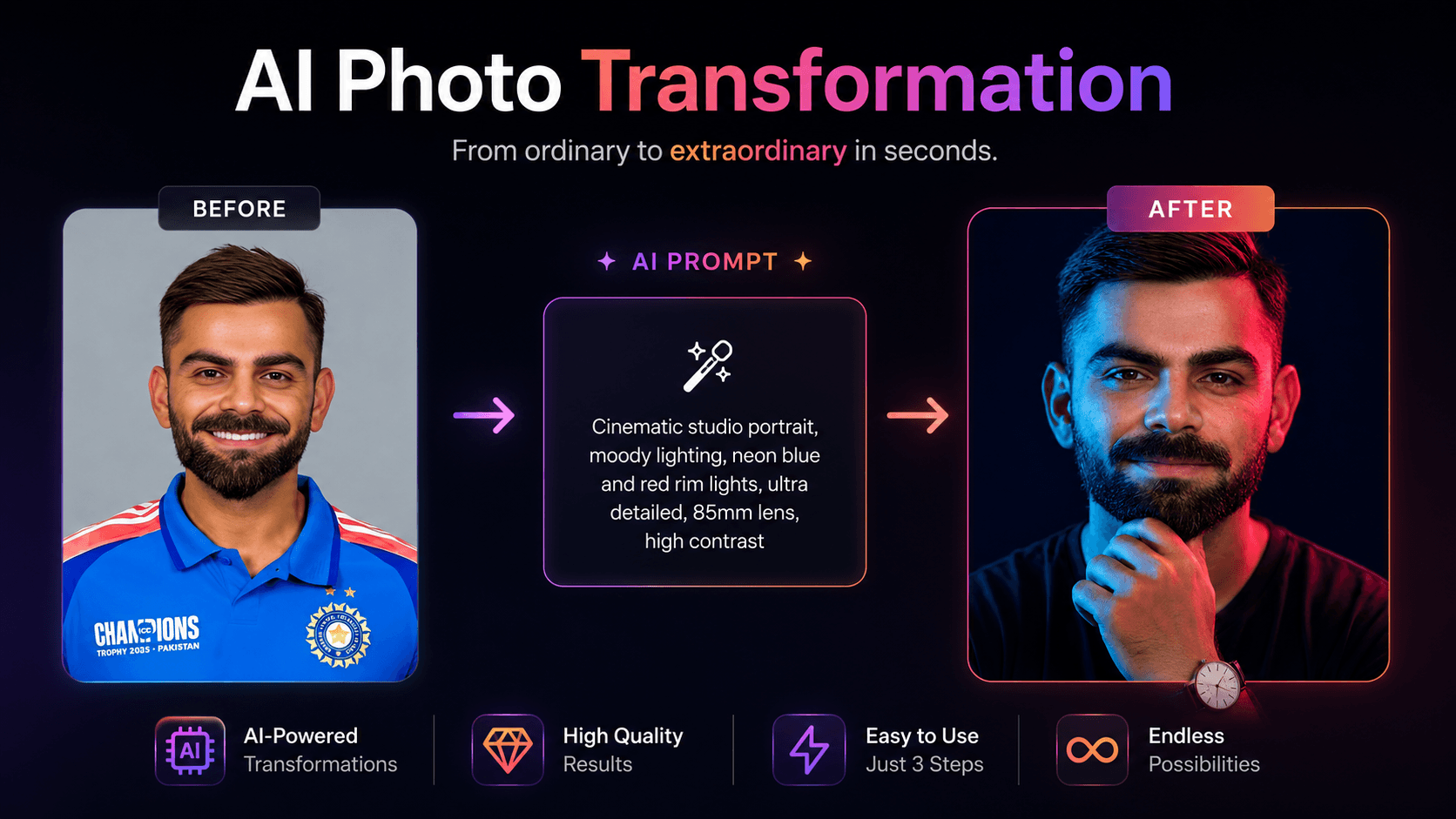
Dual Color Cinematic Portrait AI Prompt | Blue & Red Studio Lighting
Create cinematic studio portraits with blue and red split lighting, realistic skin details, and perfect facial identity preservation using AI.
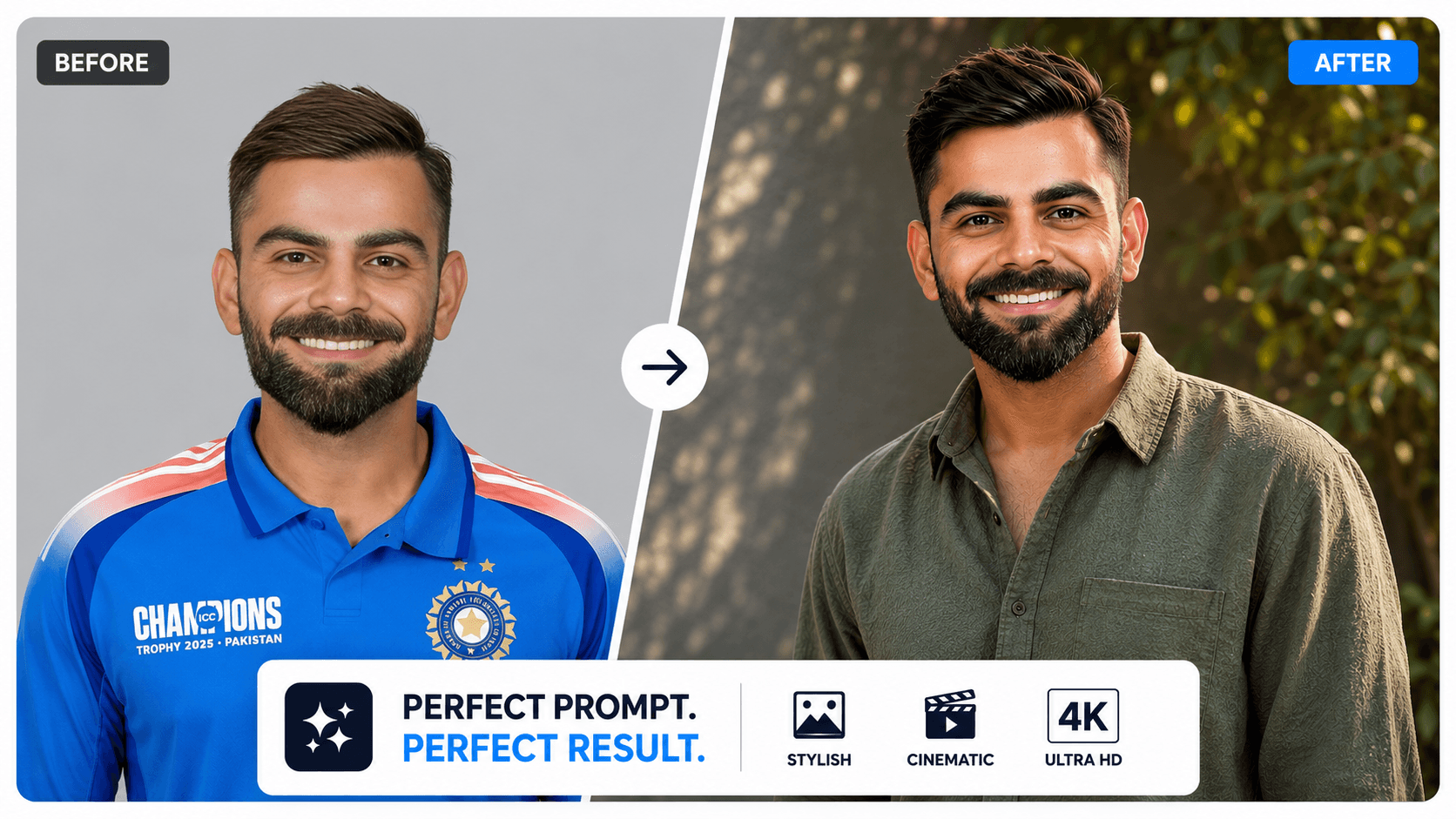
8K Hyper-Realistic Cinematic Portrait AI Prompt with 100% Face Match
Generate stunning 8K cinematic portraits with dramatic lighting, realistic details, gentle smiles, and accurate face preservation using this AI prompt.