
Dual Color Cinematic Portrait AI Prompt | Blue & Red Studio Lighting
Create cinematic studio portraits with blue and red split lighting, realistic skin details, and perfect facial identity preservation using AI.
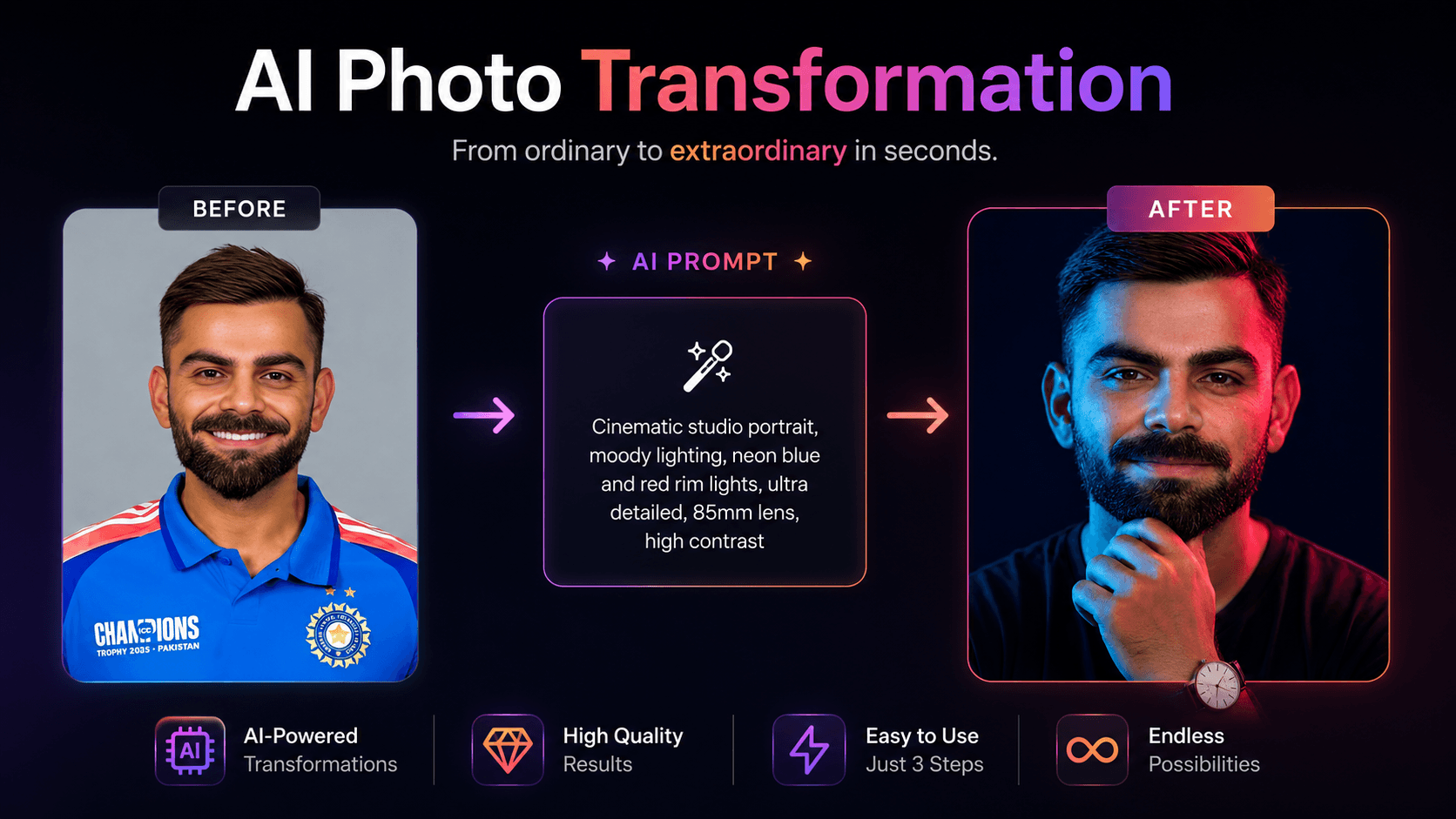
About this prompt
A quick overview of what this prompt is designed to create.
Create a cinematic studio portrait with dramatic blue and red lighting while preserving facial identity perfectly.
Prompt
Professional cinematic portrait photo of the exact same person from the reference image, identical facial structure, bone structure, skin texture, eye shape, nose, lips, and facial features completely unchanged and preserved 100%. Do not alter, morph, or modify the face in any way. Same age, same ethnicity, same expression.

Dramatic dual-color studio lighting: cool cyan-blue light illuminating the left side of the face, intense magenta-red light illuminating the right side of the face, creating a strong split complementary color effect. High contrast, moody atmosphere, deep shadows.

Subject looking directly at the camera with a calm, serious, thoughtful expression. Right hand gently resting under the chin in a contemplative pose. Short natural hair. Wearing a plain dark t-shirt. Simple analog wristwatch with white dial and dark strap visible on the wrist.

Solid dark navy-black background. Soft rim lighting, shallow depth of field, ultra-realistic skin details, professional studio photography, sharp focus on the face, cinematic color grading.
Negative Prompt
Elements to avoid when generating the image.
Style Notes
Additional guidance for achieving the intended visual style.
Upload a clear, front-facing portrait with the full face visible and good lighting.
How to Use This Prompt
Copy the prompt
Copy the prompt text and open your preferred AI image generator.
Generate an image
Paste the prompt, add an image if needed, and generate your first result.
Fine-tune the result
Adjust the prompt or settings until the result matches your vision.
Share this Prompt
Found this prompt useful? Share it with others.
Result Images
Popular
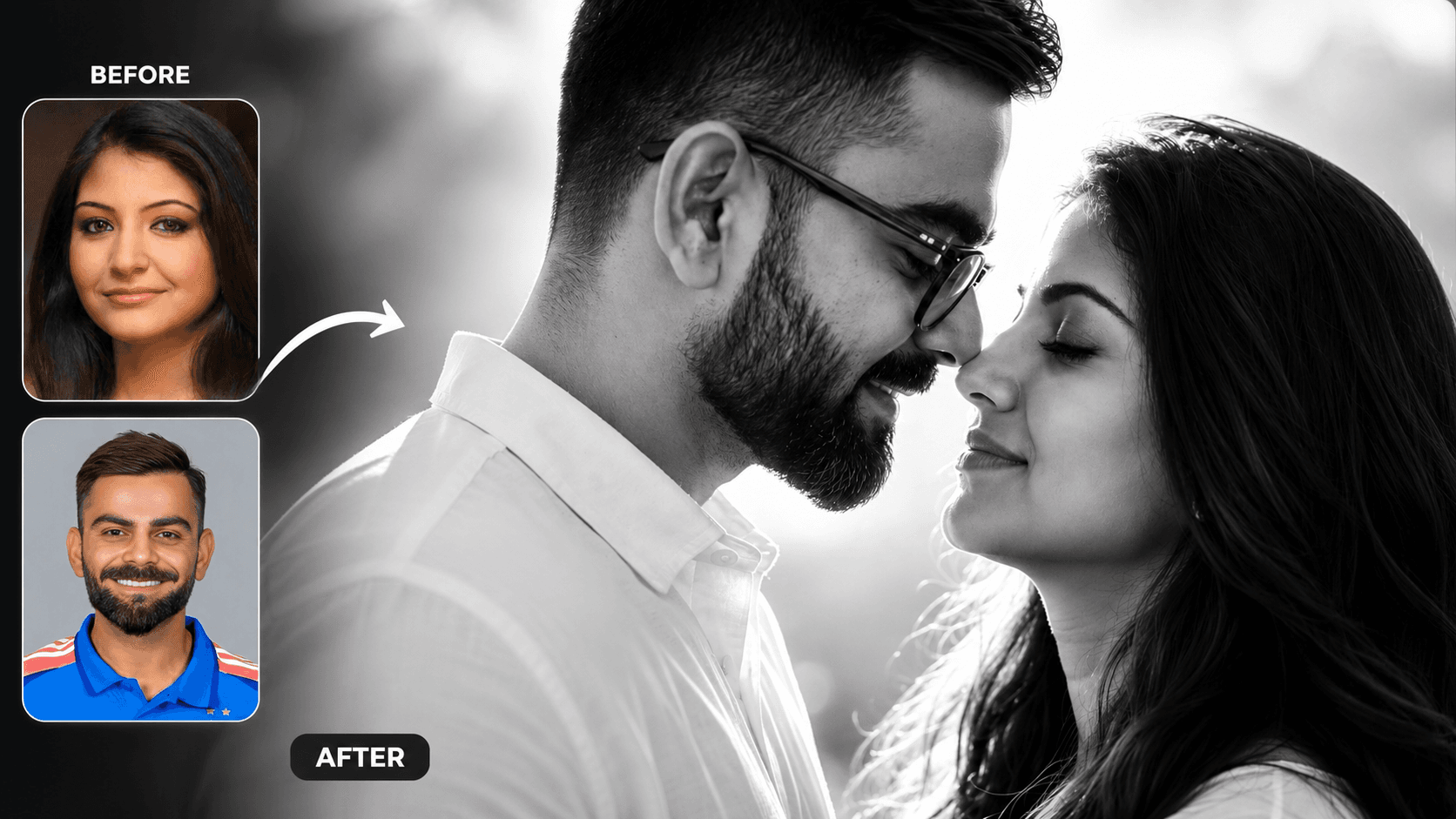
Cinematic Black and White Couple Portrait AI Prompt | Pre Wedding Style
Create romantic black and white couple portraits with cinematic lighting, identity preservation, and luxury pre-wedding photography using AI.
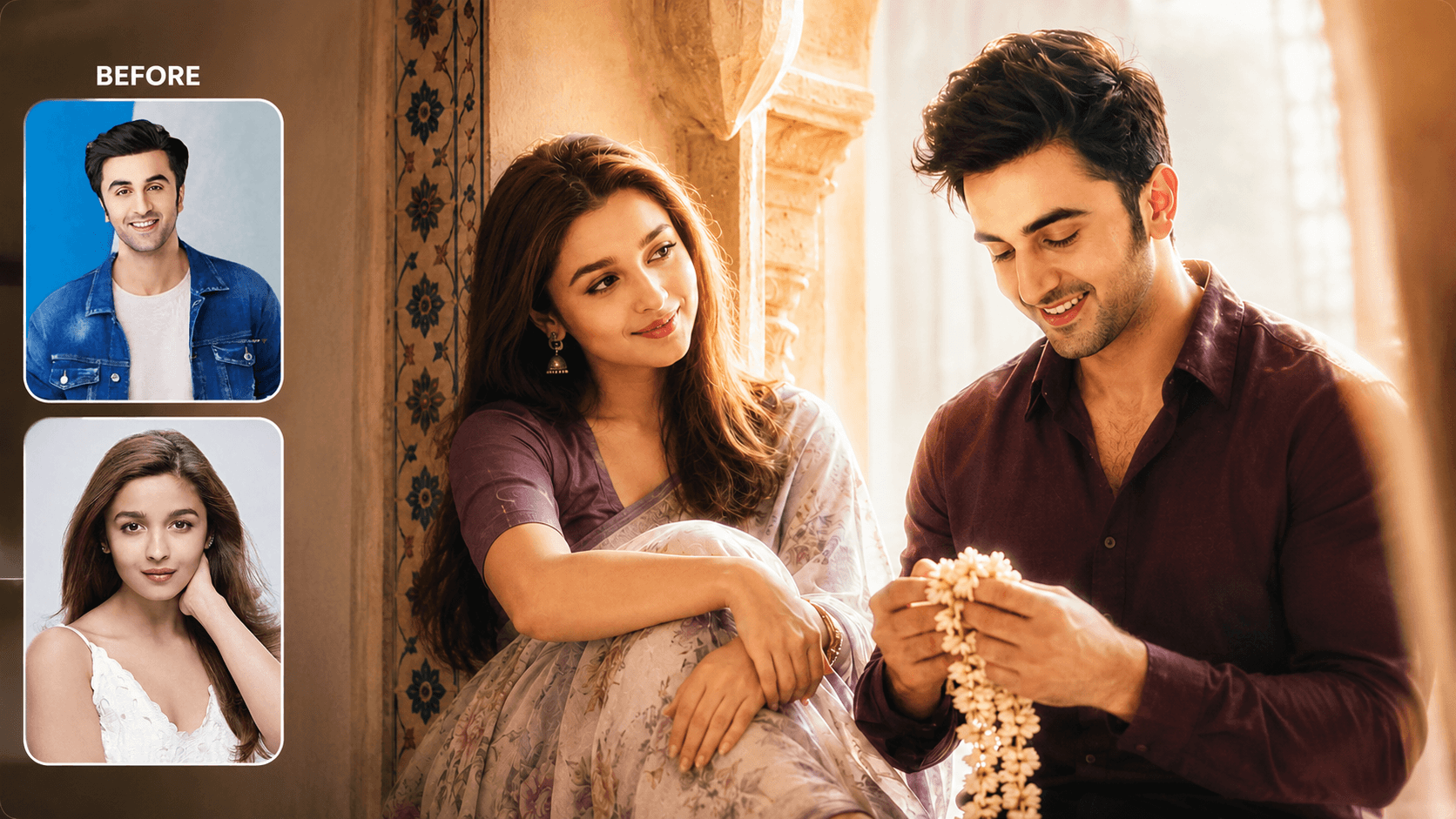
Dreamy Indoor Candid Couple Portrait AI Prompt | Soft Cinematic Glow
Create dreamy indoor couple portraits with soft glow, candid romance, creamy lighting, and realistic identity preservation using AI.
Category
Cinematic PortraitYou May Also Like
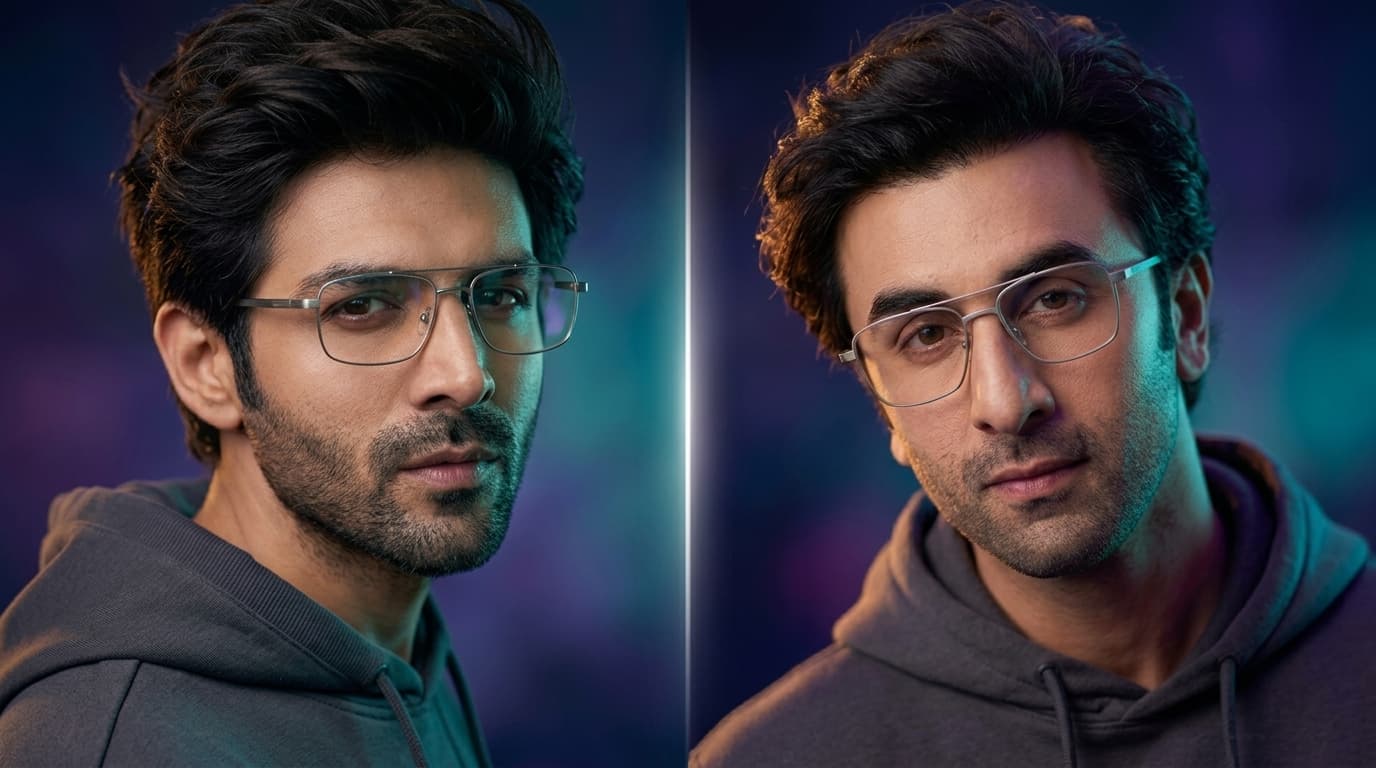
Neon Tri-Tone Cinematic Portrait Prompt — Sci-Fi Editorial Look
Free identity-preserving AI prompt for a sleek sci-fi editorial portrait — teal, amber, and violet tri-tone lighting, neon studio gradient, magazine-cover finish.
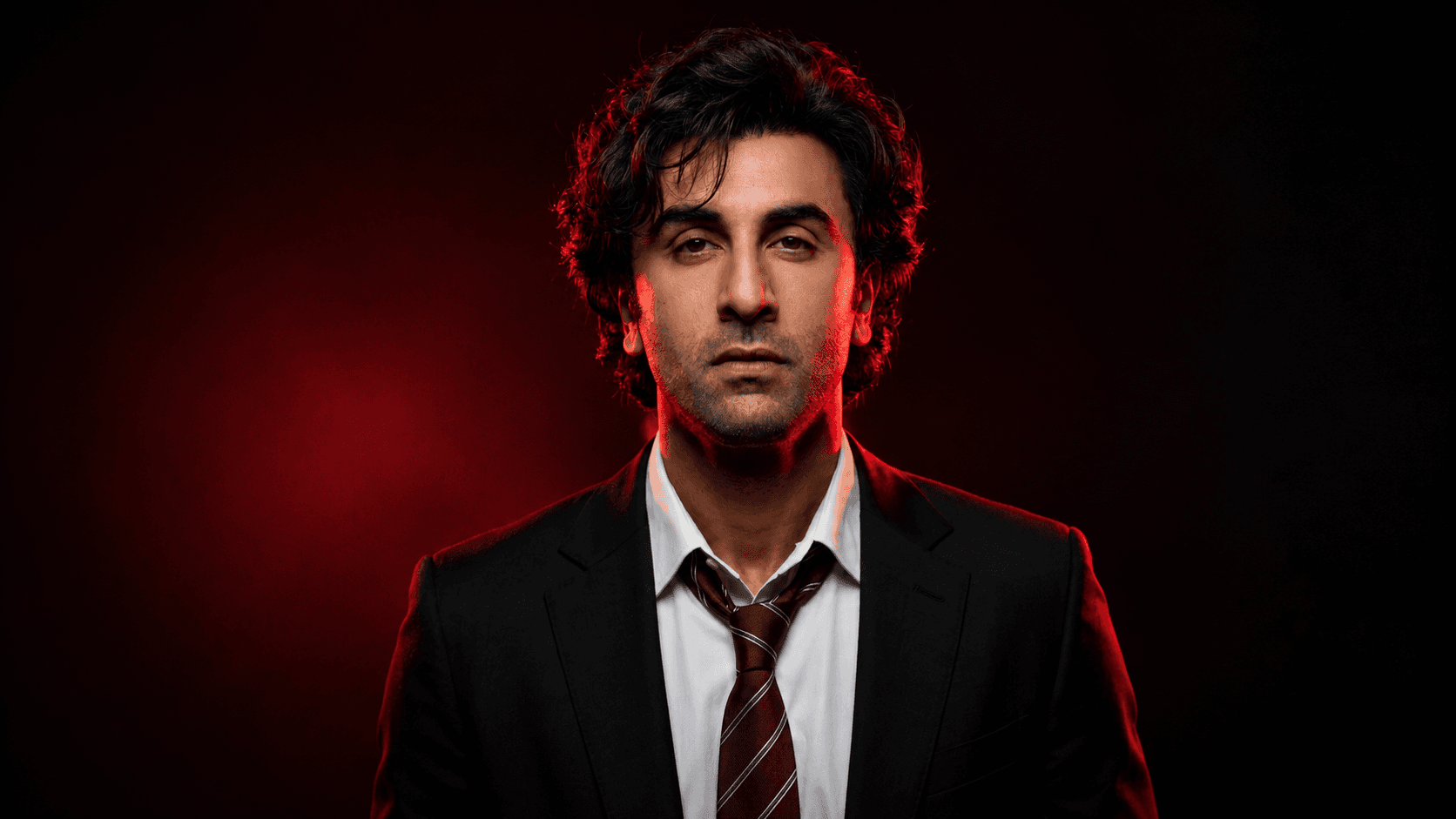
Dramatic Red-Lit Formal Portrait Prompt — Commanding Cinematic Look
Free identity-preserving AI prompt for a dramatic, high-contrast red-lit formal portrait — blazer and tie, commanding pose, burgundy-black studio gradient.
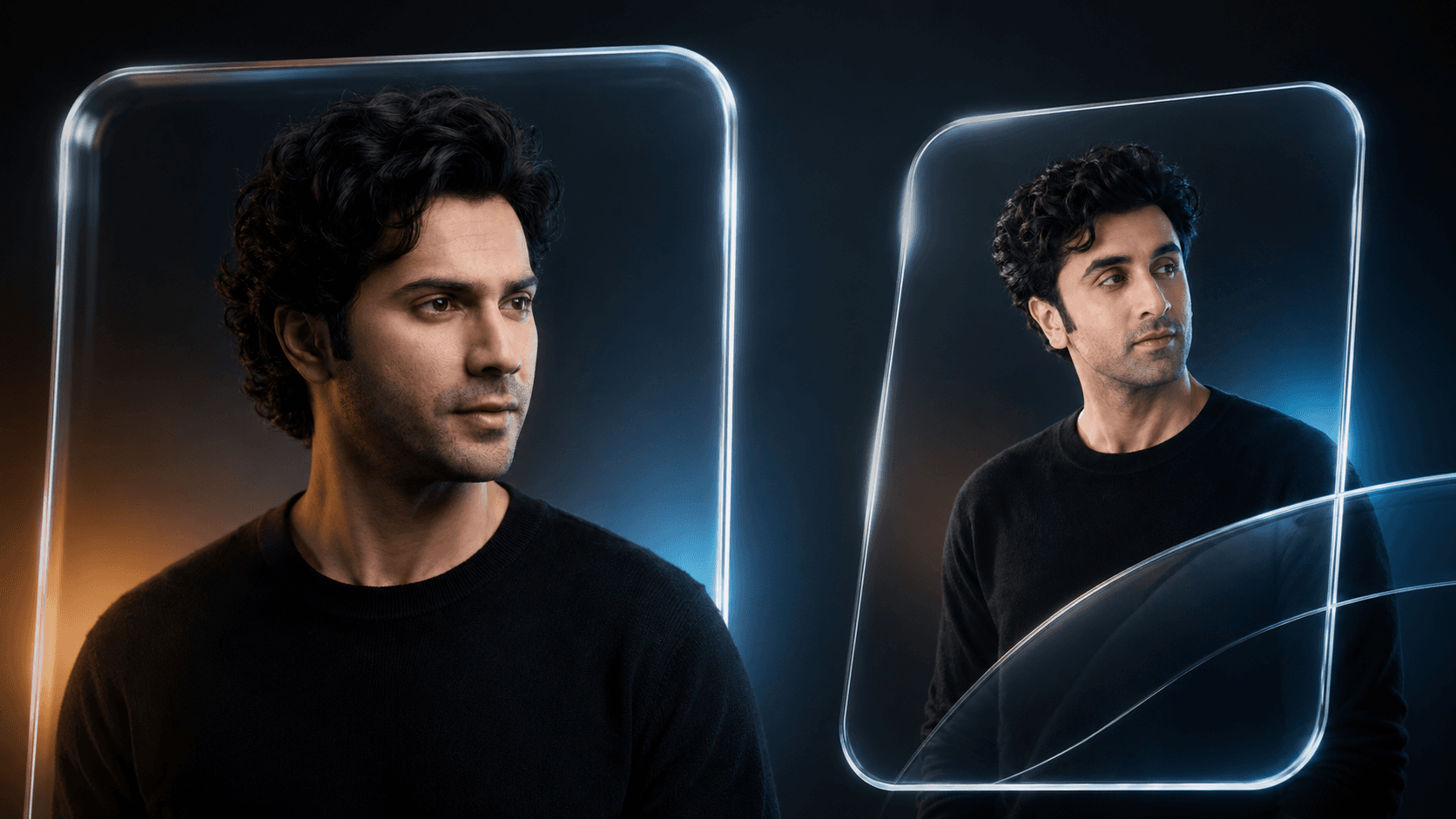
Glassmorphism Portrait Prompt — Futuristic Glass Panel Editorial
Free identity-preserving AI prompt for a futuristic glassmorphism portrait — transparent glass panel, warm-cool studio lighting, premium editorial finish.
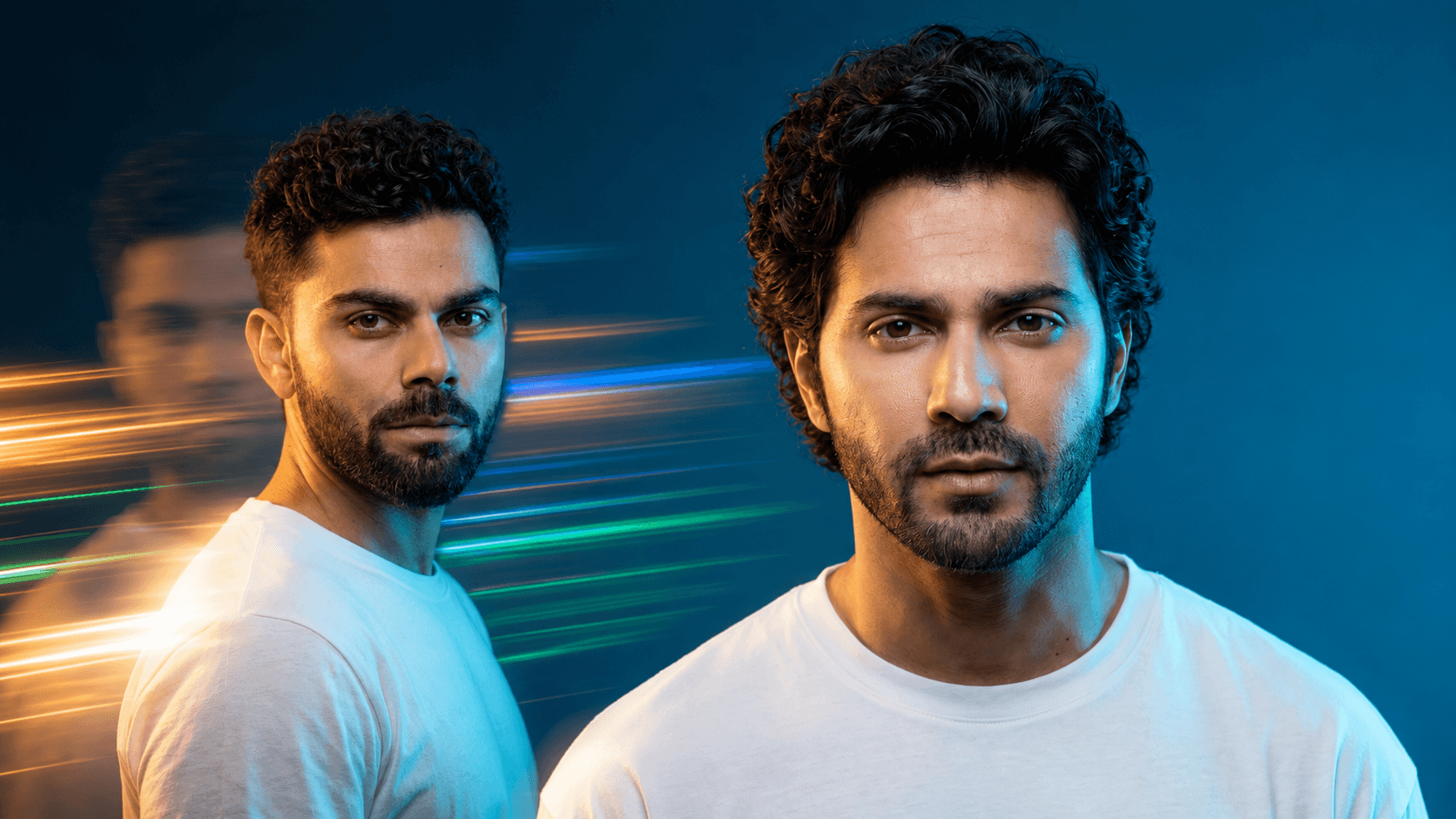
Cinematic Double Exposure Portrait Prompt — Light Trail Effect
Free identity-preserving AI prompt for a cinematic portrait with double exposure light trails, ghosted motion blur, and dramatic cyan-gold studio lighting.
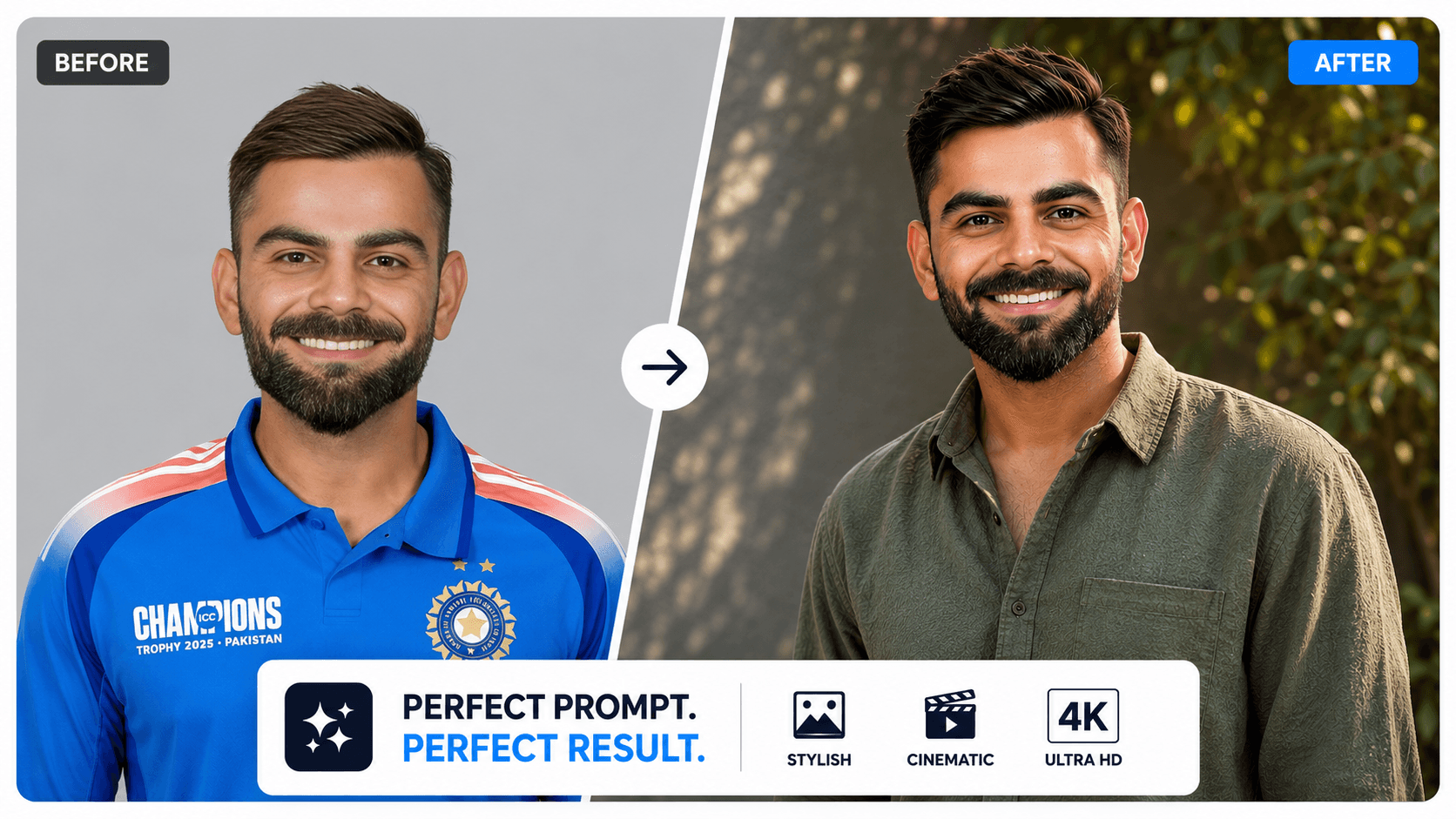
8K Hyper-Realistic Cinematic Portrait AI Prompt with 100% Face Match
Generate stunning 8K cinematic portraits with dramatic lighting, realistic details, gentle smiles, and accurate face preservation using this AI prompt.