
Monochrome & Color Splash Portrait Prompt — Illustrated Poster Art Style
Free identity-preserving AI prompt for a semi-realistic illustrated portrait — monochrome charcoal face with vivid hand-painted color splash accents.
About this prompt
A quick overview of what this prompt is designed to create.
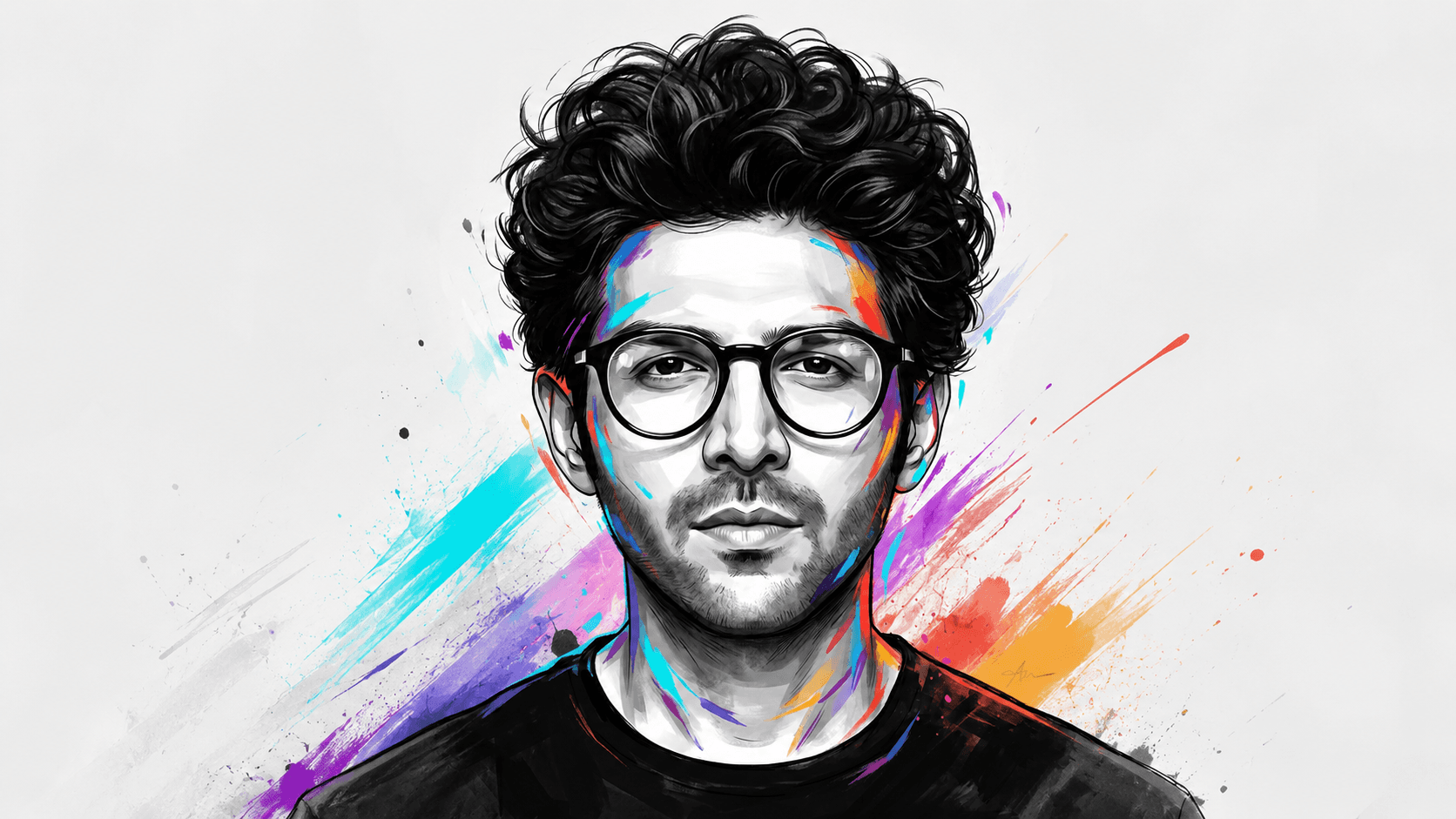
A poster-art style portrait prompt blending realistic facial detail with monochrome illustration and vivid color splash accents — face preserved exactly from your reference photo.
Prompt
Create a highly polished semi-realistic digital portrait illustration in a vertical 4:5 composition. Use the uploaded reference image strictly for the subject’s facial identity and recognizable facial structure only. Preserve natural face proportions, skin tone, jawline, nose, lips, and overall likeness, but do not preserve the reference image’s hairstyle, expression, clothing, pose, lighting, or background. Recreate all visual elements exactly as described below.

Composition & Framing: Tight chest-up portrait, centered almost perfectly in the frame, with the head occupying most of the upper half. Both shoulders are visible, with the lower torso fading into loose painterly brush edges. The subject faces directly toward the viewer in a symmetrical frontal position. Head remains upright with only a very subtle natural tilt. Keep generous clean white negative space around the silhouette.

Hair & Accessories: Create thick, voluminous, naturally curly/wavy black hair with abundant individual strands. The hairstyle is messy yet intentionally styled, swept upward and outward with large layered curls and pronounced volume across the entire top of the head. Add large rounded black eyeglasses with thick circular frames and transparent lenses. The glasses sit naturally across the eyes with realistic highlights.

Expression & Gaze: Calm, serious, neutral, slightly contemplative expression. Relaxed eyebrows, naturally open eyes, relaxed jaw, and closed lips. The subject looks directly toward the viewer/camera with a steady, confident gaze. Do not smile or exaggerate emotion.

Clothing: Plain black crew-neck T-shirt with a simple rounded collar. Keep the garment minimal, dark, and softly rendered with subtle folds.

Art Style & Face Rendering: Blend realistic facial anatomy with expressive graphic illustration. Render the face primarily in monochrome grayscale using layered charcoal, graphite, and ink-like tonal shapes. Preserve detailed facial contours, eyes, lips, nose, cheekbones, and subtle skin shading while maintaining a clean illustrated appearance.

Color Accents: Add vivid hand-painted strokes and splashes around the face, hair, ears, neck, and shirt in electric blue, cyan, red, orange, yellow, purple, and magenta. These accents should follow facial contours and appear intentionally scattered rather than evenly distributed.

Background: Pure clean white background with no physical environment, shadows, or distracting objects. Let the lower clothing and some hair edges dissolve into rough dry-brush and watercolor-like strokes.

Finish: Crisp linework, smooth graphic shading, expressive brush texture, high detail, sharp eyes, controlled color contrast, premium poster-art quality, ultra-high-resolution digital illustration, no film grain, no watermark. Include a small black handwritten artist-signature-style mark near the lower-right edge, matching the placement of the reference image. Aspect ratio 4:5.
Negative Prompt
Elements to avoid when generating the image.
film grain, watermark (also implicitly: no smiling/exaggerated emotion, no preserved hairstyle/clothing/background from reference)
Style Notes
Additional guidance for achieving the intended visual style.
Works with any clear reference photo since the final result is a stylized illustration, not a photo-match. Strong fit for poster prints, portfolio art pieces, or profile/avatar art with a bold graphic look.
How to Use This Prompt
Copy the prompt
Copy the prompt text and open your preferred AI image generator.
Generate an image
Paste the prompt, add an image if needed, and generate your first result.
Fine-tune the result
Adjust the prompt or settings until the result matches your vision.
Share this Prompt
Found this prompt useful? Share it with others.
Result Images
Popular
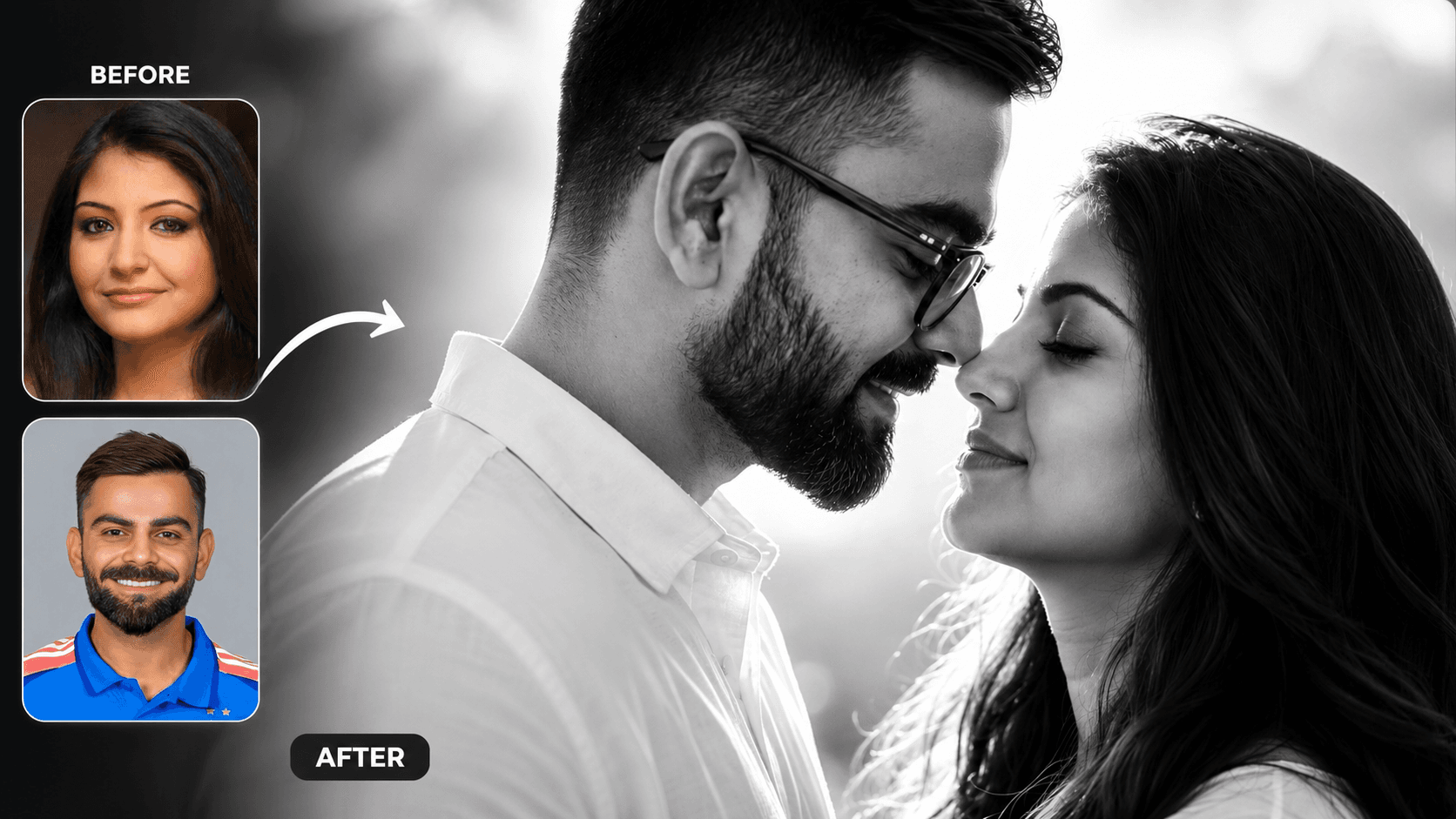
Cinematic Black and White Couple Portrait AI Prompt | Pre Wedding Style
Create romantic black and white couple portraits with cinematic lighting, identity preservation, and luxury pre-wedding photography using AI.
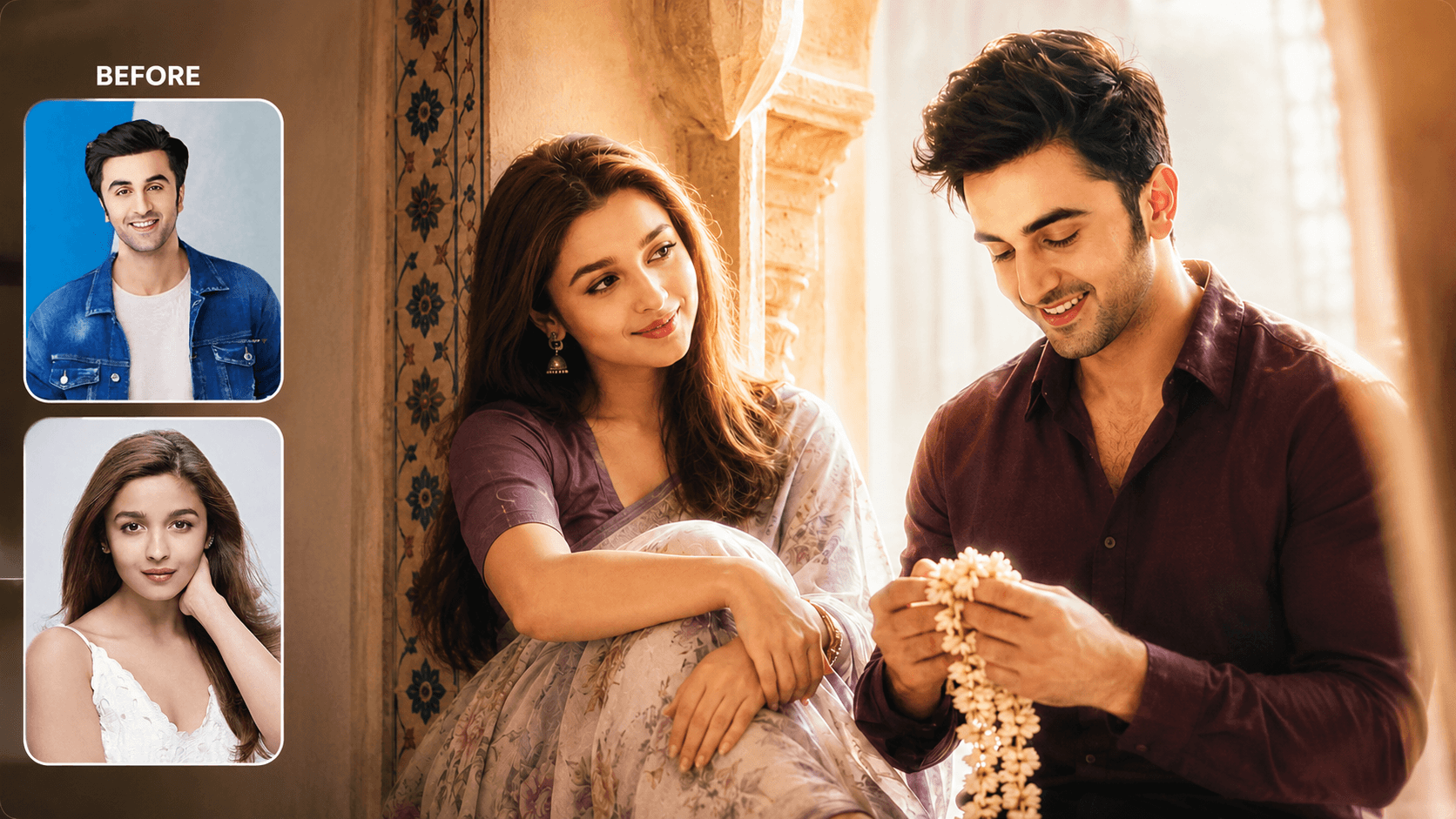
Dreamy Indoor Candid Couple Portrait AI Prompt | Soft Cinematic Glow
Create dreamy indoor couple portraits with soft glow, candid romance, creamy lighting, and realistic identity preservation using AI.
You May Also Like
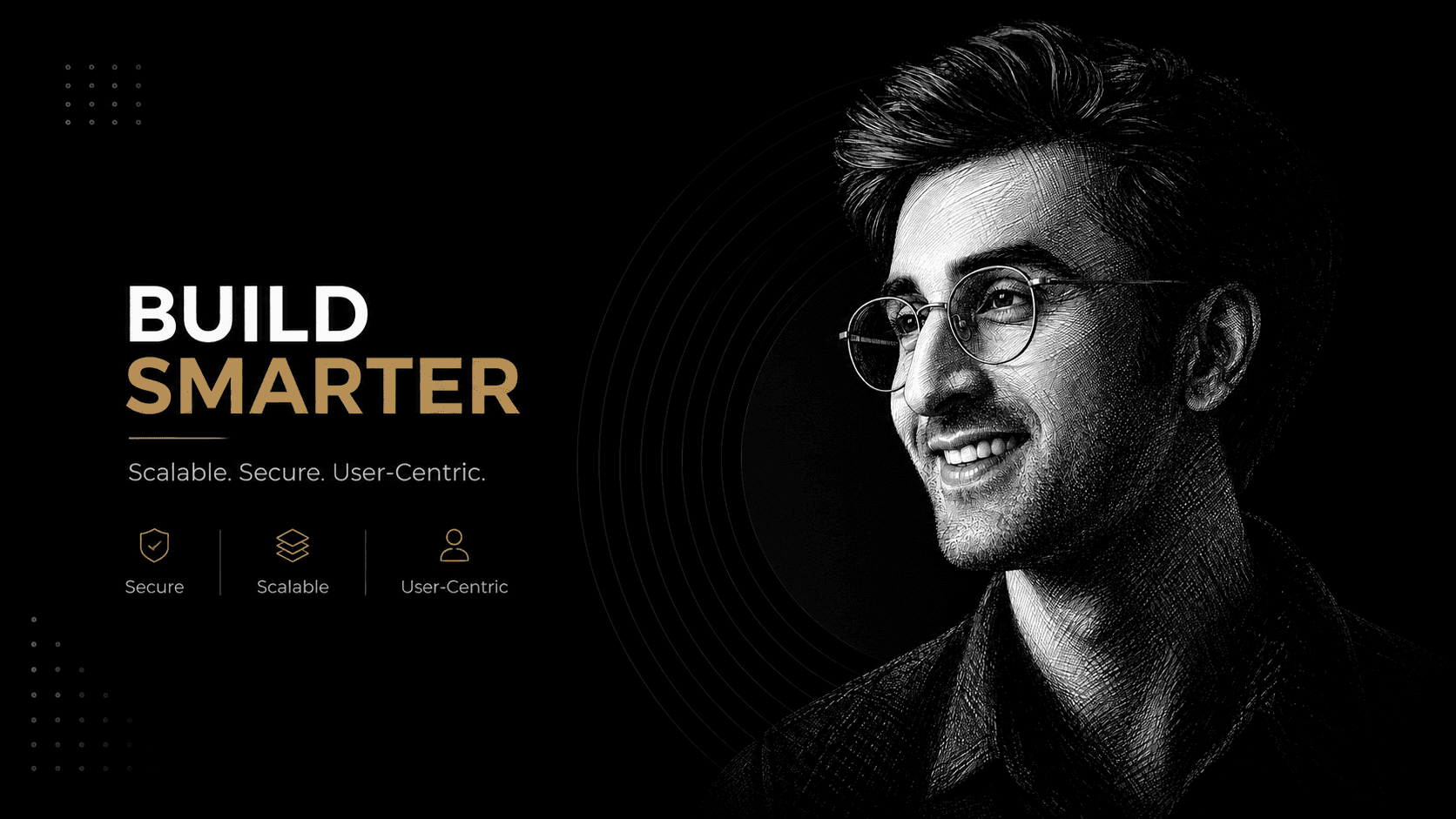
Black and White Ink Portrait AI Prompt | Cross-Hatch Illustration
Create a detailed black-and-white ink portrait with cross-hatch shading, engraving textures, dramatic lighting, and accurate facial identity.
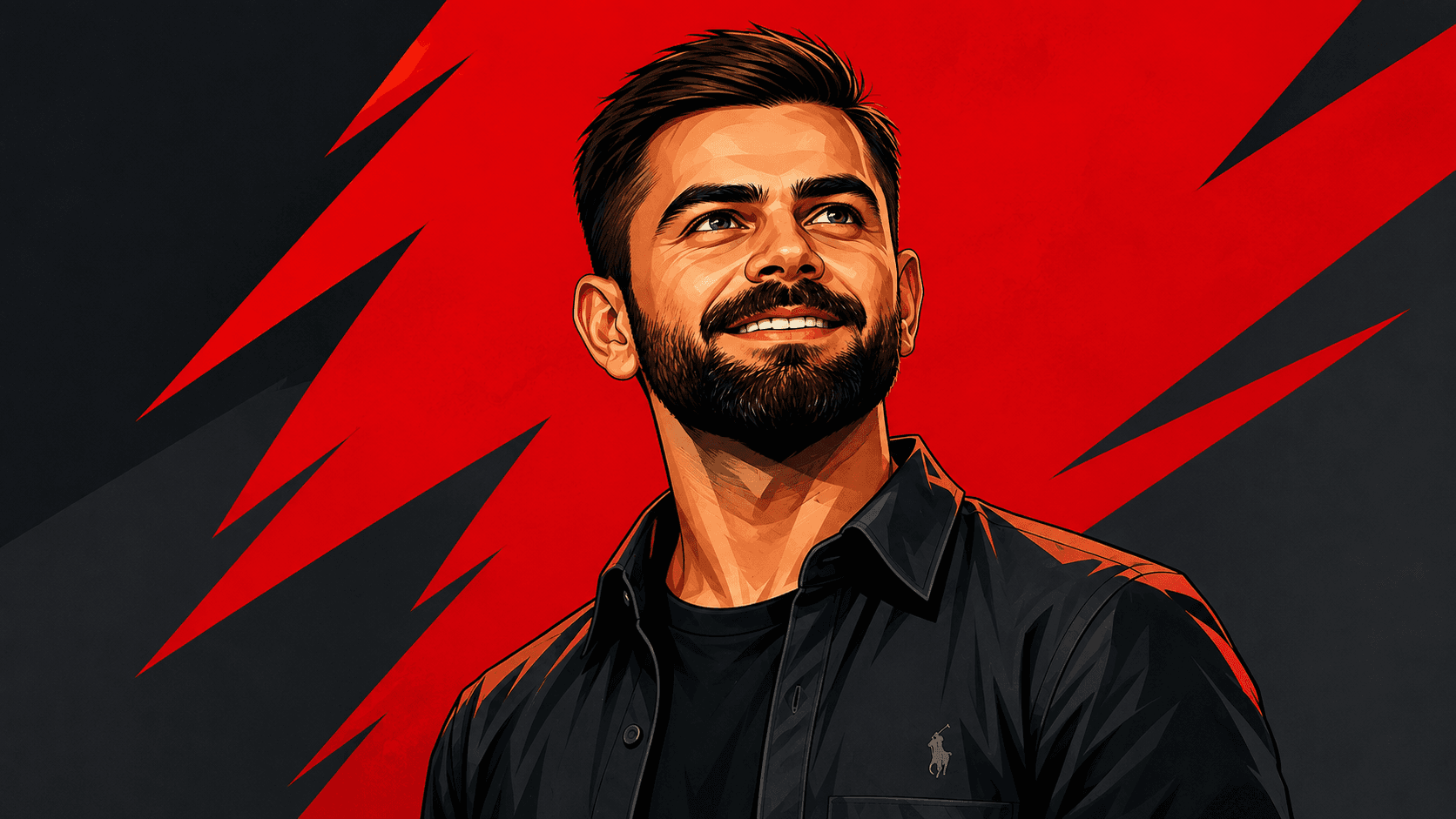
Pop Art Portrait AI Prompt | Graphic Novel Style
Create bold pop art portraits with graphic novel styling, angular lines, vibrant colors, and strict facial identity matching using AI.