
Black and White Ink Portrait AI Prompt | Cross-Hatch Illustration
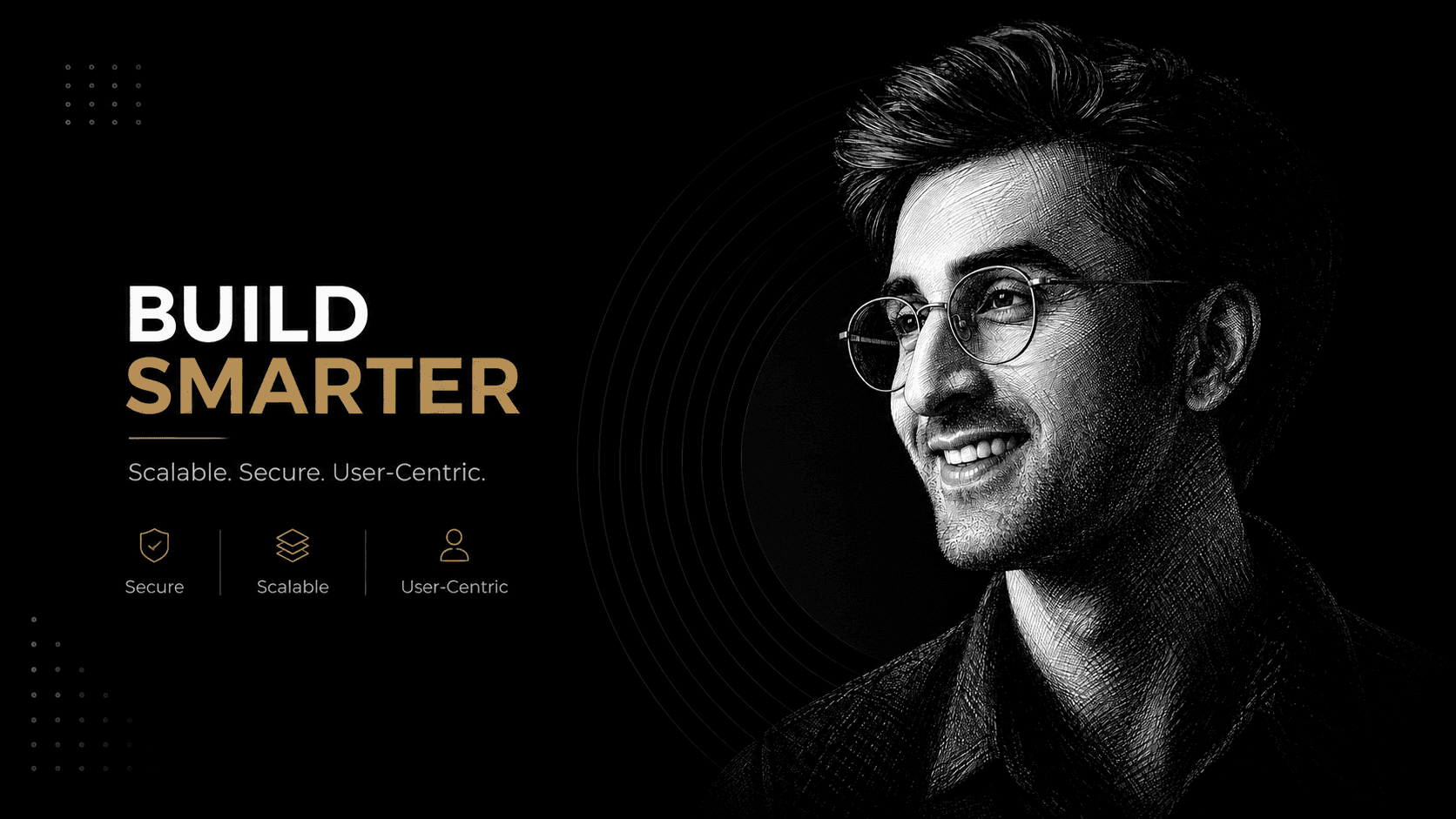
Create a detailed black-and-white ink portrait with cross-hatch shading, engraving textures, dramatic lighting, and accurate facial identity.
About this prompt
A quick overview of what this prompt is designed to create.
Transform a reference photo into an intricate black-and-white ink portrait using fine cross-hatching, engraving textures, and dramatic chiaroscuro lighting
Prompt
Use the uploaded [reference image] as the subject's exact face and likeness. Create an intricate black-and-white pen-and-ink cross-hatch illustration.

Subject: a tight side-profile or three-quarter head shot of the subject from the [reference image], every wrinkle, brow line and strand of stubble rendered as fine crosshatched linework, round wire-frame glasses catching a sliver of highlight.
Wardrobe: a plain collar, mostly lost in shadow.
Setting: pure black background, no props.
Lighting: a single hard raking sidelight to maximize the crosshatch shadow texture, extreme contrast between lit and unlit linework.
Camera: tight head-and-shoulders crop, engraving-plate framing.
Mood: dignified, intense, fine-art etching.

Rendering: an intricate black-and-white pen-and-ink cross-hatch illustration, every texture built from fine linework, zero color, high-contrast engraving style, no photographic smoothness. Add a small, subtle, semi-transparent "nanopromptify.com" watermark in the bottom-right corner. Aspect ratio 9:16. Optimised for Gemini and ChatGPT / DALL·E (also works in Midjourney).
Parameters: --ar 9:16 --style raw --v 6 --stylize 300 --quality 2 --seed [insert seed] --iw [insert image weight 1-3 for the reference face] --no color, photographic texture, extra limbs, warped hands, text artifacts
Negative Prompt
Elements to avoid when generating the image.
Style Notes
Additional guidance for achieving the intended visual style.
Upload a clear face reference with visible facial details and glasses for accurate identity and fine cross-hatched linework.
How to Use This Prompt
Copy the prompt
Copy the prompt text and open your preferred AI image generator.
Generate an image
Paste the prompt, add an image if needed, and generate your first result.
Fine-tune the result
Adjust the prompt or settings until the result matches your vision.
Share this Prompt
Found this prompt useful? Share it with others.
Result Images
Popular
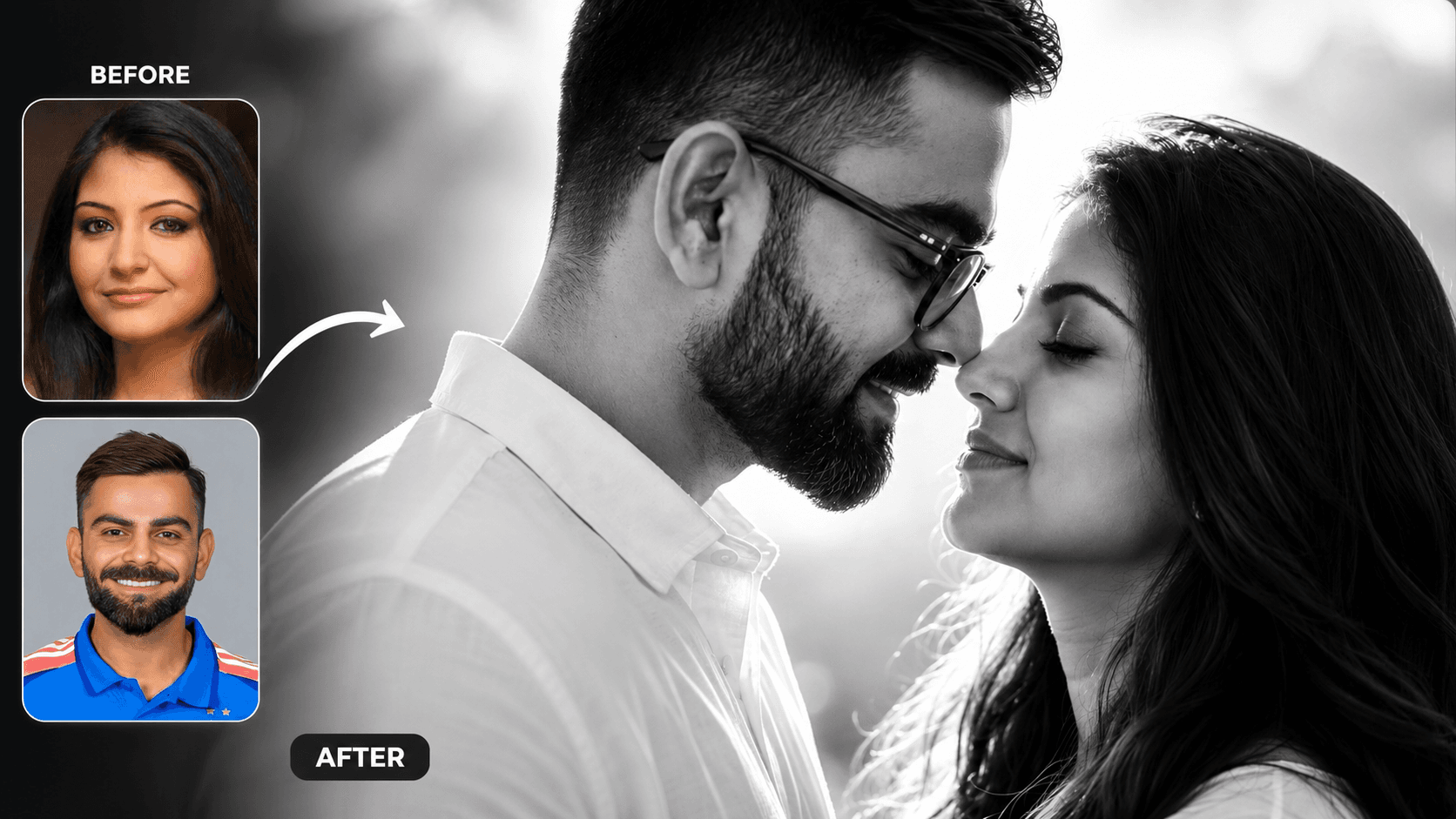
Cinematic Black and White Couple Portrait AI Prompt | Pre Wedding Style
Create romantic black and white couple portraits with cinematic lighting, identity preservation, and luxury pre-wedding photography using AI.
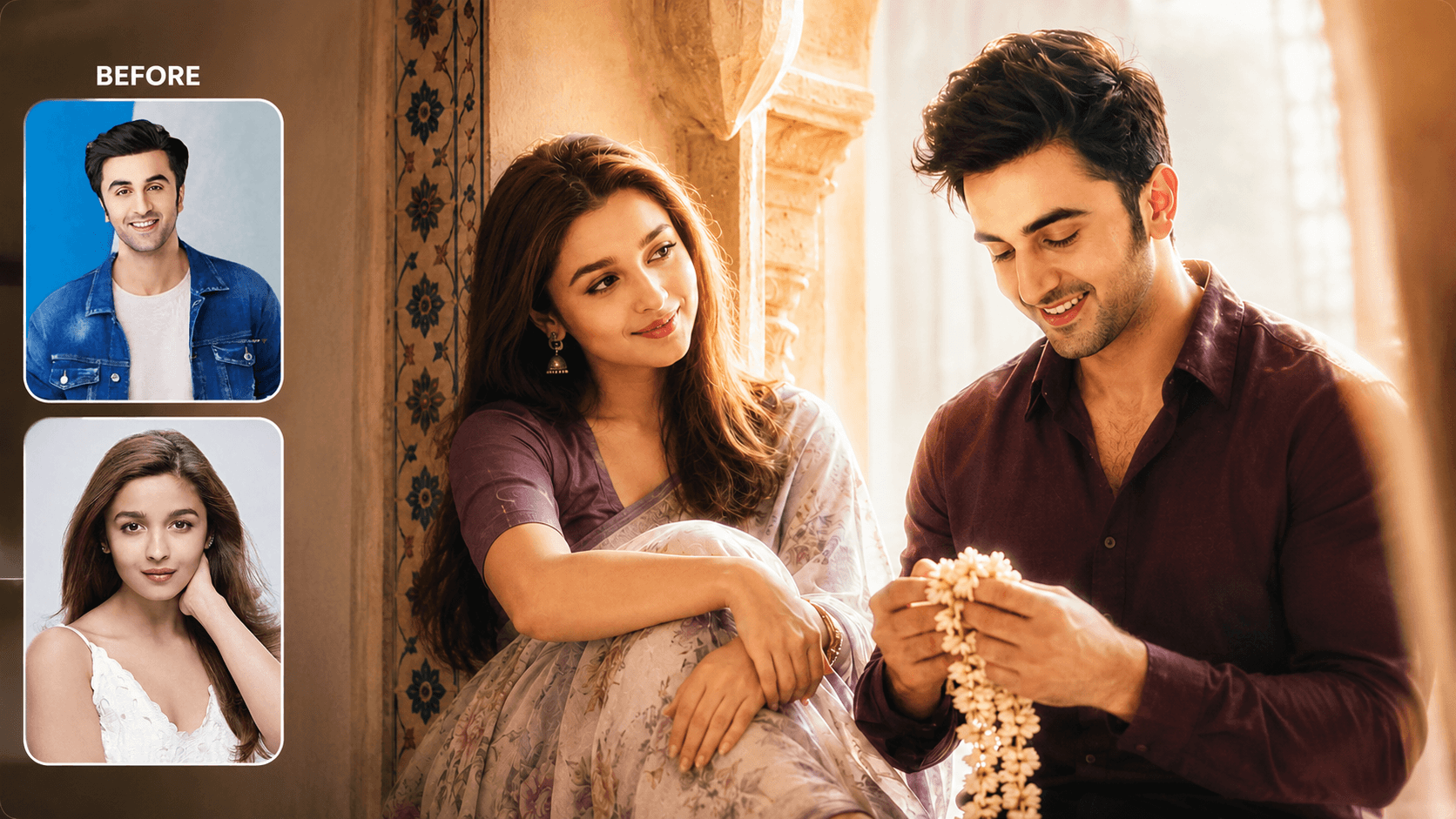
Dreamy Indoor Candid Couple Portrait AI Prompt | Soft Cinematic Glow
Create dreamy indoor couple portraits with soft glow, candid romance, creamy lighting, and realistic identity preservation using AI.
You May Also Like
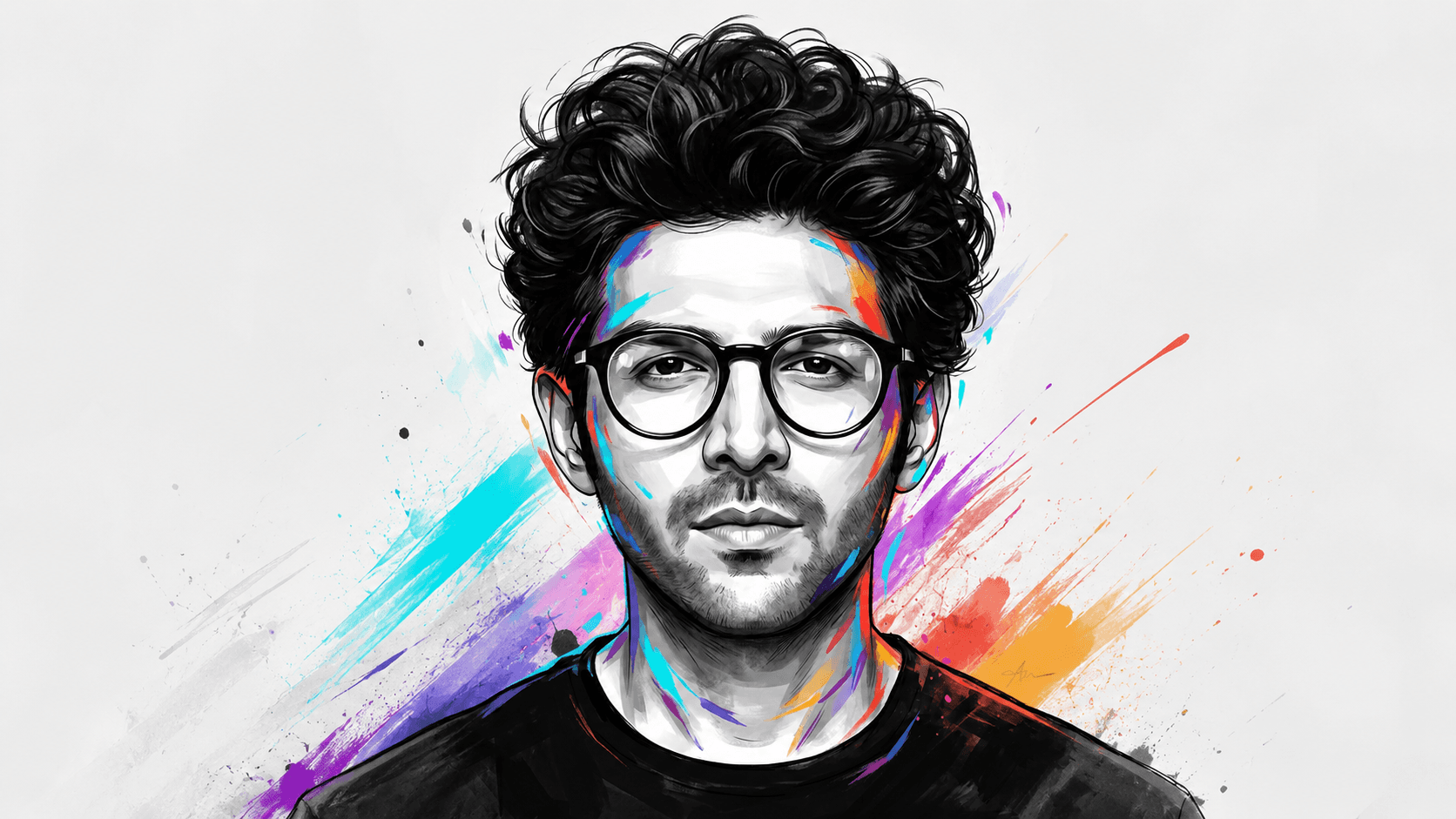
Monochrome & Color Splash Portrait Prompt — Illustrated Poster Art Style
Free identity-preserving AI prompt for a semi-realistic illustrated portrait — monochrome charcoal face with vivid hand-painted color splash accents.
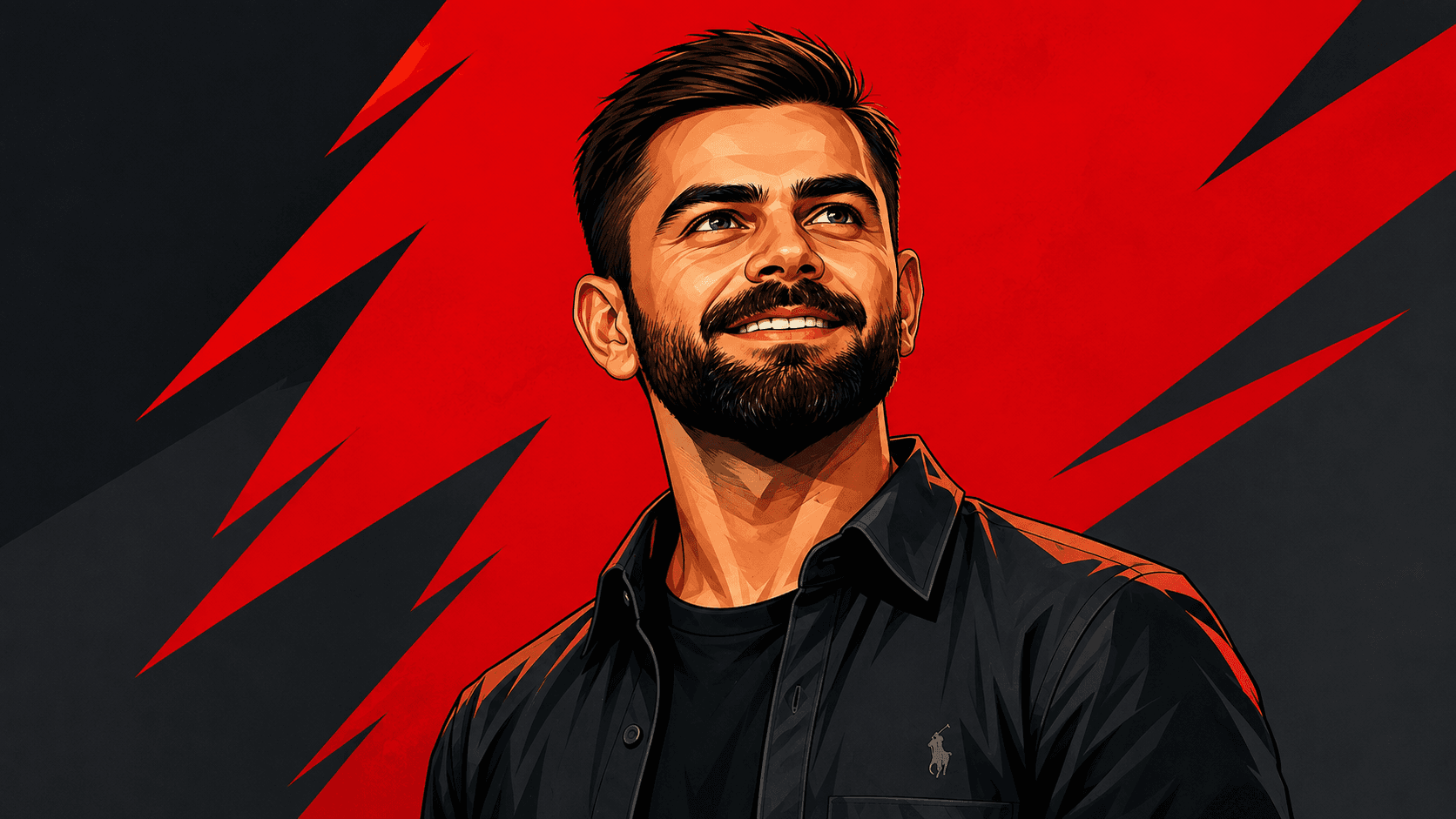
Pop Art Portrait AI Prompt | Graphic Novel Style
Create bold pop art portraits with graphic novel styling, angular lines, vibrant colors, and strict facial identity matching using AI.