
High-Fashion Studio Portrait AI Prompt | Luxury Editorial Woman
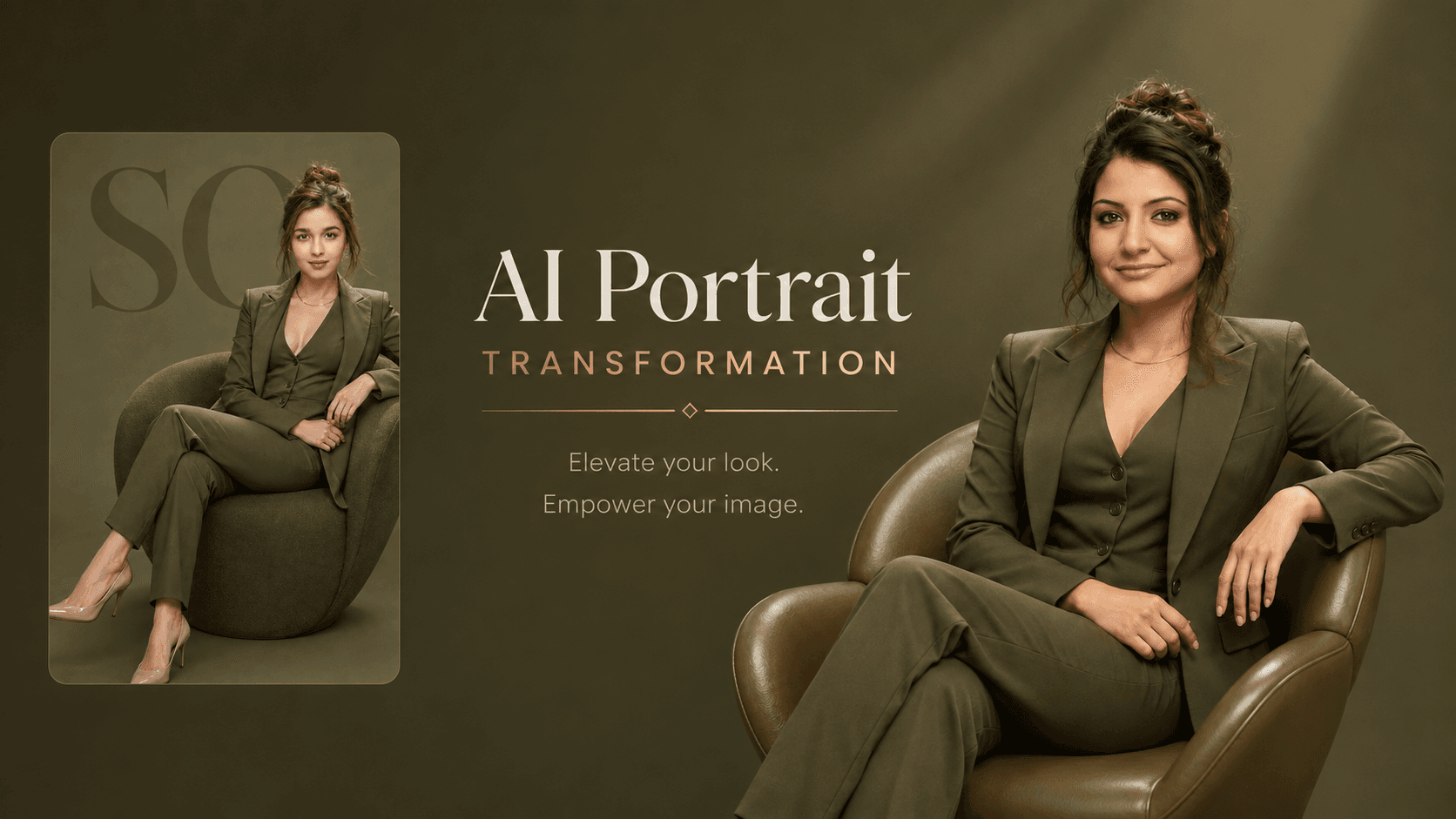
Create a high-fashion studio portrait of a woman in a luxury olive-green pantsuit with editorial lighting, premium styling, and accurate facial identity preservation.
About this prompt
A quick overview of what this prompt is designed to create.
Create a luxury high-fashion studio portrait with an olive-green pantsuit, editorial lighting, and precise facial identity preservation.
Prompt
Professional high-fashion studio portrait of a woman sitting in a modern sculptural olive-green armchair, exact same pose and composition as the reference scene: body angled three-quarter view, legs extended and crossed at the ankles, left arm resting on the curved armrest, right hand near waist, head slightly tilted, soft confident closed-mouth smile looking directly at camera.

She wears a perfectly tailored matching olive-green pantsuit (open blazer with structured shoulders, deep-V sleeveless vest underneath, straight-leg trousers), nude pointed-toe stiletto heels, thin gold necklace. Hair in a loose messy high bun with soft face-framing tendrils.

Solid muted olive-green seamless background with large oversized semi-transparent dark-olive serif letters “SO” in the background behind her. Soft even studio lighting, gentle rim light on hair and shoulders, high-end editorial fashion photography, sharp focus on subject, clean minimalist luxurious aesthetic, monochromatic olive-green color palette.

Keep the exact facial structure, bone structure, eye shape, nose, lips, and identity of the reference person completely unchanged. Do not alter the face in any way. Photorealistic, 8k, highly detailed.
Negative Prompt
Elements to avoid when generating the image.
Style Notes
Additional guidance for achieving the intended visual style.
Upload a clear face photo with visible facial features for accurate identity preservation.
How to Use This Prompt
Copy the prompt
Copy the prompt text and open your preferred AI image generator.
Generate an image
Paste the prompt, add an image if needed, and generate your first result.
Fine-tune the result
Adjust the prompt or settings until the result matches your vision.
Share this Prompt
Found this prompt useful? Share it with others.
Result Images
Popular
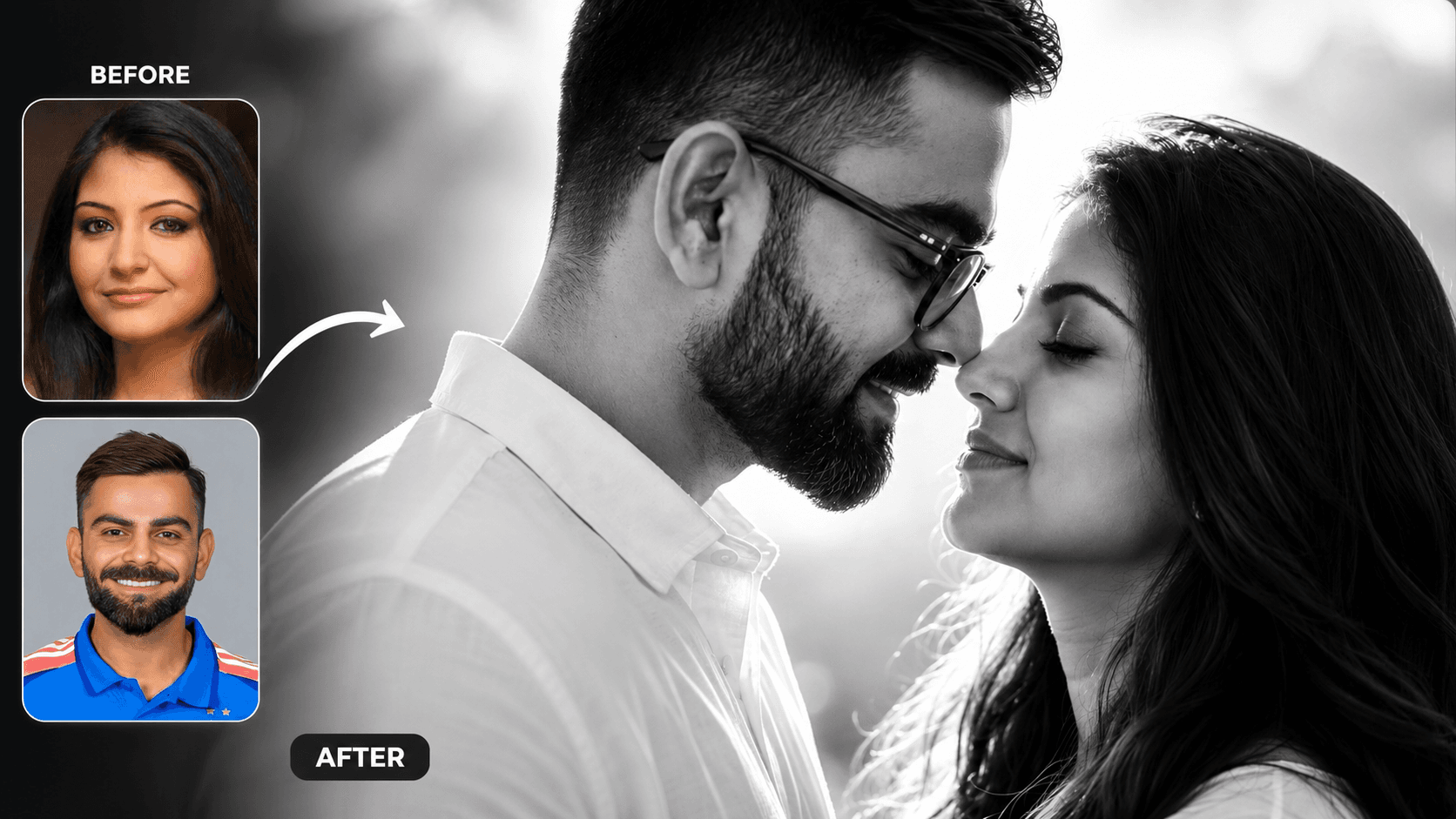
Cinematic Black and White Couple Portrait AI Prompt | Pre Wedding Style
Create romantic black and white couple portraits with cinematic lighting, identity preservation, and luxury pre-wedding photography using AI.
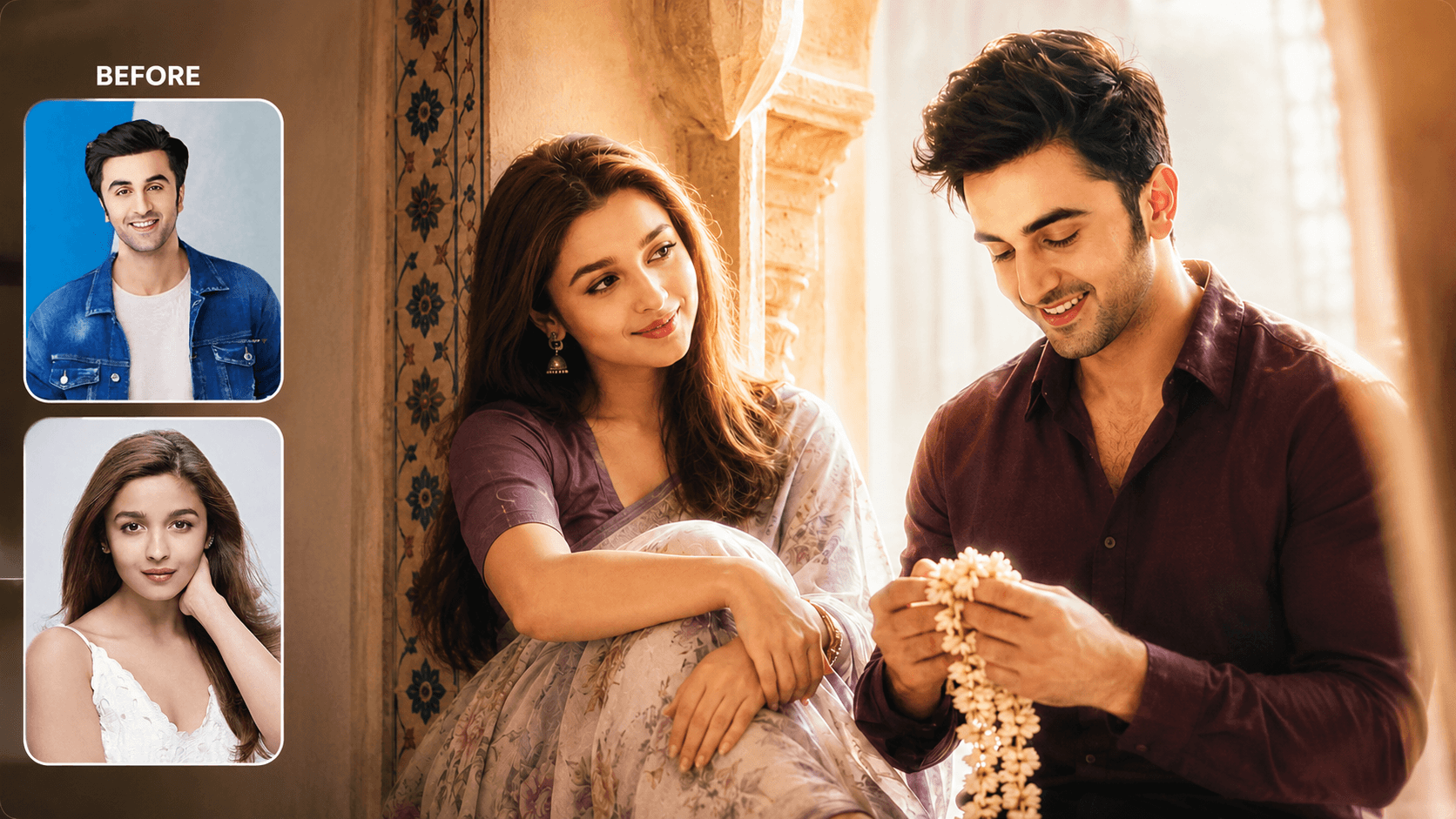
Dreamy Indoor Candid Couple Portrait AI Prompt | Soft Cinematic Glow
Create dreamy indoor couple portraits with soft glow, candid romance, creamy lighting, and realistic identity preservation using AI.
You May Also Like
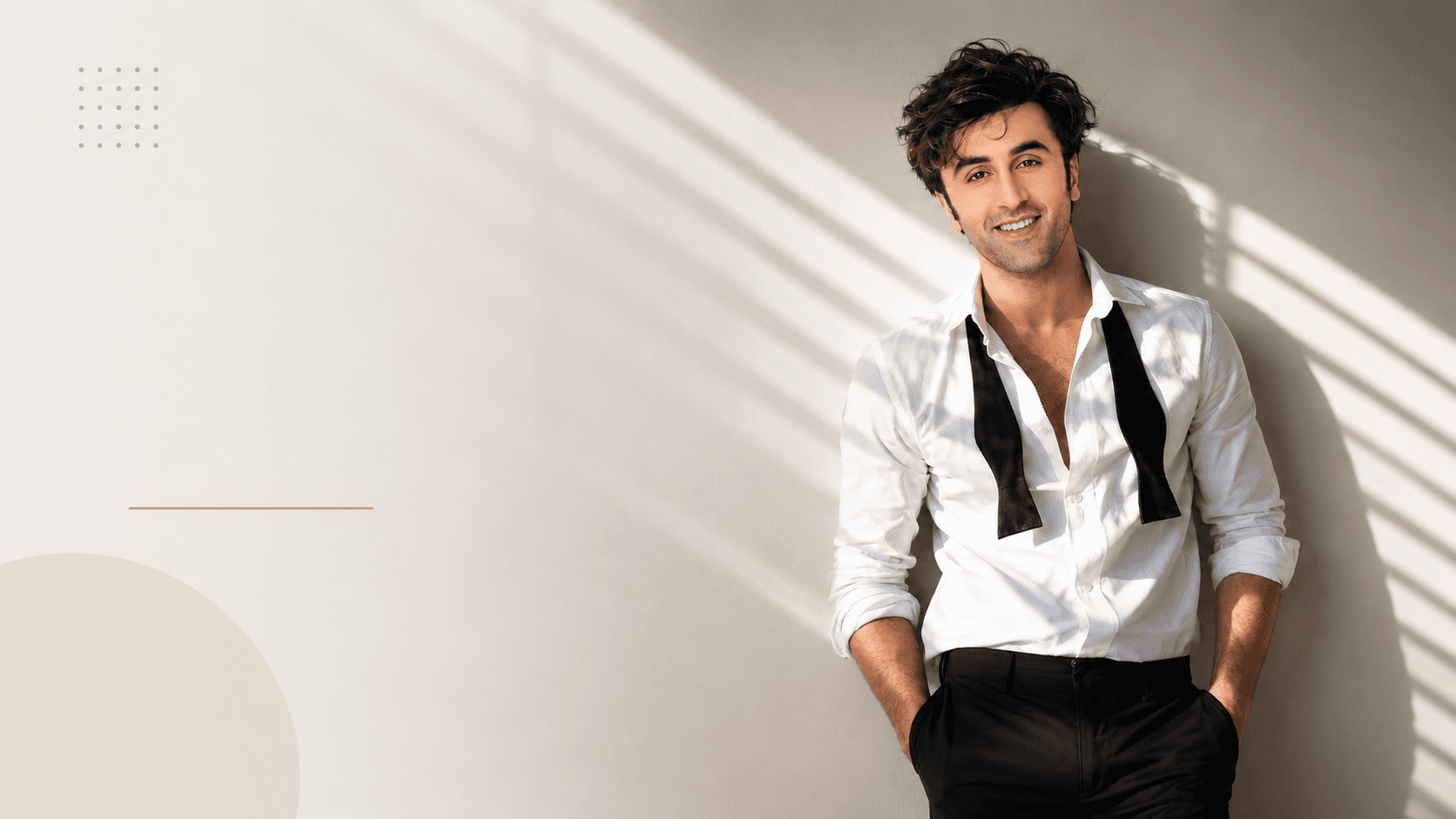
Cinematic White Shirt Portrait AI Prompt | Sunlit Editorial Style
Create a cinematic men's portrait with a white dress shirt, loosened black tie, dramatic sunlight, geometric shadows, and realistic facial identity.
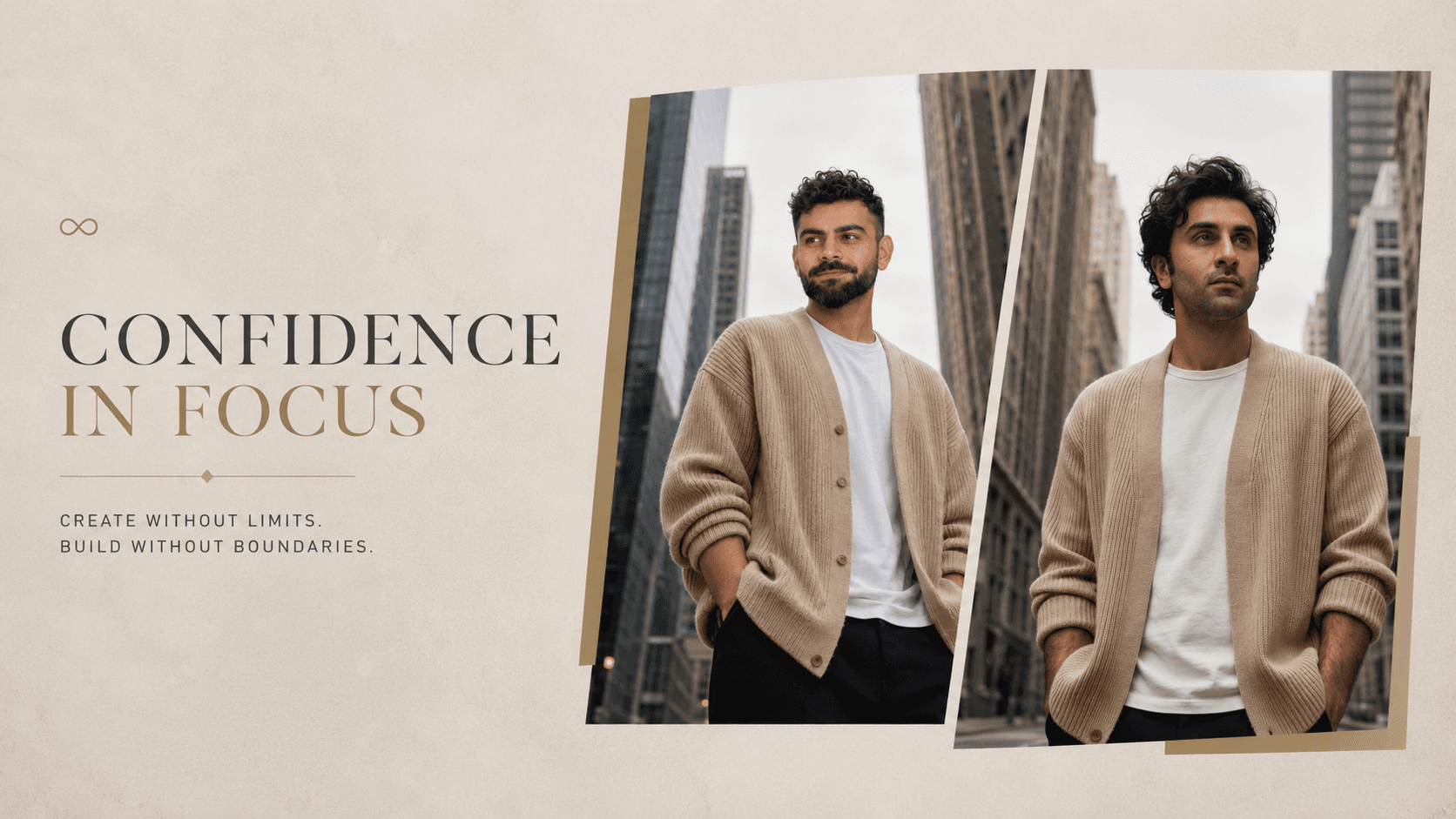
Urban Fashion Portrait AI Prompt | Cinematic City Street Style
Create a cinematic urban fashion portrait with a cozy knit cardigan, modern city skyline, soft lighting, and accurate facial identity preservation.
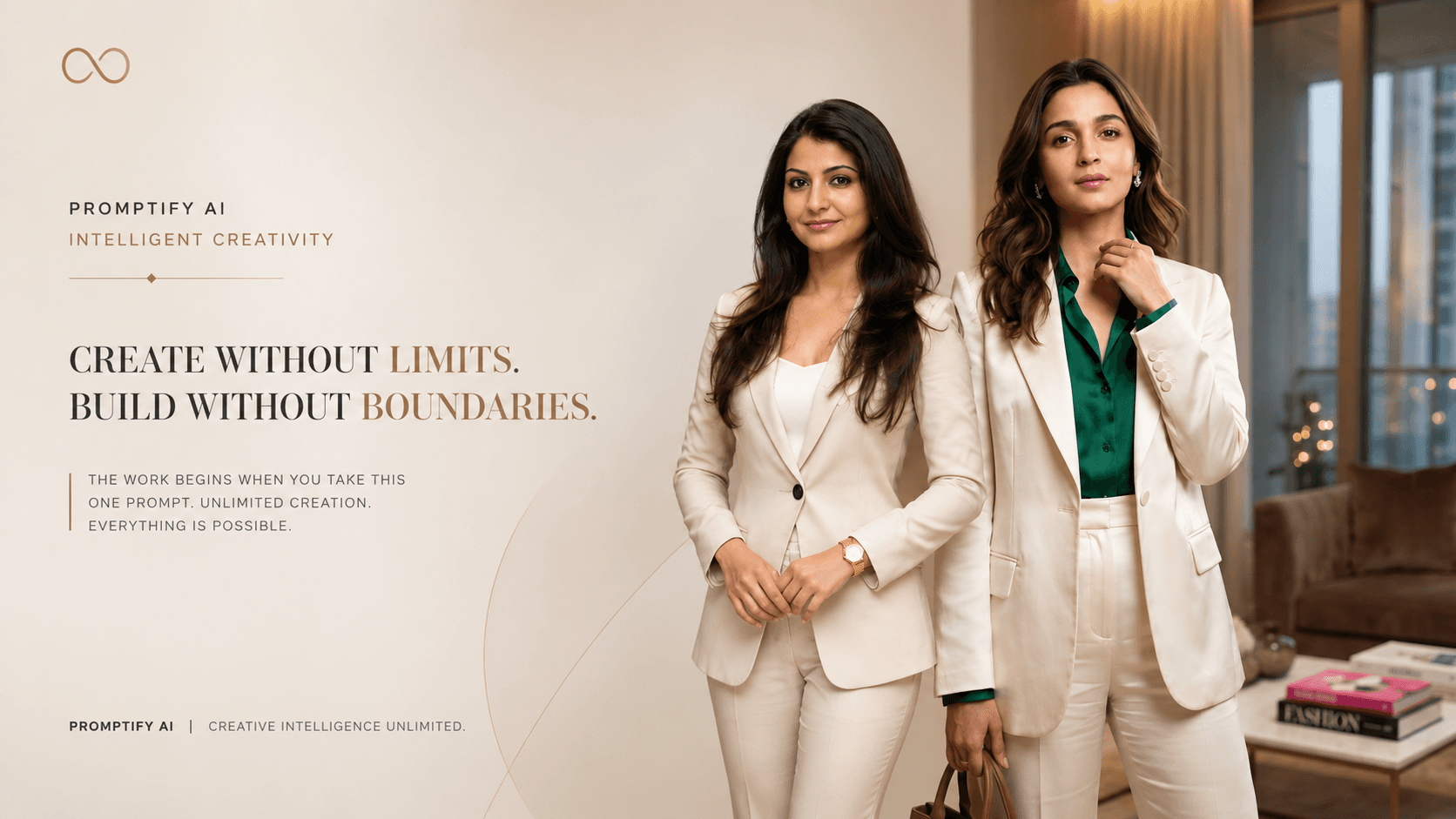
Luxury Indoor Fashion Portrait AI Prompt | Editorial Studio Style
Create a luxury indoor fashion portrait with editorial styling, premium lighting, realistic skin, elegant interiors, and professional camera quality