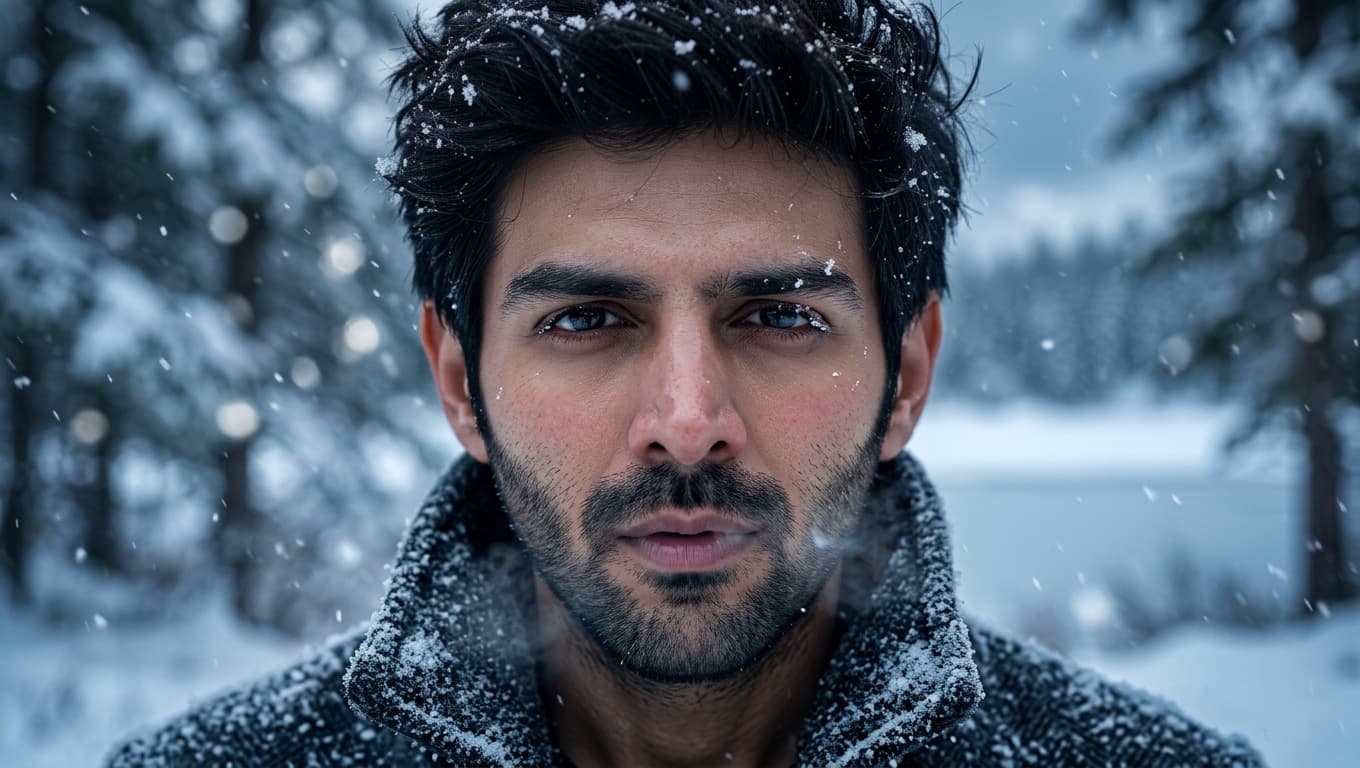
Black and White Studio Fashion Portrait Prompt: Low-Key Editorial Look
Free AI prompt for a dramatic black and white studio fashion portrait: low-key side lighting, round sunglasses, white shirt, luxury editorial mood.
About this prompt
A quick overview of what this prompt is designed to create.
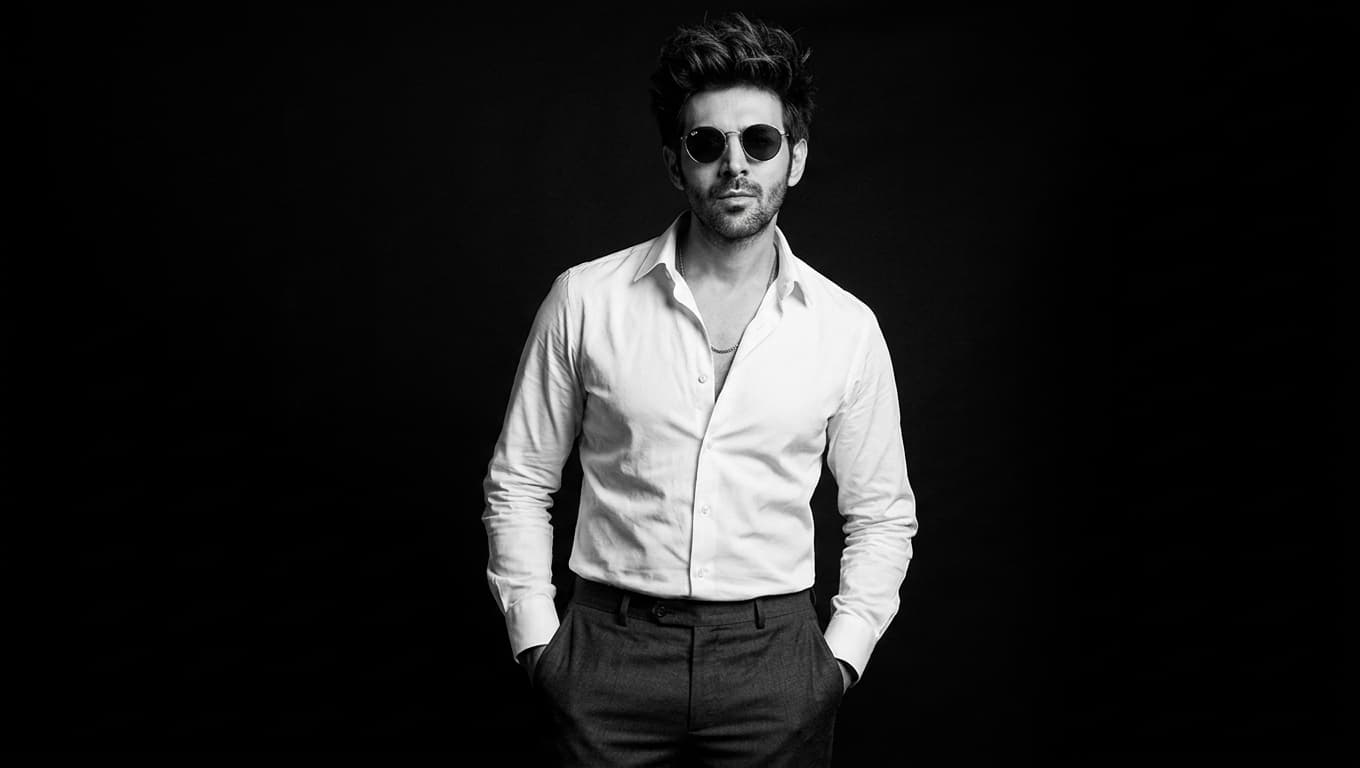
A dramatic black and white fashion portrait prompt with low-key side lighting, a crisp white shirt, and round vintage sunglasses against a pure black studio backdrop.
Prompt
Dramatic ultra-photorealistic black-and-white studio fashion portrait of an adult man, photographed as a premium editorial campaign with a full-frame professional camera. Three-quarter body composition, framed from approximately mid-thigh upward. He stands naturally with confident posture, both hands casually tucked into his trouser pockets, shoulders relaxed, chest subtly open, chin slightly lifted, head turned a little away from the camera. His expression is calm, self-assured, serious, and composed.

He wears round vintage-style sunglasses with realistic dark lenses and thin frames, a perfectly tailored crisp white dress shirt with the top two or three buttons undone, collar naturally open, sleeves casually rolled to the forearms, shirt neatly tucked into high-quality dark tailored trousers with a simple leather belt and understated metal buckle. Clothing should show authentic fabric texture, natural wrinkles, realistic stitching, subtle folds around the elbows and waist, and physically accurate draping.

Pure seamless black studio background with no visible environment, props, texture, or distractions. Extremely controlled low-key cinematic lighting: one strong directional side light positioned approximately 45 degrees to the subject, creating sculpted bright highlights across the white shirt while allowing the opposite side of the face and body to fall naturally into deep partial shadow. Subtle soft reflected fill only where physically plausible. Strong chiaroscuro, rich blacks, luminous white highlights, smooth tonal transitions, realistic skin texture, natural pores and fine facial detail, subtle facial hair detail, accurate anatomy, realistic hands and fingers.

High-contrast monochrome photography with a refined filmic tonal range, deep blacks without crushed facial detail, clean highlights without excessive clipping, subtle natural film grain, realistic lens rendering, gentle background separation, and authentic photographic imperfections. Sharp focus on the face, sunglasses, and shirt collar with a gradual shallow depth of field toward the lower body. Sophisticated luxury fashion editorial aesthetic, timeless cinematic mood, restrained and elegant rather than theatrical.

Photorealistic skin, physically accurate lighting, realistic shadows, true-to-life proportions, natural posture, premium studio photography, high dynamic range, fine micro-contrast, detailed fabric texture, realistic optical characteristics, 85mm portrait lens look, approximately f/2.8, full-frame camera, high-resolution RAW photography, professionally retouched but not artificially smoothed, no CGI appearance.
Negative Prompt
Elements to avoid when generating the image.
CGI appearance, artificially smoothed skin, crushed facial detail, excessive highlight clipping, visible environment, props, background texture. (The prompt has no formal negative block; these are drawn from its own “no CGI” and “deep blacks without crushed detail” directives.)
Style Notes
Additional guidance for achieving the intended visual style.
This prompt generates a fully AI-imagined subject and doesn’t reference an uploaded photo, so it won’t preserve anyone’s face as written. The single 45-degree side light, pure black backdrop, and monochrome grade make it a strong fit for fashion mood boards, menswear campaign concepts, and portfolio inspiration.
How to Use This Prompt
Copy the prompt
Copy the prompt text and open your preferred AI image generator.
Generate an image
Paste the prompt, add an image if needed, and generate your first result.
Fine-tune the result
Adjust the prompt or settings until the result matches your vision.
Share this Prompt
Found this prompt useful? Share it with others.
Result Images
Popular
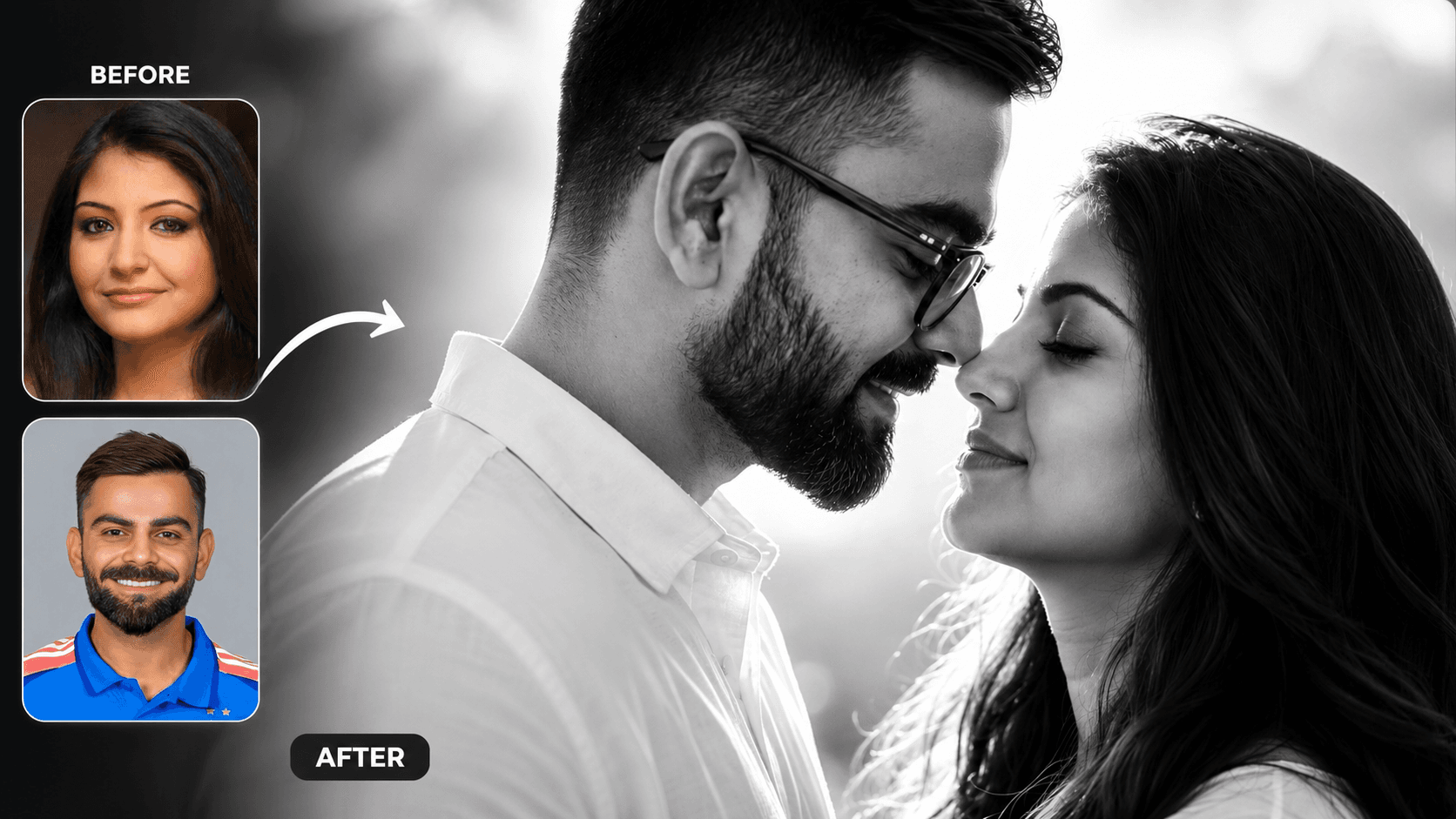
Cinematic Black and White Couple Portrait AI Prompt | Pre Wedding Style
Create romantic black and white couple portraits with cinematic lighting, identity preservation, and luxury pre-wedding photography using AI.
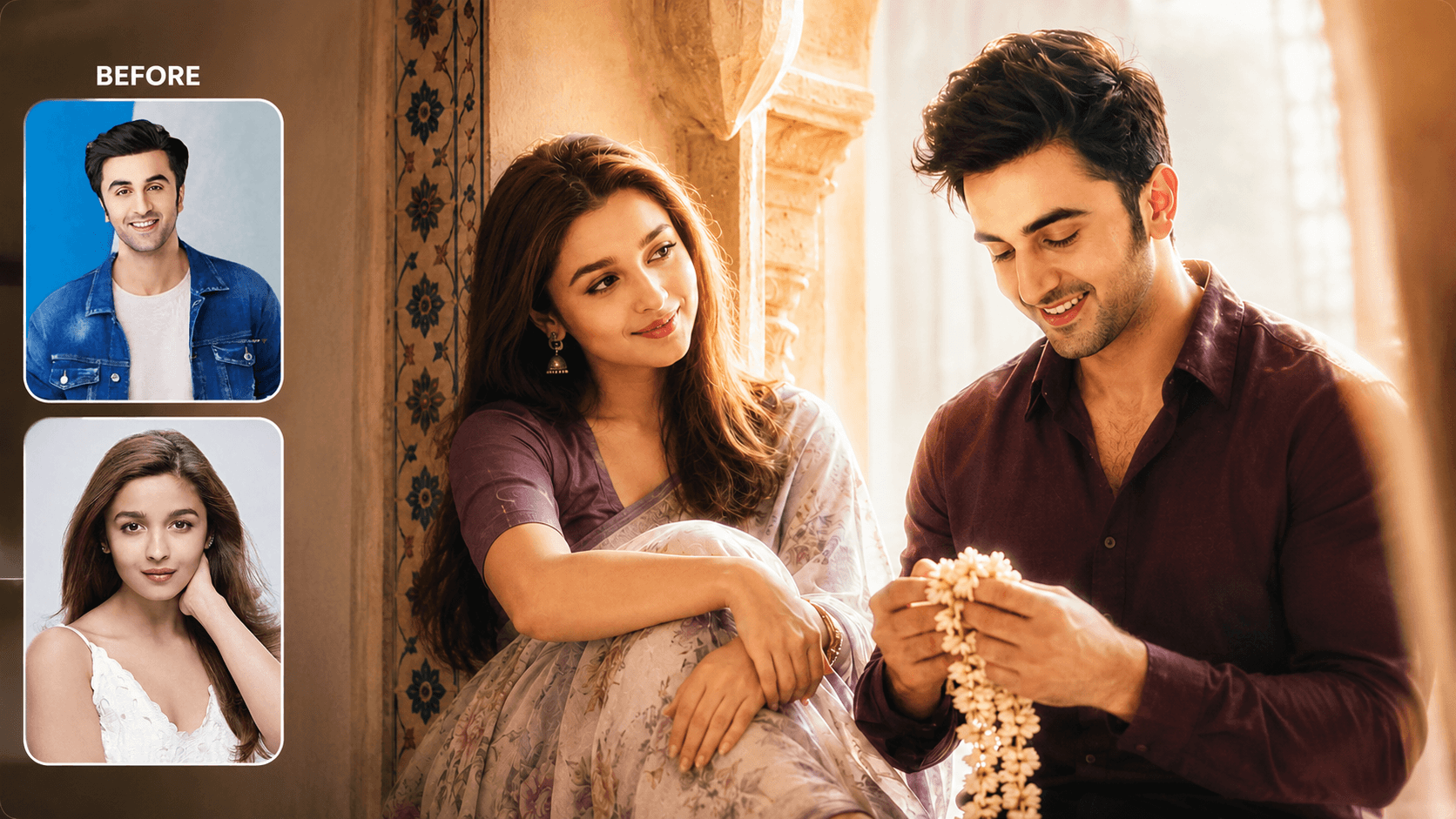
Dreamy Indoor Candid Couple Portrait AI Prompt | Soft Cinematic Glow
Create dreamy indoor couple portraits with soft glow, candid romance, creamy lighting, and realistic identity preservation using AI.